TunnelBear Extension Edge: How to Install and Use It

Learn how to find, install, and use TunnelBear in Microsoft Edge, plus what to check if the extension is unavailable.


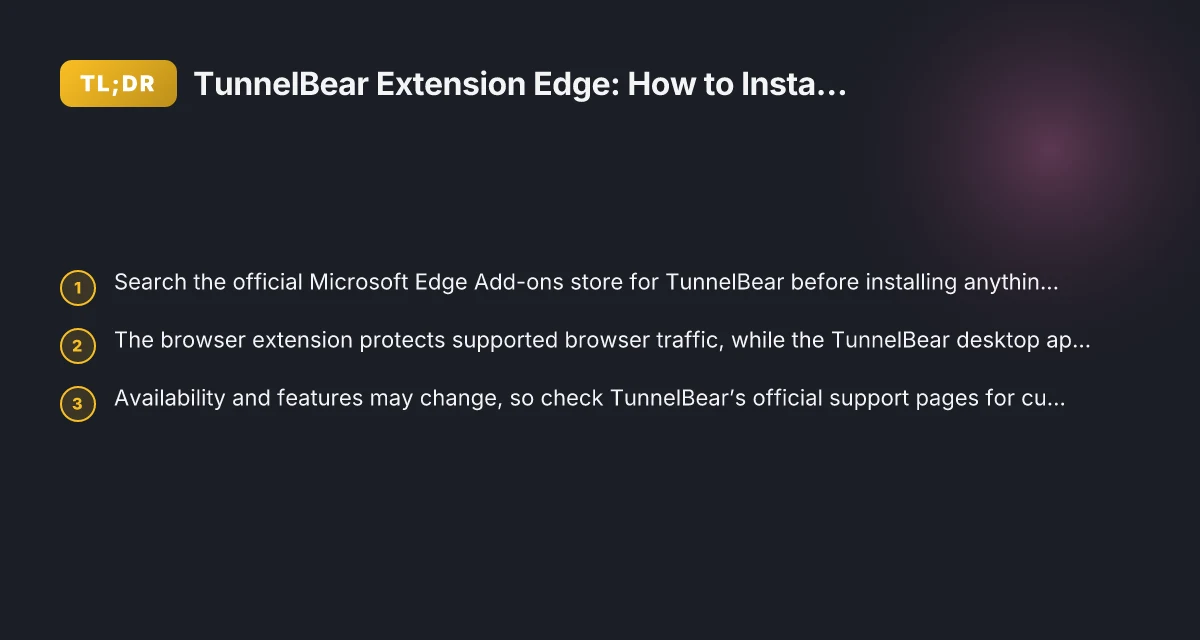
If you’re looking for the TunnelBear extension for Edge, first check the official Microsoft Edge Add-ons store for the TunnelBear VPN extension. If it is listed and available in your region, install it from there, then sign in or create a TunnelBear account and connect to a location. If you can’t find an official extension, don’t install a similarly named add-on from an unverified source. Use TunnelBear’s official website to check supported options, including its desktop app.
A VPN extension is convenient when you want to manage protection from the browser, but it may not work like a full-device VPN. Before using one, understand what it covers, how to confirm it is connected, and what to try if it does not appear in Edge.

Editor's pick: NordVPN — fast, secure VPN — Strong encryption, a no-logs policy and apps for every device. 30-day money-back guarantee. Get NordVPN →
Where to get TunnelBear for Edge
| Option | Where to look | What to check | Best next step |
|---|---|---|---|
| Edge Add-ons | Edge’s extensions store | Confirm the listing is TunnelBear | Install from the listing |
| TunnelBear website | TunnelBear’s official site | Look for an Edge install link | Follow its store link |
| Search results | Search for TunnelBear Edge | Check the publisher and destination | Avoid unfamiliar download sites |
| Browser toolbar | Edge’s extensions menu | See whether TunnelBear is installed | Pin it for easier access |
| Missing listing | Edge Add-ons search | Check spelling and availability | Use TunnelBear’s official site |
| Unclear listing | Store details | Verify the product and publisher | Don’t install if uncertain |
Compiled November 2026; check the provider's site for current details.
How to find and install TunnelBear in Edge
Open Microsoft Edge and go to the Microsoft Edge Add-ons store. Search for “TunnelBear” and confirm that the publisher and listing are official before installing. You can also follow a link to the store from TunnelBear’s own website, which helps avoid fake or unrelated extensions.
If an official listing is available:
- Select the extension in the Edge Add-ons store.
- Review the publisher, permissions, description, and recent listing details.
- Choose the option to add it to Edge and approve the browser’s installation prompt.
- Open the extension from Edge’s toolbar or Extensions menu.
- Sign in, or create an account if TunnelBear’s current setup requires one.
- Choose a server location and connect.
After installation, Edge may place the extension under its puzzle-piece Extensions menu. You can pin it to the toolbar for easier access. Avoid downloading extension files from third-party sites or enabling developer-mode installation just to add an unofficial copy.

What the extension does, and what it may not do
A browser VPN extension is generally designed to route supported browser traffic through a VPN connection. That can help protect browsing on public Wi-Fi and change the apparent location of browser requests, depending on the service, settings, and websites involved. Where Is My VPN Located? How to Check Your VPN’s Virtual Location
It does not automatically mean every app on your computer is protected. Other browsers, email programs, games, and background applications may use your regular internet connection unless a device-wide VPN app is active. The exact coverage and features of TunnelBear’s Edge offering can change, so check the extension’s current description and TunnelBear’s support documentation.
| Option | Typical coverage | Best suited to |
|---|---|---|
| TunnelBear browser extension, if officially available | Supported traffic in Edge | Managing VPN access while browsing in Edge |
| TunnelBear desktop app | Device traffic according to the app and its settings | Using a VPN across more than one browser or application |
| No VPN connection | No VPN routing | Browsing without VPN protection |
Neither a VPN extension nor a desktop VPN makes you completely anonymous. Websites may still identify you through account sign-ins, cookies, browser settings, or other signals. A VPN also does not replace antivirus software or protect you from every online scam.
Extension or desktop app?
| Option | Runs in | Scope to consider | When it may fit |
|---|---|---|---|
| TunnelBear Edge extension | Edge browser | Browser traffic | You want browser-based use |
| TunnelBear desktop app | Your device | May cover more than one browser | You want device-level use |
| Extension alone | Edge browser | Does not necessarily cover other apps | Your needs are limited to Edge |
| App alongside extension | Device and browser | Settings may overlap | You need broader coverage |
| Either option | Their respective interface | Check current TunnelBear features | Choose based on your use |
| Neither installed | None | No TunnelBear connection | Install only from official sources |
Compiled November 2026; check the provider's site for current details. Big IP VPN Download: What to Know Before You Install
If you can’t find the extension
The extension may not be available in the store at the time you search, or its availability may differ by region or account. Listings can change, so confirm the current status through official channels rather than relying on an old guide or a search result that points to a download mirror.
Try these checks:
- Search the Edge Add-ons store for “TunnelBear” and verify the publisher.
- Visit TunnelBear’s official website and look for its current browser support information.
- Check whether your Edge browser is up to date.
- If Edge is managed by a workplace or school, ask whether extension installation is restricted.
- If there is no official Edge extension, check whether the TunnelBear desktop app is supported on your operating system.
Do not treat an extension with a similar name or logo as genuine unless TunnelBear identifies it as official. If you already installed an unverified add-on, remove it through Edge’s Extensions settings and review any permissions or account activity that may be relevant.
Basic troubleshooting and privacy checks
If the official extension is installed but won’t connect, start with the simple steps: confirm that Edge is online, sign out and back in if appropriate, and restart the browser. Check TunnelBear’s service status and support information for known issues. If you use another VPN, proxy, or network-filtering extension, temporarily disable it to see whether it is conflicting. Forticlientvpninstaller.exe: Safe Download and Installation Guide
You can also try removing and reinstalling the extension from the official store. Before doing so, make sure you know your account sign-in details. If the problem continues, contact TunnelBear support and include your Edge version, operating system, and a clear description of the error. Never send your password or payment details in a support message.
Once connected, confirm the extension shows an active connection and selected location. For sensitive tasks, remember that a VPN protects the network path it covers. It does not guarantee that a website is secure or that your identity is hidden from a service where you are signed in.
Quick checks before and after installing
| Check | What to do | What to look for | If it does not work |
|---|---|---|---|
| Store source | Open Edge Add-ons or TunnelBear’s site | Official listing or link | Avoid third-party downloads |
| Installation | Add the extension in Edge | TunnelBear appears in extensions | Recheck the listing |
| Toolbar access | Open Edge’s extensions menu | TunnelBear is available to open | Pin it if desired |
| Sign-in | Use the extension’s prompt | Account access works | Check account details |
| Connection | Follow the extension controls | A connected status | Retry or consult TunnelBear help |
| Privacy | Review permissions and settings | Access matches your expectations | Remove it if uncomfortable |
| Coverage | Consider other apps and browsers | Extension scope suits your needs | Compare with the desktop app |
Compiled November 2026; check the provider's site for current details. VPN to Change Location Free: What Works and What to Check
Browser extension or desktop app?
Choose the Edge extension if your goal is to manage a supported VPN connection specifically while using Edge and the official extension is currently available. Choose the desktop app if you want protection that can extend beyond a single browser, subject to the app’s platform support and settings.
If you need both, check TunnelBear’s current guidance before running the extension and desktop app together. Two VPN tools can interfere with each other, and their behavior may depend on the operating system and configuration. Use the option that best matches the traffic you want to protect.
Recommendation
For “tunnelbear extension edge,” start with the official Edge Add-ons store and verify the listing through TunnelBear’s website. Install only an official extension, review its coverage, and test that it connects. If no official Edge extension is available, use TunnelBear’s supported desktop app instead of downloading an unofficial add-on.