OVPN File: What It Is, How to Open It, and How to Use It
Learn what an OVPN file contains, how to import it into OpenVPN, and how to choose a configuration safely.
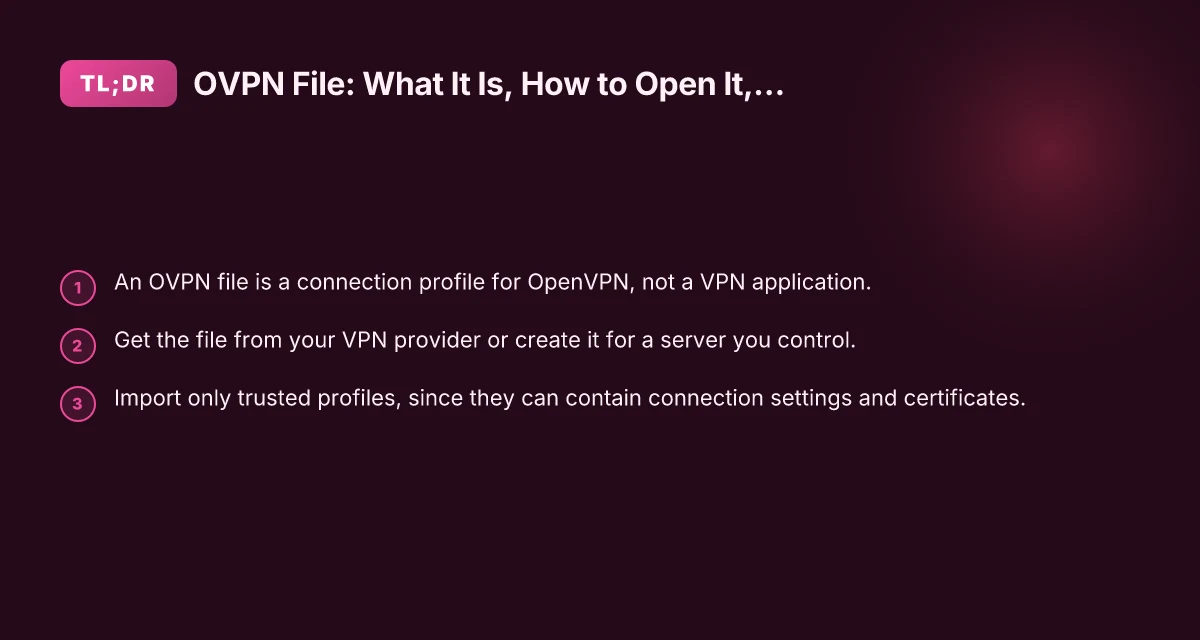
An OVPN file is a text-based configuration profile that tells OpenVPN how to connect to a VPN server. To use one, install an OpenVPN-compatible app, obtain a profile from a VPN provider or your own server administrator, and import it into the app. The file alone does not provide VPN service: you may also need login credentials, certificates, or other authentication details.

Editor's pick: NordVPN — fast, secure VPN — Strong encryption, a no-logs policy and apps for every device. 30-day money-back guarantee. Get NordVPN →
Compare common ways to open and use an OVPN file
| Option | What you need | How it uses the file | Best for | Main consideration |
|---|---|---|---|---|
| OpenVPN Connect | OpenVPN Connect app and an OVPN file | Imports the profile and connects to its VPN server | Users who want an official OpenVPN client | The profile may require login details |
| OpenVPN GUI | OpenVPN software and an OVPN file | Loads the profile to establish a connection | Desktop users who prefer a traditional client | Setup steps vary by operating system |
| VPN provider app | The provider’s app and account | Usually configures the connection within the app | Users who want a guided setup | May not accept imported OVPN files |
| Text editor | Any plain-text editor | Displays the file contents without connecting | Inspecting or editing configuration text | Editing incorrect settings can break the profile |
| File manager | A device that can access the file | Locates and shares the file with a compatible VPN app | Finding or importing a downloaded profile | A file manager cannot make the VPN connection |
Compiled November 2026; check the provider's site for current details.
| VPN | Obfuscation | From / month | Plan | Free plan | Refund | Alipay | UnionPay | Crypto | Website opens in China | Trustpilot | |
|---|---|---|---|---|---|---|---|---|---|---|---|
 ZoogVPN | Turn on manually Shadow | $2.49/mo | 27 months: $59.99 | Yes | 7 days | ✓ | ✓ | ✓ | ✓ | Official site blocked; our special link opens (4.4 s) | 4.2/5 (195 reviews) |
 NordVPN | Turn on manually Obfuscated Servers / NordWhisper | $3.49/mo | 27 months: $94.23 | No | 30 days | ? | ✗ | ✓ | ✓ | ✗ Blocked | 4.2/5 (51,628 reviews) |
 ExpressVPN | ✓ On by default all servers | $3.00/mo | 28 months: $84 | No | 30 days | ✗ | ✗ | ✓ | ✗ | ✗ Blocked | 4.4/5 (29,706 reviews) |
 Surfshark | ✓ On by default Camouflage, with OpenVPN | See site | See site | No | 30 days | ✗ | ✗ | ✗ | ✓ | ✗ Blocked | 4.3/5 (31,823 reviews) |
 Proton VPN | Turn on manually Stealth, free plan too | $2.99/mo | 12 months: $35.88 | Yes | 30 days | ✗ | ✗ | ✗ | ✓ | ✗ Blocked | 2.1/5 (1,040 reviews) |
 Astrill VPN | Turn on manually StealthVPN / OpenWeb | $12.50/mo | 24 months: $300 | No | See site | ✗ | ✗ | ✗ | ✓ | ✗ Blocked | 1.3/5 (110 reviews) |
 Private Internet Access | Turn on manually Shadowsocks, OpenVPN only | $2.03/mo | 40 months: $81.2 | No | 30 days | ✗ | ✗ | ✗ | ✗ | ✗ Blocked | 4.2/5 (11,033 reviews) |
 CyberGhost | Turn on manually selected servers | $2.19/mo | 28 months: $61.32 | No | 45 days | ✗ | ✗ | ✗ | ✓ | ✗ Blocked | 4.0/5 (24,178 reviews) |
 PureVPN | Turn on manually switch to OpenVPN | $1.69/mo | 60 months: $101.55 | No | 31 days | ? | ? | ✗ | ✓ | ✗ Blocked | 4.4/5 (17,994 reviews) |
 AdGuard VPN | ✓ On by default TrustTunnel | $2.99/mo | 24 months: $71.76 | Yes | 30 days | ✓ | ✗ | ✓ | ✓ | Official site blocked; our special link opens (3.7 s) | 4.3/5 (290 reviews) |
 Mullvad | Turn on manually QUIC / Shadowsocks / LWO | $5.61/mo | €5/mo | No | 14 days | ✗ | ✗ | ✗ | ✓ | ✗ Blocked | 3.2/5 (192 reviews) |
 Windscribe | Turn on manually Stealth / WStunnel | $5.75/mo | 12 months: $69 | Yes | See site | ✗ | ✗ | ✗ | ✓ | ✗ Blocked | 4.7/5 (13,355 reviews) |
 StrongVPN | Turn on manually Scramble, OpenVPN TCP | See site | See site | No | 30 days | ✓ | ✗ | ✗ | ✗ | ✗ Blocked | 4.4/5 (2,695 reviews) |
 LightXtreme 闪连 | Not listed | $7.08/mo | 12 months: $84.99 | Yes | 30 days | ✓ | ✓ | ✓ | ✓ | ✓ Yes (3.5 s) | No page |
Prices checked 2026-11-10 on each vendor's pricing page (cheapest long plan, USD). Check the vendor's checkout for the final price.
Obfuscation checked 2026-11-14 on each vendor's site and help center: "on by default" = nothing to set; "turn on manually" = switch protocol or mode in settings; "not listed" = the vendor describes no obfuscation.
Payment methods checked 2026-11-10 on each vendor's payment pages: all 14 take cards and PayPal; ✗ = not listed, ? = the vendor's own pages disagree.
China access: whether the official website opens from mainland China networks (tests the website only, not the VPN connection). Last checked 2026-11-18 01:02 Beijing time.
Trustpilot score and review count checked 2026-11-10.
What is an OVPN file?
An OVPN file usually has the .ovpn extension and contains settings such as the server address, connection protocol, encryption options, and references to certificates or keys. Some profiles include certificate or key data directly in the file. Others expect separate files to be provided alongside it.
The profile is read by OpenVPN software, which uses its instructions to establish a connection. It is not an installer, a VPN app, or necessarily a complete set of credentials. Whether it works by itself depends on how the provider or administrator created it.
On Linux, BSD, and other Unix-like systems, sample configuration files are commonly named server.conf and client.conf. On Windows, the corresponding examples are often named server.ovpn and client.ovpn.
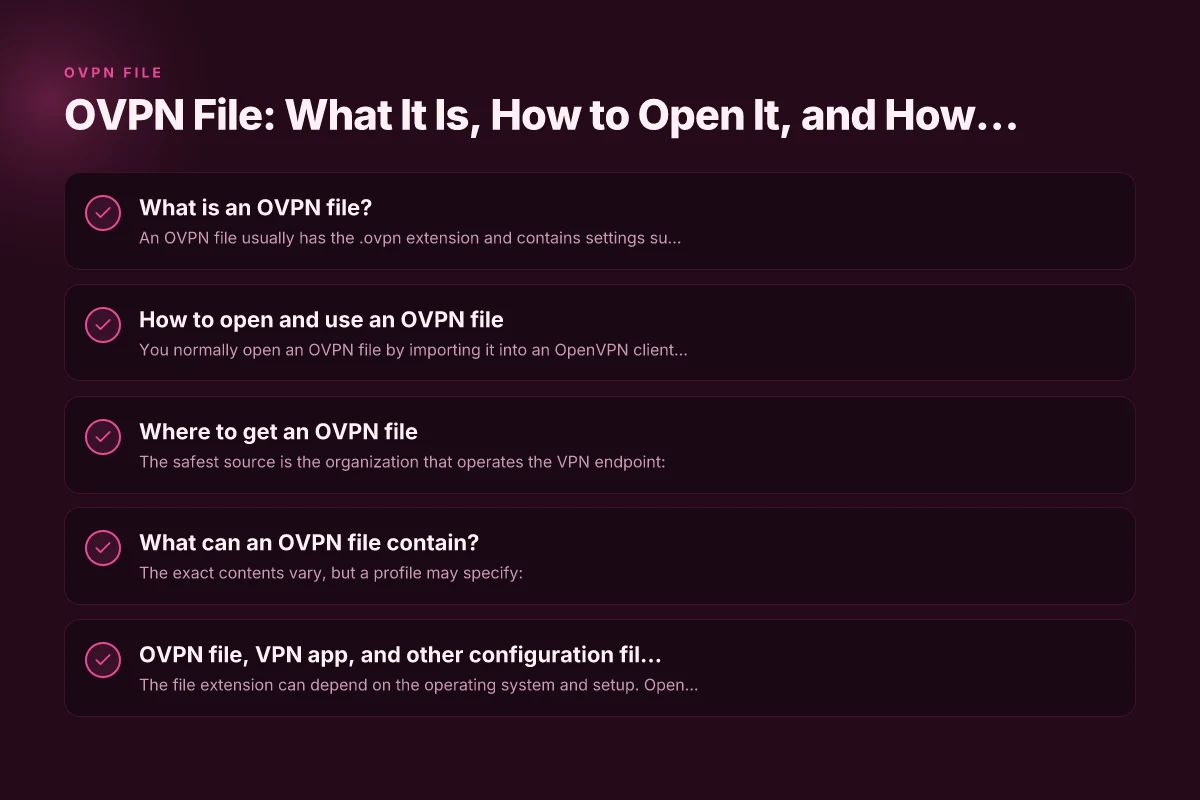
How to open and use an OVPN file
You normally open an OVPN file by importing it into an OpenVPN client rather than by double-clicking it in a text editor. The exact steps vary by app, but the general process is: BSNL VPN.ovpn File: How to Find, Verify, and Use One Safely
- Install an OpenVPN-compatible client, such as OpenVPN Connect, from a trusted source.
- Download the
.ovpnprofile from your VPN provider or receive it from your network administrator. - Open the VPN app and choose its option to import or add a profile.
- Select the OVPN file and provide any requested username, password, certificate, or key.
- Choose the profile and connect.
You can view an OVPN file in a text editor because it is generally plain text, but editing it without knowing what the directives do may prevent the connection from working. If a profile comes with separate certificate or key files, keep them together as instructed by the provider.
If the connection fails
Check that you have the right profile for your device or server, that required credentials are correct, and that any accompanying files are available. If the app reports an error, share the message with your provider or administrator rather than changing security settings at random.
Compare places to get an OVPN file
| Source | Typical contents | Trust level | What to check | Suitable use |
|---|---|---|---|---|
| VPN provider | Server and connection settings | High when obtained from the provider | Confirm it is the provider’s official site | Connecting to a subscribed VPN service |
| Workplace or school IT team | Organization-specific settings | High when provided through official channels | Verify the profile is intended for your account | Accessing an organization’s VPN |
| VPN administrator | Server details and required options | High when the administrator is authorized | Ask about credentials and setup requirements | Managed or private VPN access |
| Public download site | Varies by publisher | Uncertain | Verify the publisher and inspect the file source | Only when the source is trusted |
| Another user | A copied profile | Depends on the sender and origin | Confirm permission and check for sensitive details | Sharing within an approved setup |
Compiled November 2026; check the provider's site for current details. Total VPN on Fire Stick: How to Install and Use It
Where to get an OVPN file
The safest source is the organization that operates the VPN endpoint:
- Commercial VPN provider: Sign in to the provider’s official site or app and find its OpenVPN configuration downloads.
- Work or school network: Ask the IT administrator for the correct profile and authentication instructions.
- Your own OpenVPN server: Create a client profile using the server’s configuration and the required certificates or keys.
- Public repository or forum: Use caution. A profile found online may be outdated, misconfigured, or controlled by an unknown party.
A search result offering a “free OVPN file” does not automatically mean the connection is private, reliable, or safe. The profile determines which server the client contacts, so an untrusted file could direct your connection to an operator you do not know. Do not enter sensitive credentials into an unfamiliar service.
What can an OVPN file contain?
The exact contents vary, but a profile may specify:
- A VPN server hostname or IP address and port
- The transport protocol and connection behavior
- Security and encryption-related options
- Certificate authority information or client certificate and key references
- Authentication requirements and other connection directives
Some files include embedded certificate material between configuration directives. Treat a profile as sensitive if it contains private keys, credentials, or other identifying information. Avoid posting it publicly or sending it through an untrusted channel. .Ovpn File: What It Is and How to Open It
An OVPN file does not necessarily contain a username and password. A provider may supply those separately, require an account login, or use certificates for authentication. Follow the instructions that came with the file.
OVPN file, VPN app, and other configuration files
| Item | What it does | Is it enough to connect? |
|---|---|---|
| OVPN file | Gives an OpenVPN client connection instructions | Sometimes; credentials or companion files may also be needed |
| VPN app | Runs the VPN client and imports profiles | No; it needs a working profile and any required authentication |
| Username and password | Authenticate you to a service when required | No; they do not specify the server and connection settings |
| Certificate or key | Supports identity checks and secure authentication | No; it must be used with a compatible profile and client |
The file extension can depend on the operating system and setup. OpenVPN documentation uses .conf for sample server and client configurations on Linux, BSD, and similar systems, and .ovpn for Windows examples. These are configuration files. The extension does not make one a complete VPN service.
Creating or editing an OVPN file
If you operate an OpenVPN server, you or your administrator can create a client profile that matches the server’s settings and authentication method. OpenVPN’s documentation provides sample configuration files, but a working setup also depends on certificates, keys, and correctly configured server details.
Do not copy a random profile and assume it will work with a different provider. The server address, protocol, certificates, and authentication requirements must match the service. For a managed VPN, request a fresh profile from the provider instead of editing one yourself. Best VPN Extension for Edge: How to Choose the Right One
Compare OVPN files with VPN apps and related configuration files
| Item | What it is | Can contain settings? | Connects by itself? | Typical role |
|---|---|---|---|---|
| OVPN file | OpenVPN configuration file | Yes | No | Supplies connection settings to a compatible client |
| VPN app | Software for managing VPN connections | Yes, within the app | Yes, when configured | Imports profiles or manages provider connections |
| Certificate file | Digital certificate used for authentication | No, not usually a full connection profile | No | Supports identity verification |
| Key file | Cryptographic key data | No, not usually a full connection profile | No | Supports authentication or encryption |
| CA certificate | Certificate authority data | No, not a complete VPN profile | No | Helps verify the VPN server’s certificate |
| VPN account | User account with a VPN service | No | No | Provides access credentials or subscription status |
| VPN server | Remote endpoint for a VPN connection | No | No | Receives connections from a VPN client |
Compiled November 2026; check the provider's site for current details.
Recommendation
Use an OVPN file only with an OpenVPN-compatible client, and obtain it directly from a VPN provider or administrator you trust. Import the profile as supplied, keep any related credentials and keys private, and ask the provider for help if it does not connect.