Configure Windows 11 VPN IPsec Client to Replace FortiClient

Learn when Windows 11 can replace FortiClient for IPsec VPN and how to configure a compatible connection safely.
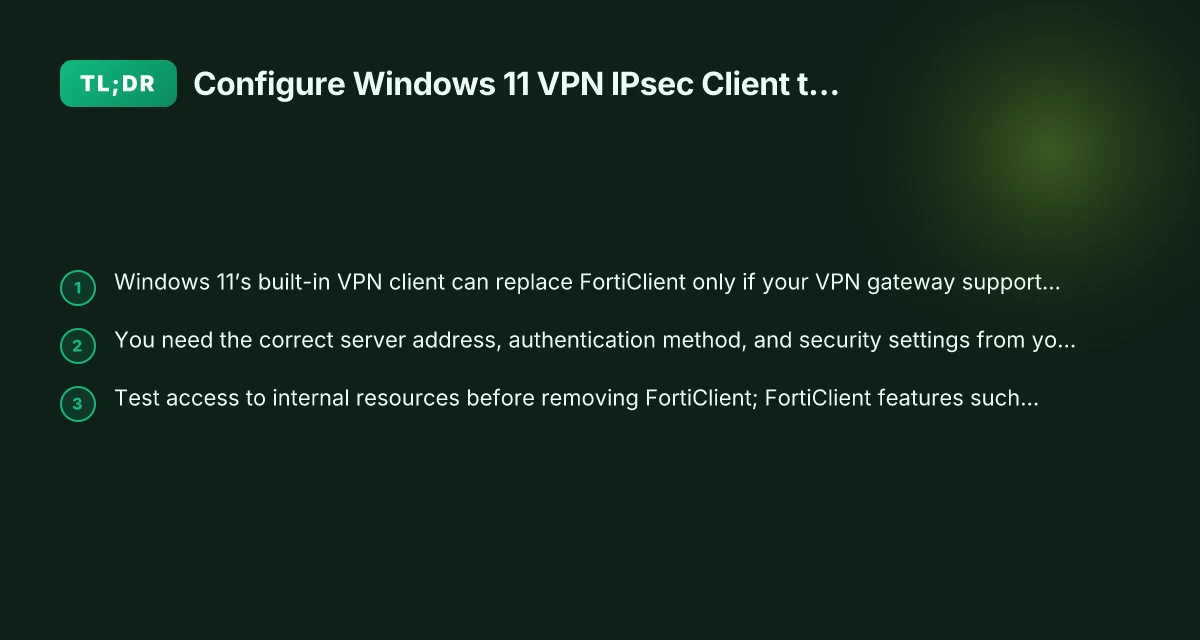
Windows 11 can replace FortiClient for an IPsec VPN connection when your organization’s VPN gateway supports a configuration the built-in Windows VPN client understands, typically IKEv2 with compatible authentication and encryption settings. To configure it, get the approved connection details from your IT administrator, add a VPN profile in Windows Settings, select the matching VPN type and sign-in method, and test the connection. This will not work as a drop-in replacement for every FortiClient setup.

Editor's pick: NordVPN — fast, secure VPN — Strong encryption, a no-logs policy and apps for every device. 30-day money-back guarantee. Get NordVPN →
Compatibility check before replacing FortiClient
| Requirement | Windows 11 built-in VPN | FortiClient | What to verify |
|---|---|---|---|
| VPN protocol | IPsec/IKEv2 options | Depends on configuration | Match the company gateway |
| Gateway support | Requires compatible IPsec settings | Designed for Fortinet environments | Confirm with the VPN administrator |
| Authentication method | Must match the gateway | Depends on configuration | Check certificates or credentials |
| Security settings | Must match the gateway | Depends on configuration | Confirm encryption and negotiation settings |
| Device management | Windows settings or management tools | FortiClient management options | Check company policy |
| Network access | VPN connection only | May include additional features | Identify required internal resources |
Compiled November 2026; check the provider's site for current details.
| VPN | Obfuscation | From / month | Plan | Free plan | Refund | Alipay | UnionPay | Crypto | Website opens in China | Trustpilot | |
|---|---|---|---|---|---|---|---|---|---|---|---|
 ZoogVPN | Turn on manually Shadow | $2.49/mo | 27 months: $59.99 | Yes | 7 days | ✓ | ✓ | ✓ | ✓ | Official site blocked; our special link opens (4.4 s) | 4.2/5 (195 reviews) |
 NordVPN | Turn on manually Obfuscated Servers / NordWhisper | $3.49/mo | 27 months: $94.23 | No | 30 days | ? | ✗ | ✓ | ✓ | ✗ Blocked | 4.2/5 (51,628 reviews) |
 ExpressVPN | ✓ On by default all servers | $3.00/mo | 28 months: $84 | No | 30 days | ✗ | ✗ | ✓ | ✗ | ✗ Blocked | 4.4/5 (29,706 reviews) |
 Surfshark | ✓ On by default Camouflage, with OpenVPN | See site | See site | No | 30 days | ✗ | ✗ | ✗ | ✓ | ✗ Blocked | 4.3/5 (31,823 reviews) |
 Proton VPN | Turn on manually Stealth, free plan too | $2.99/mo | 12 months: $35.88 | Yes | 30 days | ✗ | ✗ | ✗ | ✓ | ✗ Blocked | 2.1/5 (1,040 reviews) |
 Astrill VPN | Turn on manually StealthVPN / OpenWeb | $12.50/mo | 24 months: $300 | No | See site | ✗ | ✗ | ✗ | ✓ | ✗ Blocked | 1.3/5 (110 reviews) |
 Private Internet Access | Turn on manually Shadowsocks, OpenVPN only | $2.03/mo | 40 months: $81.2 | No | 30 days | ✗ | ✗ | ✗ | ✗ | ✗ Blocked | 4.2/5 (11,033 reviews) |
 CyberGhost | Turn on manually selected servers | $2.19/mo | 28 months: $61.32 | No | 45 days | ✗ | ✗ | ✗ | ✓ | ✗ Blocked | 4.0/5 (24,178 reviews) |
 PureVPN | Turn on manually switch to OpenVPN | $1.69/mo | 60 months: $101.55 | No | 31 days | ? | ? | ✗ | ✓ | ✗ Blocked | 4.4/5 (17,994 reviews) |
 AdGuard VPN | ✓ On by default TrustTunnel | $2.99/mo | 24 months: $71.76 | Yes | 30 days | ✓ | ✗ | ✓ | ✓ | Official site blocked; our special link opens (3.7 s) | 4.3/5 (290 reviews) |
 Mullvad | Turn on manually QUIC / Shadowsocks / LWO | $5.61/mo | €5/mo | No | 14 days | ✗ | ✗ | ✗ | ✓ | ✗ Blocked | 3.2/5 (192 reviews) |
 Windscribe | Turn on manually Stealth / WStunnel | $5.75/mo | 12 months: $69 | Yes | See site | ✗ | ✗ | ✗ | ✓ | ✗ Blocked | 4.7/5 (13,355 reviews) |
 StrongVPN | Turn on manually Scramble, OpenVPN TCP | See site | See site | No | 30 days | ✓ | ✗ | ✗ | ✗ | ✗ Blocked | 4.4/5 (2,695 reviews) |
 LightXtreme 闪连 | Not listed | $7.08/mo | 12 months: $84.99 | Yes | 30 days | ✓ | ✓ | ✓ | ✓ | ✓ Yes (3.5 s) | No page |
Prices checked 2026-11-10 on each vendor's pricing page (cheapest long plan, USD). Check the vendor's checkout for the final price.
Obfuscation checked 2026-11-14 on each vendor's site and help center: "on by default" = nothing to set; "turn on manually" = switch protocol or mode in settings; "not listed" = the vendor describes no obfuscation.
Payment methods checked 2026-11-10 on each vendor's payment pages: all 14 take cards and PayPal; ✗ = not listed, ? = the vendor's own pages disagree.
China access: whether the official website opens from mainland China networks (tests the website only, not the VPN connection). Last checked 2026-11-18 01:02 Beijing time.
Trustpilot score and review count checked 2026-11-10.
Check compatibility before you configure anything
FortiClient can connect using different VPN technologies, including IPsec and SSL VPN. Windows 11’s built-in VPN client does not support Fortinet’s SSL VPN protocol as a native connection type. It also may not support an organization’s particular IPsec settings or authentication workflow.
Ask your IT administrator whether the gateway is configured to accept a native Windows IKEv2 connection. Confirm the required values rather than copying settings from an old profile. You may need:
- The VPN server address, usually a hostname
- The approved VPN type, such as IKEv2
- The authentication method, such as a username and password, certificate, or a combination
- The sign-in credentials or instructions for obtaining a certificate
- Any required DNS suffixes or routes for internal resources
- Whether the connection should use a pre-shared key, and how to receive it securely, if applicable
Do not guess at encryption, authentication, or key settings. The server and Windows client must agree, and incorrect settings can prevent connections or weaken security.
| Requirement | Windows 11 built-in VPN | FortiClient |
|---|---|---|
| Native Windows IKEv2 connection | Supported when the gateway and settings are compatible | Supported, depending on configuration |
| Fortinet SSL VPN connection | Not supported as a native Windows VPN profile | Supported where enabled by the organization |
| Central management and Fortinet-specific features | Limited | May include organization-managed features |
| Endpoint checks or security policies | Not a replacement by itself | May be required by the organization |
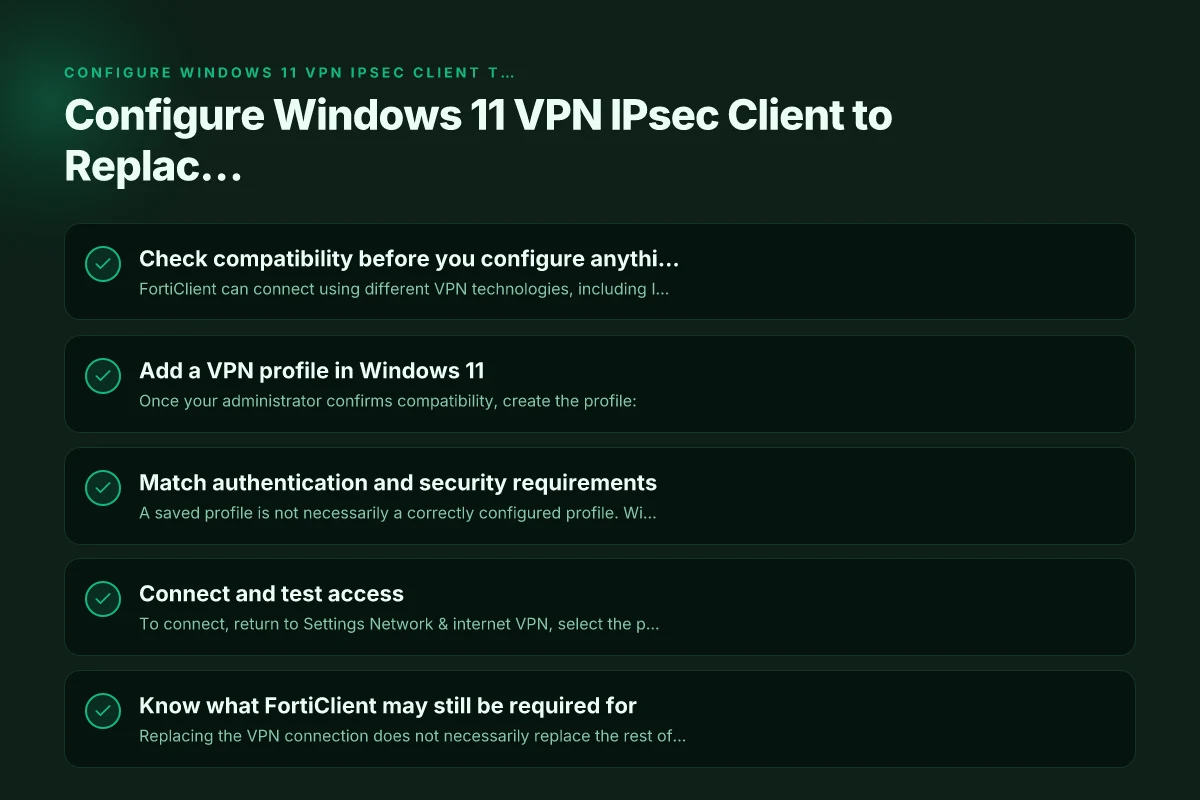
Add a VPN profile in Windows 11
Once your administrator confirms compatibility, create the profile: Nord VPN Obfuscated Server: What It Is and How to Use It
- Open Settings.
- Select Network & internet, then VPN.
- Select Add VPN.
- Under VPN provider, choose Windows (built-in).
- Enter a recognizable name in Connection name.
- Enter the server hostname or address supplied by your administrator.
- Choose the approved option under VPN type. Select IKEv2 only if that is what the gateway is configured to accept.
- Choose the specified Type of sign-in info.
- Enter credentials only if your administrator has instructed you to use them, then select Save.
The names and placement of options can vary slightly by Windows 11 version. If your organization uses certificates, make sure the required certificate is installed and valid before connecting. Your IT team may need to provide a managed installation process.
Match authentication and security requirements
A saved profile is not necessarily a correctly configured profile. Windows must use an authentication method and security settings that the VPN gateway accepts.
For example, a gateway might require a user certificate, a machine certificate, or a specific combination of certificate and account authentication. A username-and-password profile will not substitute for certificate authentication if the gateway requires a certificate. Similarly, an IPsec setup using a pre-shared key may require additional configuration beyond the basic Settings form.
Some advanced properties can be changed through Windows’ VPN profile settings or administrative tools, but changing them without the gateway’s approved values is not a reliable troubleshooting method. Ask IT to confirm the required options, including any certificate, protocol, or routing requirements. Never send a pre-shared key or password through an unapproved channel. Browsec VPN - free VPN for Chrome 3.92.7: Features, Safety, and Setup
Windows 11 profile setup choices
| Setup item | Built-in Windows VPN | FortiClient | Decision point |
|---|---|---|---|
| VPN provider | Windows (built-in) | FortiClient software | Choose the client approved by IT |
| Connection name | Set in Windows | Set in FortiClient | Use a recognizable name |
| Server address | Enter the VPN gateway | Enter the VPN gateway | Obtain the correct address from IT |
| VPN type | Select a compatible IPsec option | Managed by client configuration | Match the gateway requirements |
| Sign-in details | Configure for the supported method | Configure for the supported method | Follow company instructions |
| Advanced security | Configure matching settings | May be supplied by the client profile | Verify with the administrator |
Compiled November 2026; check the provider's site for current details.
Connect and test access
To connect, return to Settings > Network & internet > VPN, select the profile, and choose Connect. You can also use the network icon in the taskbar to open the VPN controls.
After Windows reports that it is connected, test the services you actually need, not just the VPN status indicator. Try opening an internal website or connecting to an approved work resource. If your organization provides a test hostname or support portal, use that. Android VPN: How to Choose and Use One Safely
Check the following if the connection fails:
- Server address: Verify the hostname and spelling with IT.
- Authentication: Confirm the selected sign-in method and that credentials or certificates are current.
- Network access: Some networks, such as public Wi-Fi, may block VPN traffic.
- Name resolution: If the VPN connects but internal site names do not work, ask whether company DNS settings or a DNS suffix are required.
- Routing: A connection can succeed while required internal subnets remain unreachable if routes are not configured as expected.
If Windows displays an error code, record it along with the time of the attempt and share it with your IT administrator. Avoid repeatedly changing security settings to see what works.
Know what FortiClient may still be required for
Replacing the VPN connection does not necessarily replace the rest of FortiClient. Your organization may use it for SSL VPN access, endpoint compliance checks, web filtering, centralized configuration, or other security controls. A Windows VPN profile alone does not provide those capabilities.
Before uninstalling FortiClient, ask whether your employer requires it to remain installed or whether the built-in Windows client is officially supported. Keep FortiClient available until the new connection has been tested and your IT team confirms the transition. Removing a managed security application without approval could interrupt access or violate workplace policy. How to Change VPN Location Free: Safe, Simple Ways to Do It
Decide whether Windows VPN can replace FortiClient
| Need | Windows built-in VPN may suffice | FortiClient may still be needed | How to decide |
|---|---|---|---|
| Basic IPsec connection | Yes, if settings are compatible | Not necessarily | Test the approved gateway |
| Matching authentication | Yes, if supported and configured | Yes, if the required method depends on it | Confirm authentication requirements |
| VPN security settings | Yes, if Windows can match them | Yes, if required settings are unavailable | Compare gateway configuration |
| Fortinet-specific features | No guarantee | May be required | Ask IT which features are in use |
| Endpoint security features | Not provided by VPN alone | May be required | Check device security policy |
| Centralized client management | Depends on Windows management setup | May be required | Confirm management requirements |
| Internal resource access | Verify after connecting | May be required for full access | Test required applications and sites |
Compiled November 2026; check the provider's site for current details.
Recommendation
Configure a Windows 11 VPN profile only after your IT administrator confirms that the gateway supports a compatible native IPsec/IKEv2 connection and provides the required settings. Test both the VPN connection and access to internal resources, then confirm whether FortiClient’s other features are still required. If your organization relies on Fortinet SSL VPN or managed endpoint features, Windows’ built-in client is not a complete replacement.