Browsec VPN - free VPN for Chrome 3.92.7: Features, Safety, and Setup
Learn what Browsec VPN for Chrome version 3.92.7 offers, how to install it, and what to consider before using the free plan.
If you are searching for “browsec vpn - free vpn for chrome 3.92.7,” you are likely looking for information about Browsec VPN’s Chrome extension and a particular version number. Browsec is a browser-based VPN service that can route traffic from Chrome through a server in another location. The free plan may suit occasional browsing, but it is important to understand its limits and the difference between protecting browser traffic and protecting your whole device.

Editor's pick: NordVPN — fast, secure VPN — Strong encryption, a no-logs policy and apps for every device. 30-day money-back guarantee. Get NordVPN →
Browsec free plan at a glance
| Factor | Browsec free plan | What to check | Why it matters |
|---|---|---|---|
| Cost | Free | Whether paid features are optional | Avoid unexpected charges |
| Browser support | Chrome extension | Confirm compatibility with your Chrome version | Ensures it can be installed |
| Server locations | Check current extension details | Which locations are available free | Affects connection choices |
| Connection speed | Check before relying on it | Whether speed meets your needs | Free plans may have limits |
| Data allowance | Check current plan terms | Whether usage is capped | Important for frequent streaming |
| Streaming access | Not guaranteed | Test the services you use | VPN access can vary |
| Support | Check current plan details | Whether free users receive help | Useful if setup fails |
Compiled November 2026; check the provider's site for current details.
| VPN | Obfuscation | From / month | Plan | Free plan | Refund | Alipay | UnionPay | Crypto | Website opens in China | Trustpilot | |
|---|---|---|---|---|---|---|---|---|---|---|---|
 ZoogVPN | Turn on manually Shadow | $2.49/mo | 27 months: $59.99 | Yes | 7 days | ✓ | ✓ | ✓ | ✓ | Official site blocked; our special link opens (4.4 s) | 4.2/5 (195 reviews) |
 NordVPN | Turn on manually Obfuscated Servers / NordWhisper | $3.49/mo | 27 months: $94.23 | No | 30 days | ? | ✗ | ✓ | ✓ | ✗ Blocked | 4.2/5 (51,628 reviews) |
 ExpressVPN | ✓ On by default all servers | $3.00/mo | 28 months: $84 | No | 30 days | ✗ | ✗ | ✓ | ✗ | ✗ Blocked | 4.4/5 (29,706 reviews) |
 Surfshark | ✓ On by default Camouflage, with OpenVPN | See site | See site | No | 30 days | ✗ | ✗ | ✗ | ✓ | ✗ Blocked | 4.3/5 (31,823 reviews) |
 Proton VPN | Turn on manually Stealth, free plan too | $2.99/mo | 12 months: $35.88 | Yes | 30 days | ✗ | ✗ | ✗ | ✓ | ✗ Blocked | 2.1/5 (1,040 reviews) |
 Astrill VPN | Turn on manually StealthVPN / OpenWeb | $12.50/mo | 24 months: $300 | No | See site | ✗ | ✗ | ✗ | ✓ | ✗ Blocked | 1.3/5 (110 reviews) |
 Private Internet Access | Turn on manually Shadowsocks, OpenVPN only | $2.03/mo | 40 months: $81.2 | No | 30 days | ✗ | ✗ | ✗ | ✗ | ✗ Blocked | 4.2/5 (11,033 reviews) |
 CyberGhost | Turn on manually selected servers | $2.19/mo | 28 months: $61.32 | No | 45 days | ✗ | ✗ | ✗ | ✓ | ✗ Blocked | 4.0/5 (24,178 reviews) |
 PureVPN | Turn on manually switch to OpenVPN | $1.69/mo | 60 months: $101.55 | No | 31 days | ? | ? | ✗ | ✓ | ✗ Blocked | 4.4/5 (17,994 reviews) |
 AdGuard VPN | ✓ On by default TrustTunnel | $2.99/mo | 24 months: $71.76 | Yes | 30 days | ✓ | ✗ | ✓ | ✓ | Official site blocked; our special link opens (3.7 s) | 4.3/5 (290 reviews) |
 Mullvad | Turn on manually QUIC / Shadowsocks / LWO | $5.61/mo | €5/mo | No | 14 days | ✗ | ✗ | ✗ | ✓ | ✗ Blocked | 3.2/5 (192 reviews) |
 Windscribe | Turn on manually Stealth / WStunnel | $5.75/mo | 12 months: $69 | Yes | See site | ✗ | ✗ | ✗ | ✓ | ✗ Blocked | 4.7/5 (13,355 reviews) |
 StrongVPN | Turn on manually Scramble, OpenVPN TCP | See site | See site | No | 30 days | ✓ | ✗ | ✗ | ✗ | ✗ Blocked | 4.4/5 (2,695 reviews) |
 LightXtreme 闪连 | Not listed | $7.08/mo | 12 months: $84.99 | Yes | 30 days | ✓ | ✓ | ✓ | ✓ | ✓ Yes (3.5 s) | No page |
Prices checked 2026-11-10 on each vendor's pricing page (cheapest long plan, USD). Check the vendor's checkout for the final price.
Obfuscation checked 2026-11-14 on each vendor's site and help center: "on by default" = nothing to set; "turn on manually" = switch protocol or mode in settings; "not listed" = the vendor describes no obfuscation.
Payment methods checked 2026-11-10 on each vendor's payment pages: all 14 take cards and PayPal; ✗ = not listed, ? = the vendor's own pages disagree.
China access: whether the official website opens from mainland China networks (tests the website only, not the VPN connection). Last checked 2026-11-18 01:02 Beijing time.
Trustpilot score and review count checked 2026-11-10.
What Browsec VPN for Chrome does
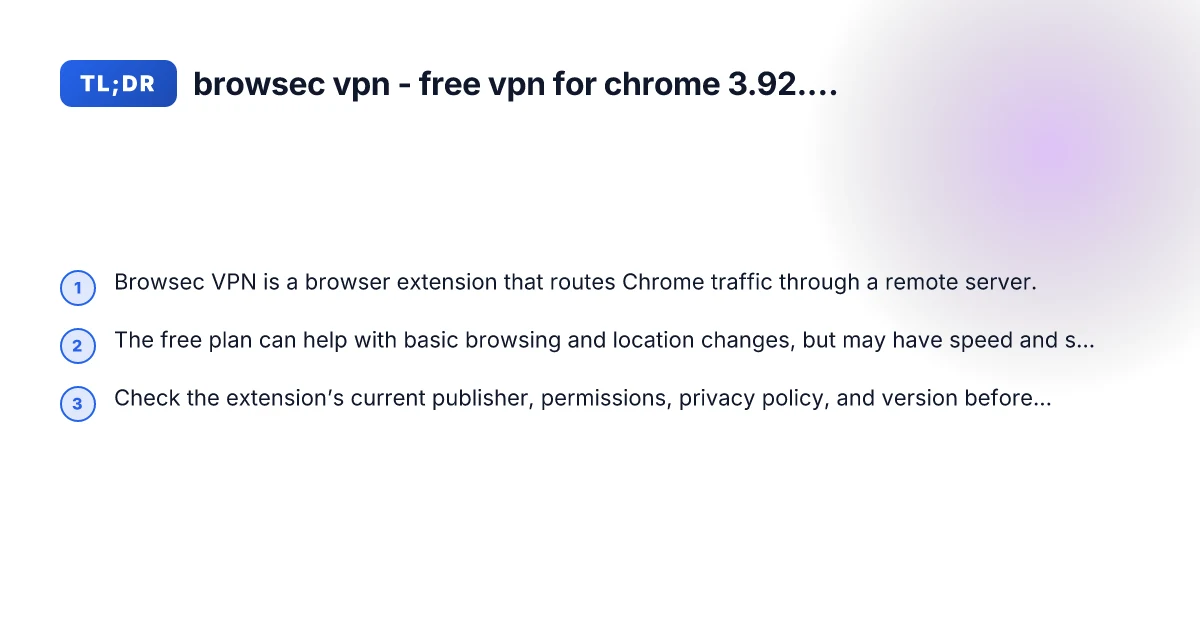
Browsec VPN is commonly offered as a Chrome extension. After installation, you can turn the connection on from the browser toolbar and select an available virtual location. The extension then sends supported Chrome traffic through Browsec’s VPN servers, making websites see the server’s IP address rather than your usual public IP address.
A VPN can help reduce exposure on untrusted networks and may let you access websites that are available in another region. It does not make you anonymous, however. Websites can still recognize you through account sign-ins, cookies, browser fingerprinting, or other tracking methods.
Browser extension versus device-wide VPN
A Chrome extension generally protects traffic handled through that browser, not every connection made by your computer. Other browsers and apps may continue using your normal internet connection. A full VPN app is more appropriate if you want system-wide coverage.
Before relying on the extension, read its current description and settings to confirm what traffic it covers. Avoid assuming that every connection is routed through the VPN simply because the browser icon shows an active state. Android VPN: How to Choose and Use One Safely
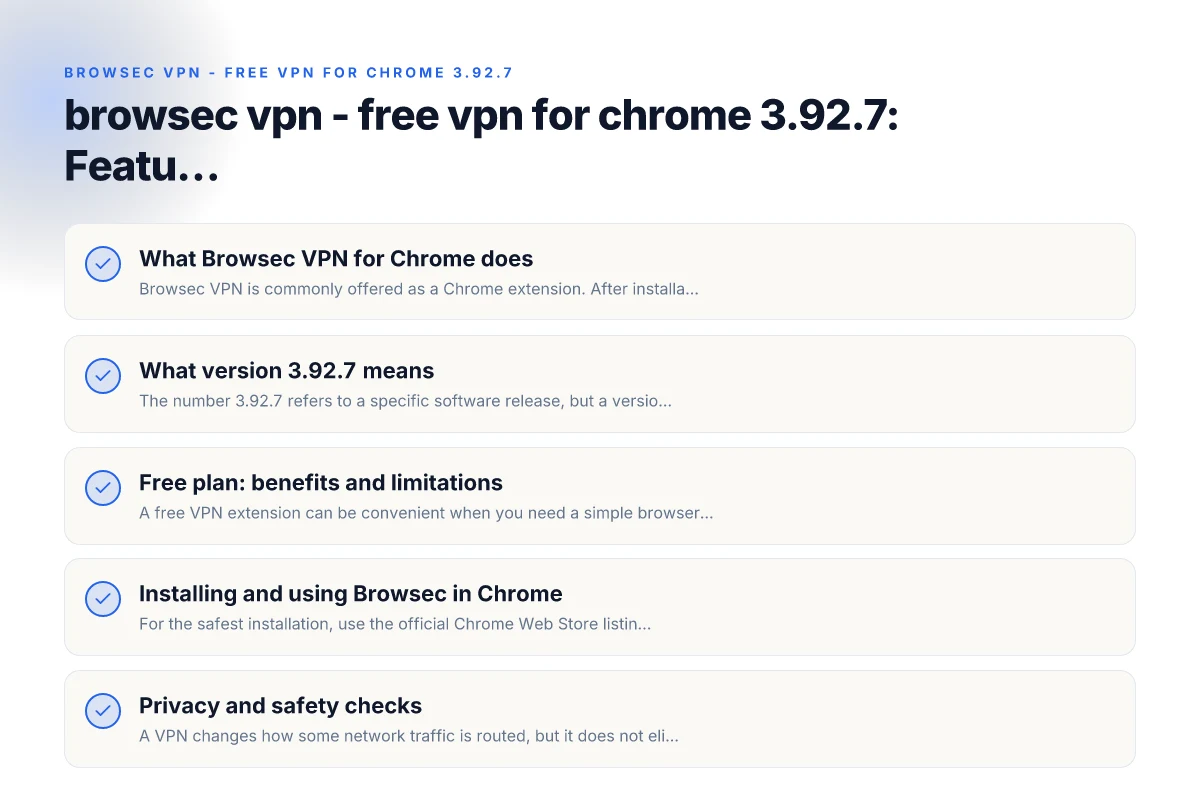
What version 3.92.7 means
The number 3.92.7 refers to a specific software release, but a version number alone does not confirm that a download is genuine, current, or compatible with your setup. Extension versions can change, and listings or files found on third-party download sites may be outdated or altered.
To check the version safely:
- Open the official Chrome Web Store listing for Browsec VPN.
- Confirm the publisher name and review the listing details.
- Check the version shown in Chrome’s extension management page after installation.
- Compare it with the version information supplied by Browsec, if available.
- Avoid unofficial installers, repackaged extension files, and sites promising a “premium” version for free.
Chrome may update extensions automatically. If version 3.92.7 is no longer offered through the official listing, installing an old copy manually could expose you to security risks or compatibility problems. It is usually safer to use the latest official release rather than seek a specific older build.
VPN options for Chrome use How to Change VPN Location Free: Safe, Simple Ways to Do It
| Option | Setup | Browser coverage | Privacy checks | Best suited to |
|---|---|---|---|---|
| Browsec Chrome extension | Add extension and connect | Chrome traffic | Review permissions and privacy policy | Simple browser use |
| Another VPN extension | Add extension and connect | Usually one browser | Check provider and logging claims | Comparing browser add-ons |
| Desktop VPN app | Install app and connect | Device-wide, depending on settings | Check policy and security features | More than browser traffic |
| No VPN | No setup required | No VPN protection | No VPN provider involved | Low-sensitivity browsing |
| Browsec paid plan | Choose plan and connect | Check plan coverage | Review terms as for any VPN | Users needing paid-plan features |
| Browser private window | Open a private window | Does not route traffic through a VPN | Does not replace VPN privacy checks | Local browsing privacy |
Compiled November 2026; check the provider's site for current details.
Free plan: benefits and limitations
A free VPN extension can be convenient when you need a simple browser connection without starting a paid subscription. Depending on Browsec’s current offer, the free tier may provide access to a limited selection of locations or have different performance and usage conditions from paid plans. Exact features can change, so check the current plan information before deciding.
| Consideration | Free Chrome extension | Paid VPN plan |
|---|---|---|
| Cost | No subscription fee for the free tier | Recurring or one-time cost, depending on the offer |
| Locations | May offer fewer locations | May include a broader location selection |
| Performance | Can vary with demand and server availability | May offer more options, though speed is never guaranteed |
| Coverage | Usually focused on browser traffic | Depends on whether the provider also offers desktop or mobile apps |
| Best suited to | Occasional, basic browser use | Regular use or needs that require additional features |
Do not choose a VPN based on the word “free” alone. Consider the provider’s privacy terms, data practices, speed, location options, and support. A free service still needs a sustainable business model, so understand how the provider operates and what information it collects.
Installing and using Browsec in Chrome
For the safest installation, use the official Chrome Web Store listing rather than a download link from an unknown website. Edge VPN Extension: What It Does and How to Choose One
- Search the Chrome Web Store for Browsec VPN.
- Check the publisher, user reviews, permissions, and privacy disclosures.
- Select the option to add the extension to Chrome and review the permissions prompt.
- Open the extension from Chrome’s toolbar and follow its setup instructions.
- Choose a location, connect, and verify that the extension indicates an active connection.
- Disconnect when you no longer need the VPN, and keep the extension updated.
If the extension does not connect, try checking your internet connection, updating Chrome, restarting the browser, or testing another available location. Remove extensions you do not recognize, and do not grant permissions that seem unrelated to the service’s stated purpose.
Browsec setup and safety checklist
| Step | Action | Check for | If it fails |
|---|---|---|---|
| 1. Verify version | Confirm the extension is version 3.92.7 | Version shown in Chrome’s extension details | Update through a trusted source |
| 2. Install | Use the official Chrome Web Store listing | Correct publisher and extension name | Avoid unfamiliar download sites |
| 3. Review permissions | Read the requested access | Permissions match intended use | Do not grant access you are unsure about |
| 4. Connect | Choose a location and enable Browsec | Extension shows an active connection | Reconnect or try another location |
| 5. Test browsing | Visit a basic site | Pages load as expected | Disable and re-enable the extension |
| 6. Check privacy terms | Read the current privacy policy | Data collection and retention terms | Choose another provider if terms do not fit |
| 7. Disconnect | Turn Browsec off when not needed | Browser returns to normal connection | Check Chrome’s extension controls |
Compiled November 2026; check the provider's site for current details.
Privacy and safety checks
A VPN changes how some network traffic is routed, but it does not eliminate online risks. HTTPS remains important, and you should continue to use strong, unique passwords and multifactor authentication. Be cautious when entering payment details or signing in on unfamiliar websites, even while connected to a VPN. Urban VPN Extension Chrome: Setup, Features, and What to Know
Before using Browsec, review its current privacy policy and Chrome Web Store disclosures. Look for clear explanations of:
- What data is collected during installation and use.
- Whether connection or browsing activity is logged.
- How long any collected data is retained.
- Whether information is shared with third parties.
- What security measures and support options are available.
Also remember that a VPN does not guarantee access to every streaming service or bypass every network restriction. Websites may block VPN addresses, and connection quality can vary by location, time, and server load.
Recommendation
Browsec VPN for Chrome may be worth considering if you want a straightforward browser extension for occasional browsing and location changes. For version 3.92.7, prioritize authenticity over finding that exact number: install through the official Chrome Web Store and use the latest release it provides. If you need protection for all device traffic, more locations, or stronger assurances for frequent use, compare full VPN applications and their current privacy policies before choosing.