Best Free VPN Extension Edge: Top Options and What to Check
Compare free VPN extensions for Microsoft Edge, understand their limits, and choose one that fits your browsing needs.


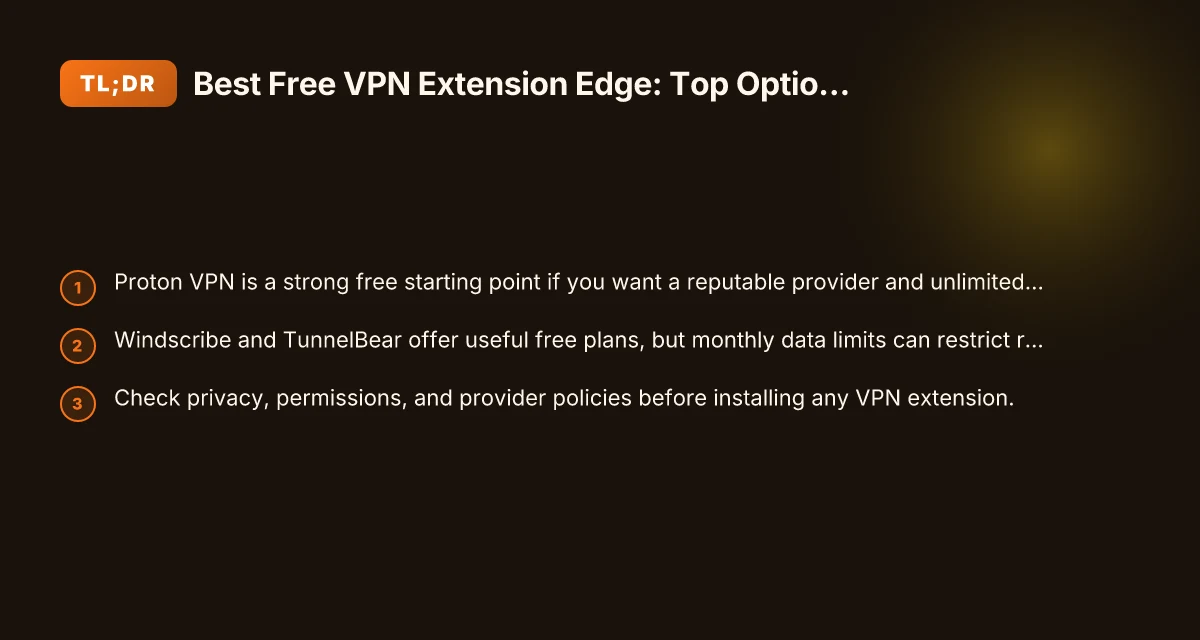
If you’re looking for the best free VPN extension for Edge, start with Proton VPN for unlimited data and a strong privacy reputation. Windscribe is another versatile choice if you can work within its free data allowance, while TunnelBear offers a simple interface for occasional use. Free plans vary in server access, speed, and limits, so the right pick depends on how often you browse and what you need to protect.
A VPN browser extension usually protects traffic from the browser, not every app on your device. Some extensions act as a browser proxy rather than a full VPN, so check the provider’s description before installing. Availability and free-plan terms can change. Confirm current details on the provider’s official site.
| VPN | Obfuscation | From / month | Plan | Free plan | Refund | Alipay | UnionPay | Crypto | Website opens in China | Trustpilot | |
|---|---|---|---|---|---|---|---|---|---|---|---|
 Proton VPN | Turn on manually Stealth, free plan too | $2.99/mo | 12 months: $35.88 | Yes | 30 days | ✗ | ✗ | ✗ | ✓ | ✗ Blocked | 2.1/5 (1,040 reviews) |
 Windscribe | Turn on manually Stealth / WStunnel | $5.75/mo | 12 months: $69 | Yes | See site | ✗ | ✗ | ✗ | ✓ | ✗ Blocked | 4.7/5 (13,355 reviews) |
 ZoogVPN | Turn on manually Shadow | $2.49/mo | 27 months: $59.99 | Yes | 7 days | ✓ | ✓ | ✓ | ✓ | Official site blocked; our special link opens (4.4 s) | 4.2/5 (195 reviews) |
 NordVPN | Turn on manually Obfuscated Servers / NordWhisper | $3.49/mo | 27 months: $94.23 | No | 30 days | ? | ✗ | ✓ | ✓ | ✗ Blocked | 4.2/5 (51,628 reviews) |
 ExpressVPN | ✓ On by default all servers | $3.00/mo | 28 months: $84 | No | 30 days | ✗ | ✗ | ✓ | ✗ | ✗ Blocked | 4.4/5 (29,706 reviews) |
 Surfshark | ✓ On by default Camouflage, with OpenVPN | See site | See site | No | 30 days | ✗ | ✗ | ✗ | ✓ | ✗ Blocked | 4.3/5 (31,823 reviews) |
 Astrill VPN | Turn on manually StealthVPN / OpenWeb | $12.50/mo | 24 months: $300 | No | See site | ✗ | ✗ | ✗ | ✓ | ✗ Blocked | 1.3/5 (110 reviews) |
 Private Internet Access | Turn on manually Shadowsocks, OpenVPN only | $2.03/mo | 40 months: $81.2 | No | 30 days | ✗ | ✗ | ✗ | ✗ | ✗ Blocked | 4.2/5 (11,033 reviews) |
 CyberGhost | Turn on manually selected servers | $2.19/mo | 28 months: $61.32 | No | 45 days | ✗ | ✗ | ✗ | ✓ | ✗ Blocked | 4.0/5 (24,178 reviews) |
 PureVPN | Turn on manually switch to OpenVPN | $1.69/mo | 60 months: $101.55 | No | 31 days | ? | ? | ✗ | ✓ | ✗ Blocked | 4.4/5 (17,994 reviews) |
 AdGuard VPN | ✓ On by default TrustTunnel | $2.99/mo | 24 months: $71.76 | Yes | 30 days | ✓ | ✗ | ✓ | ✓ | Official site blocked; our special link opens (3.7 s) | 4.3/5 (290 reviews) |
 Mullvad | Turn on manually QUIC / Shadowsocks / LWO | $5.61/mo | €5/mo | No | 14 days | ✗ | ✗ | ✗ | ✓ | ✗ Blocked | 3.2/5 (192 reviews) |
 StrongVPN | Turn on manually Scramble, OpenVPN TCP | See site | See site | No | 30 days | ✓ | ✗ | ✗ | ✗ | ✗ Blocked | 4.4/5 (2,695 reviews) |
 LightXtreme 闪连 | Not listed | $7.08/mo | 12 months: $84.99 | Yes | 30 days | ✓ | ✓ | ✓ | ✓ | ✓ Yes (3.5 s) | No page |
Prices checked 2026-11-10 on each vendor's pricing page (cheapest long plan, USD). Check the vendor's checkout for the final price.
Obfuscation checked 2026-11-14 on each vendor's site and help center: "on by default" = nothing to set; "turn on manually" = switch protocol or mode in settings; "not listed" = the vendor describes no obfuscation.
Payment methods checked 2026-11-10 on each vendor's payment pages: all 14 take cards and PayPal; ✗ = not listed, ? = the vendor's own pages disagree.
China access: whether the official website opens from mainland China networks (tests the website only, not the VPN connection). Last checked 2026-11-18 01:02 Beijing time.
Trustpilot score and review count checked 2026-11-10.

Editor's pick: NordVPN — fast, secure VPN — Strong encryption, a no-logs policy and apps for every device. 30-day money-back guarantee. Get NordVPN →
Free VPN browser-extension comparison
| Option | Data limit | Controls | Beginner fit | What to check |
|---|---|---|---|---|
| Proton VPN | Unlimited on free plan | Basic extension features | Good starting point | Free-plan locations and features |
| Windscribe | Limited free allowance | Useful controls | Good for hands-on users | Current allowance and terms |
| TunnelBear | Limited free allowance | Simple interface | Beginner-friendly | Current allowance and terms |
| Browsec | Check current plan | Varies by plan | Simple to try | Limits, privacy terms, and features |
| Other free extensions | Varies | Varies | Varies | Provider reputation and terms |
| Paid plans | Usually broader options | Often more features | Depends on needs | Price and renewal terms |
Compiled November 2026; check the provider's site for current details.
Best free VPN extensions for Microsoft Edge
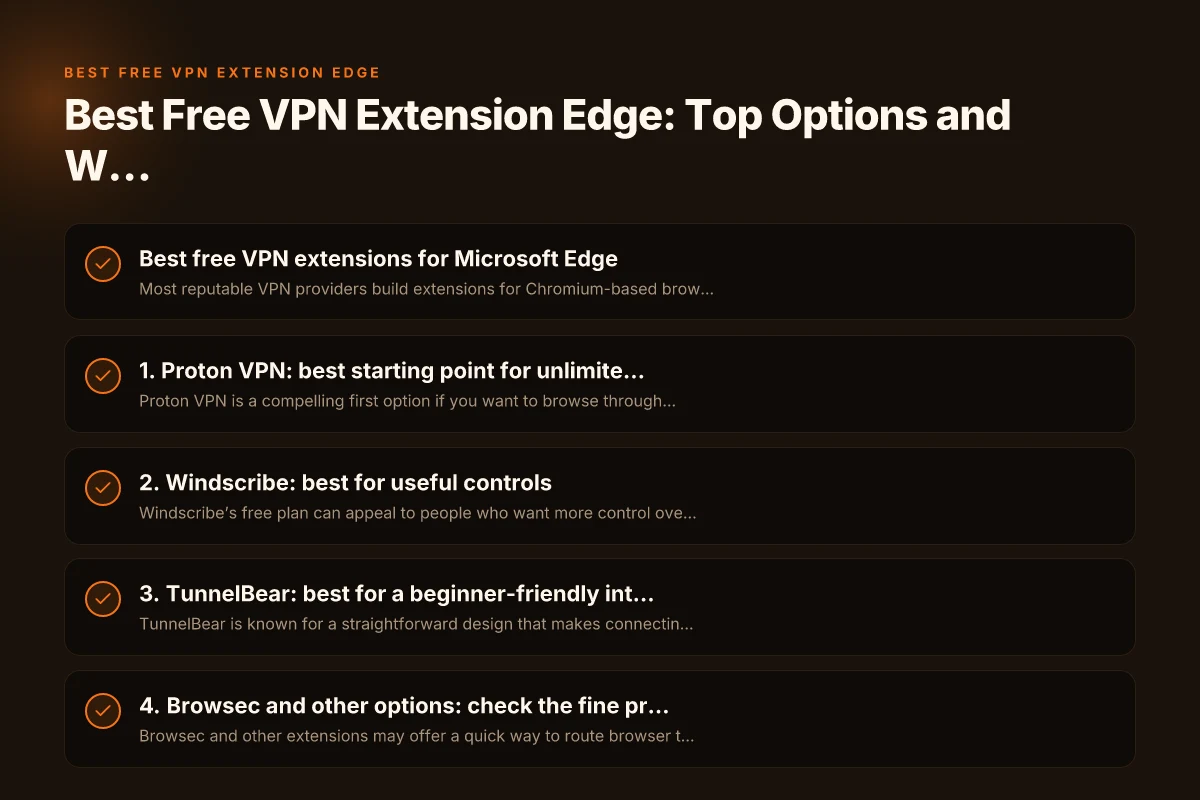
Most reputable VPN providers build extensions for Chromium-based browsers, which includes Microsoft Edge. You can usually install them through the Edge Add-ons store or, when the provider directs you to, the Chrome Web Store. Use the provider’s official listing and verify the publisher before adding an extension.
| Extension | Best for | Free-plan consideration |
|---|---|---|
| Proton VPN | Regular browsing without a data cap | Free server locations and features are limited |
| Windscribe | Flexible settings and occasional use | Monthly data allowance applies |
| TunnelBear | Beginners and light browsing | Free data is limited |
| Browsec | Simple, quick access | Review the service’s current privacy terms and plan limits |
These options are not interchangeable. A service with unlimited data may limit server choice, while a service with more location options may impose a data cap. Check the latest terms before deciding.
1. Proton VPN: best starting point for unlimited data
Proton VPN is a compelling first option if you want to browse through a free plan without tracking a small monthly data allowance. It is run by a known privacy-focused provider and offers a browser extension for Chromium-based browsers, including Edge.
The main trade-off is that free users may have fewer server locations and features than subscribers. Performance can also vary with server load and your location. If your priority is a reputable provider for everyday browsing, rather than access to a particular country, it is a sensible place to start. Does NordVPN Work in China? What Travelers Should Know
Before installing, confirm that the extension is the official Proton VPN product. Read its listing carefully to understand whether the extension protects only Edge traffic or works alongside the provider’s full VPN app.
Quick checklist for choosing a free Edge VPN extension
| Check | Why it matters | What to look for | Warning sign |
|---|---|---|---|
| Data allowance | A cap can limit browsing | Unlimited or clearly stated allowance | Unclear limits |
| Privacy policy | Explains data handling | Plain-language policy | Vague collection terms |
| Provider identity | Helps assess trust | Known provider and support details | Unclear operator |
| Extension permissions | Shows browser access requested | Permissions fit the features | Excessive or unexplained access |
| Features | Free plans can differ | Locations and controls listed clearly | Important limits not disclosed |
| Updates | Helps maintain compatibility | Recent maintenance | Long-unchanged extension |
| Terms | Defines plan restrictions | Clear free-plan conditions | Hard-to-find conditions |
Compiled November 2026; check the provider's site for current details.
2. Windscribe: best for useful controls
Windscribe’s free plan can appeal to people who want more control over their browser connection. Depending on the current plan and settings, it may provide features such as location selection and options to block some trackers or ads. Its free data allowance makes it better suited to moderate or occasional use than constant high-volume browsing. Urban VPN Proxy: What It Does, How to Use It, and What to Consider
Review the provider’s current data limit and account requirements, since plan details can change. Streaming video, large downloads, and frequent browsing can use an allowance quickly. If you mainly want extra privacy on public Wi-Fi or occasional access through another location, the free tier may be enough.
3. TunnelBear: best for a beginner-friendly interface
TunnelBear is known for a straightforward design that makes connecting to a location easy. That simplicity can be useful if you have never used a VPN extension before and want to try one without navigating a long list of settings.
Its free plan has a data limit, so it is generally more suitable for light browsing than all-day use. Check the current allowance before relying on it, and remember that a VPN does not guarantee access to every streaming service or bypass every regional restriction.
Safe installation and setup steps SoftEther VPN Server: Setup, Features, and Security Guide
| Step | Action | Check before continuing | Good sign |
|---|---|---|---|
| 1 | Find the provider’s official Edge listing | Confirm the publisher | Name matches the provider |
| 2 | Read the listing | Review permissions and details | Purpose is clearly explained |
| 3 | Check the provider’s policy | Look for data collection terms | Policy is easy to find |
| 4 | Install the extension | Use Edge’s extension store | Listing is official |
| 5 | Sign in or create an account if required | Review account requirements | Requirements are disclosed |
| 6 | Choose a server or location | Check free-plan availability | Options are clearly labeled |
| 7 | Test the connection | Confirm the extension shows connected | Status is easy to verify |
| 8 | Review settings periodically | Check permissions and updates | Settings remain appropriate |
Compiled November 2026; check the provider's site for current details.
4. Browsec and other options: check the fine print
Browsec and other extensions may offer a quick way to route browser traffic through a different location. Convenience alone, however, is not enough to establish that a service is a good privacy choice. Before installing an unfamiliar extension, investigate the company behind it, its privacy policy, its free-plan limits, and how it pays for the service.
Be cautious with any extension that makes sweeping promises, asks for permissions that do not match its purpose, or gives little information about data handling. A VPN provider can see or process some connection information, so the provider’s trustworthiness matters as much as the browser’s encryption.
How to choose a free VPN extension for Edge
Focus on these points before you install: Best VPN Extensions for Edge: Top Picks for 2026
- Privacy policy: Look for a clear explanation of what connection or usage data is collected and how long it is kept.
- Provider reputation: Prefer an established company with transparent ownership, support, and security information.
- Data limits: Confirm whether the free plan has a monthly cap, speed restrictions, or other usage conditions.
- Server locations: Check that the available locations meet your needs. Free users often get fewer choices.
- Extension permissions: Review what the add-on can access. Permissions should make sense for its stated features.
- Protection scope: Determine whether it covers only browser traffic or requires a separate app for device-wide protection.
- Independent checks: Look for credible security audits or clear public documentation, rather than relying only on marketing claims.
A browser VPN extension can help protect traffic routed through Edge, especially when using an untrusted network. It does not make you anonymous, prevent every form of tracking, or replace good account security. Websites may still identify you through cookies, account logins, or browser fingerprinting.
How to install one safely
Open the official Edge Add-ons store and search for the provider’s exact name. If the provider recommends installing through another official store, follow its own instructions and verify the developer. Avoid download links from pop-ups, unofficial directories, or lookalike websites.
After installation:
- Sign in or create an account only through the provider’s official flow.
- Review the extension’s permissions and privacy settings.
- Connect to a location and check that the extension shows an active connection.
- Test the websites and services you use, since some may block VPN traffic.
- Turn the extension off when you do not need it if it affects speed or site access.
For sensitive work or protection across all your device’s apps, consider a full VPN application rather than relying on a browser extension alone. VPN Microsoft Edge: How to Turn It On and Choose the Right Option
Final recommendation
For most people seeking the best free VPN extension for Edge, Proton VPN is the strongest place to start because its free plan offers unlimited data. Choose Windscribe if its current allowance and features suit your browsing habits, or TunnelBear for a simple option you will use only occasionally. Whichever you pick, install the official extension, check its current terms, and treat “free” as a plan with trade-offs, not a substitute for checking privacy and security.