SoftEther VPN Server: Setup, Features, and Security Guide

Learn what SoftEther VPN Server does, how to set it up, and how to secure it for remote access.


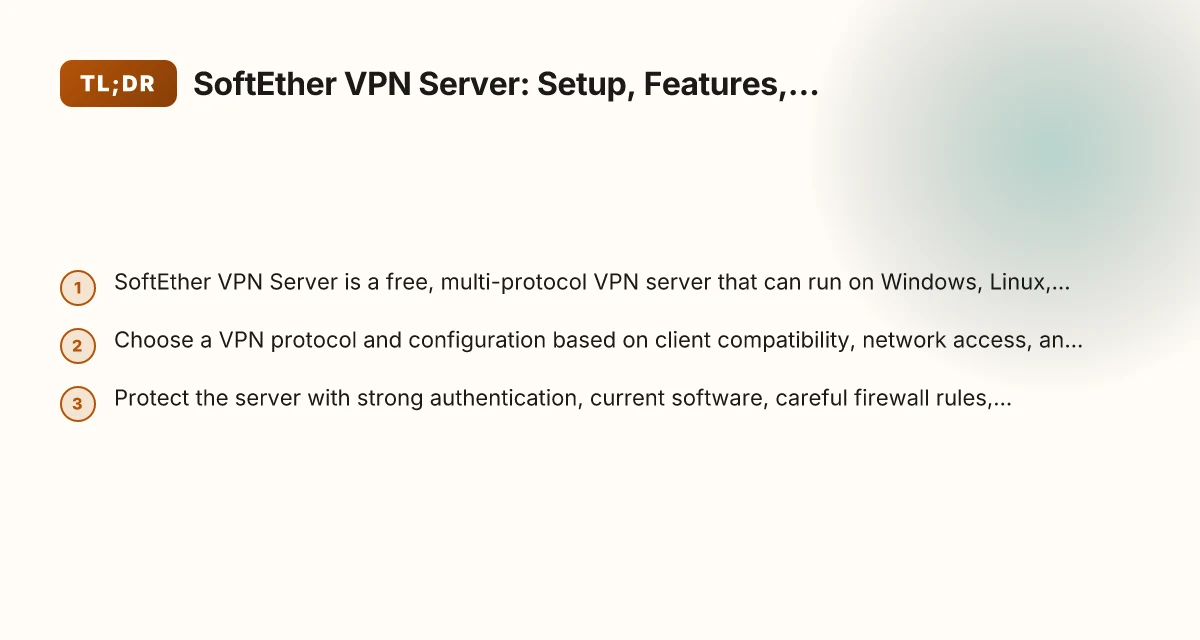
SoftEther VPN Server is free, open-source software for hosting a VPN that lets authorized users connect securely to a private network over the internet. It supports several VPN protocols, including SoftEther’s own protocol, L2TP/IPsec, OpenVPN-compatible connections, and SSTP. That flexibility makes it useful for remote access, connecting separate networks, and testing VPN configurations, but it also means setup and security choices matter.

Editor's pick: NordVPN — fast, secure VPN — Strong encryption, a no-logs policy and apps for every device. 30-day money-back guarantee. Get NordVPN →
SoftEther VPN protocols and common uses
| Protocol or feature | Main role | Typical use | Key consideration |
|---|---|---|---|
| SoftEther VPN Protocol | Native SoftEther connection | General remote access | Designed for SoftEther clients |
| OpenVPN | OpenVPN-compatible connection | Connecting with OpenVPN clients | Useful for client compatibility |
| L2TP/IPsec | Tunneling with IPsec protection | Built-in OS VPN clients | Requires suitable network configuration |
| SSTP | VPN over TLS | Networks where other VPN traffic is restricted | Supported by SoftEther |
| EtherIP | Ethernet over IP | Layer 2 network bridging | For specific bridging needs |
| Remote access VPN | Connects individual devices to a private network | Staff or personal access | Requires accounts and access controls |
| Site-to-site VPN | Connects separate networks | Linking office networks | Requires routing and firewall setup |
| VPN over HTTPS | Carries VPN traffic over HTTPS | Restrictive networks | Can help with firewall traversal |
Compiled November 2026; check the provider's site for current details.
| VPN | Obfuscation | From / month | Plan | Free plan | Refund | Alipay | UnionPay | Crypto | Website opens in China | Trustpilot | |
|---|---|---|---|---|---|---|---|---|---|---|---|
 ZoogVPN | Turn on manually Shadow | $2.49/mo | 27 months: $59.99 | Yes | 7 days | ✓ | ✓ | ✓ | ✓ | Official site blocked; our special link opens (4.4 s) | 4.2/5 (195 reviews) |
 NordVPN | Turn on manually Obfuscated Servers / NordWhisper | $3.49/mo | 27 months: $94.23 | No | 30 days | ? | ✗ | ✓ | ✓ | ✗ Blocked | 4.2/5 (51,628 reviews) |
 ExpressVPN | ✓ On by default all servers | $3.00/mo | 28 months: $84 | No | 30 days | ✗ | ✗ | ✓ | ✗ | ✗ Blocked | 4.4/5 (29,706 reviews) |
 Surfshark | ✓ On by default Camouflage, with OpenVPN | See site | See site | No | 30 days | ✗ | ✗ | ✗ | ✓ | ✗ Blocked | 4.3/5 (31,823 reviews) |
 Proton VPN | Turn on manually Stealth, free plan too | $2.99/mo | 12 months: $35.88 | Yes | 30 days | ✗ | ✗ | ✗ | ✓ | ✗ Blocked | 2.1/5 (1,040 reviews) |
 Astrill VPN | Turn on manually StealthVPN / OpenWeb | $12.50/mo | 24 months: $300 | No | See site | ✗ | ✗ | ✗ | ✓ | ✗ Blocked | 1.3/5 (110 reviews) |
 Private Internet Access | Turn on manually Shadowsocks, OpenVPN only | $2.03/mo | 40 months: $81.2 | No | 30 days | ✗ | ✗ | ✗ | ✗ | ✗ Blocked | 4.2/5 (11,033 reviews) |
 CyberGhost | Turn on manually selected servers | $2.19/mo | 28 months: $61.32 | No | 45 days | ✗ | ✗ | ✗ | ✓ | ✗ Blocked | 4.0/5 (24,178 reviews) |
 PureVPN | Turn on manually switch to OpenVPN | $1.69/mo | 60 months: $101.55 | No | 31 days | ? | ? | ✗ | ✓ | ✗ Blocked | 4.4/5 (17,994 reviews) |
 AdGuard VPN | ✓ On by default TrustTunnel | $2.99/mo | 24 months: $71.76 | Yes | 30 days | ✓ | ✗ | ✓ | ✓ | Official site blocked; our special link opens (3.7 s) | 4.3/5 (290 reviews) |
 Mullvad | Turn on manually QUIC / Shadowsocks / LWO | $5.61/mo | €5/mo | No | 14 days | ✗ | ✗ | ✗ | ✓ | ✗ Blocked | 3.2/5 (192 reviews) |
 Windscribe | Turn on manually Stealth / WStunnel | $5.75/mo | 12 months: $69 | Yes | See site | ✗ | ✗ | ✗ | ✓ | ✗ Blocked | 4.7/5 (13,355 reviews) |
 StrongVPN | Turn on manually Scramble, OpenVPN TCP | See site | See site | No | 30 days | ✓ | ✗ | ✗ | ✗ | ✗ Blocked | 4.4/5 (2,695 reviews) |
 LightXtreme 闪连 | Not listed | $7.08/mo | 12 months: $84.99 | Yes | 30 days | ✓ | ✓ | ✓ | ✓ | ✓ Yes (3.5 s) | No page |
Prices checked 2026-11-10 on each vendor's pricing page (cheapest long plan, USD). Check the vendor's checkout for the final price.
Obfuscation checked 2026-11-14 on each vendor's site and help center: "on by default" = nothing to set; "turn on manually" = switch protocol or mode in settings; "not listed" = the vendor describes no obfuscation.
Payment methods checked 2026-11-10 on each vendor's payment pages: all 14 take cards and PayPal; ✗ = not listed, ? = the vendor's own pages disagree.
China access: whether the official website opens from mainland China networks (tests the website only, not the VPN connection). Last checked 2026-11-18 01:02 Beijing time.
Trustpilot score and review count checked 2026-11-10.
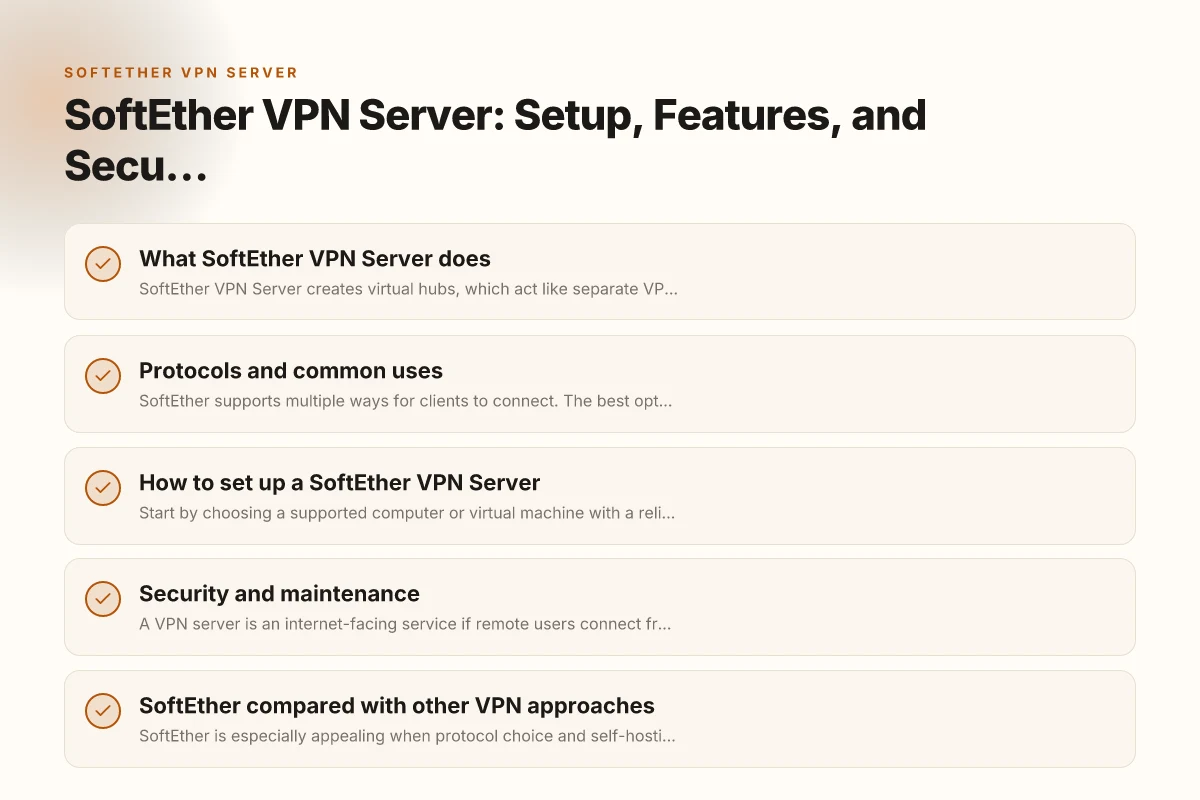
What SoftEther VPN Server does
SoftEther VPN Server creates virtual hubs, which act like separate VPN switches for connecting users and devices. Administrators can manage users, authentication methods, access controls, and network connections through the server’s management tools.
A typical remote-access setup works like this: the server runs on a computer or virtual machine, a client connects over the internet, and the VPN provides access to permitted services on the server’s network. Depending on the configuration, clients might reach an internal file server, a development environment, or only selected resources.
SoftEther is not a VPN subscription service. You host and maintain the server yourself, so you are responsible for its availability, security, network configuration, and any costs for hardware or hosting.
Protocols and common uses
SoftEther supports multiple ways for clients to connect. The best option depends on the devices you need to support, the networks clients connect from, and the rules imposed by your organization or hosting provider. Best VPN Extensions for Edge: Top Picks for 2026
| Connection option | Why you might use it | Considerations |
|---|---|---|
| SoftEther VPN Protocol | Flexible connections using SoftEther clients | Requires compatible client software and an allowed server port |
| L2TP/IPsec | Built-in support on many operating systems | Requires correct IPsec configuration and compatible network access |
| OpenVPN-compatible mode | Helps support OpenVPN clients and configurations | Check the documentation for compatibility and configuration requirements |
| SSTP | Can suit environments where TCP-based connections are needed | Client support and network conditions vary |
Common uses include:
- Remote access to a home or business network
- Connecting branch offices or separate private networks
- Providing secure access to internal applications
- Lab work, training, and VPN protocol testing
A VPN does not automatically make every device or service on a network secure. Access should be limited to what each user needs, and exposed services still need their own authentication and security controls.
SoftEther VPN Server setup and maintenance checklist
| Stage | Decision or task | What to check | Ongoing action |
|---|---|---|---|
| Server placement | Choose a host and network location | Reachability and firewall rules | Monitor availability |
| Installation | Install SoftEther VPN Server | Use an appropriate package | Apply updates |
| Initial configuration | Set an administrator password | Store credentials securely | Rotate credentials when needed |
| Virtual hub | Create a hub for VPN connections | Match hub access to the intended use | Review hub settings |
| User access | Create accounts and permissions | Grant only necessary access | Remove unused accounts |
| Protocols | Enable required connection methods | Disable methods not needed | Reassess compatibility needs |
| Certificates | Configure certificates where applicable | Verify trust and expiration | Renew before expiry |
| Logging | Enable useful operational logs | Avoid retaining unnecessary data | Review and protect logs |
Compiled November 2026; check the provider's site for current details. VPN Microsoft Edge: How to Turn It On and Choose the Right Option
How to set up a SoftEther VPN Server
Start by choosing a supported computer or virtual machine with a reliable internet connection. Install the official SoftEther VPN Server software for your operating system, then use the VPN Server Manager or command-line tools to configure it. Follow the current documentation for installation and supported operating-system details, as commands and packaging can change between releases.
A basic setup usually involves:
- Install and update the software. Obtain it from SoftEther’s official distribution channels, verify the package where practical, and keep the system patched.
- Create an administrator password. Use a unique, strong password and restrict who can access the management interface.
- Create a virtual hub. Choose a clear name and configure the hub for the intended users and network.
- Add user accounts and authentication. Use individual accounts rather than sharing credentials. Consider certificate-based authentication or an external identity system if your environment supports it.
- Choose connection protocols. Enable only the protocols required by your clients, and configure their settings according to official guidance.
- Set up network access. Configure routing, bridging, or other network functions only when needed. A bridge can expose more of a local network than intended, so review its scope carefully.
- Test from an external network. Confirm that authorized users can connect and reach only the resources they should.
The server may need a public IP address or a hostname that resolves to it. If it is behind a router, configure port forwarding for the selected connection and management services. Do not expose administrative access broadly just to make setup easier.
Security and maintenance
A VPN server is an internet-facing service if remote users connect from outside your network. Treat it as part of your security perimeter, not as a one-time installation. Hkmc rndvpn hyundai net: Access, Safety, and Troubleshooting
Use a short, practical security checklist:
- Patch regularly: Update SoftEther and the host operating system, and review release notes for security fixes.
- Use strong authentication: Give each person a separate account, remove access promptly when it is no longer needed, and use certificates or stronger identity controls where appropriate.
- Limit exposure: Open only the ports required for the chosen connection methods. Restrict management access to trusted addresses or a private network where possible.
- Apply least privilege: Limit which users and VPN clients can reach internal systems. Avoid granting broad network access by default.
- Protect credentials and keys: Store them securely, rotate them if exposed, and avoid sending them through unsecured channels.
- Monitor activity: Review server logs, failed logins, account changes, and unusual traffic. Keep a plan for backups and recovery.
- Use encryption appropriately: Select supported, secure settings and avoid outdated protocols or weak cryptographic options.
Also consider the host itself. Use a firewall, disable unnecessary services, and maintain backups of configuration data. A VPN can protect traffic between a client and server, but it cannot prevent compromised endpoints, unsafe applications, or poor access policies from causing problems.
SoftEther compared with other VPN approaches
SoftEther is especially appealing when protocol choice and self-hosting flexibility are priorities. It may not be the best fit for every use case.
Compared with a managed VPN service, a self-hosted SoftEther server gives you more control over configuration and where traffic is routed. In return, you handle installation, updates, troubleshooting, and security. Compared with a single-protocol VPN server, SoftEther can support a wider range of client connection methods, though that flexibility adds configuration complexity. FortiClient IPsec VPN: Setup, Configuration, and Troubleshooting
Choose based on your needs:
- Choose SoftEther if you want a self-hosted server with multiple protocol options and can maintain it.
- Choose a managed service if you prefer provider-managed infrastructure and do not need control of the server.
- Choose a simpler, single-purpose solution if your users need only one protocol and ease of administration matters most.
Before deploying it for business use, test performance, client compatibility, backup procedures, and access rules in a non-production environment.
SoftEther compared with other VPN approaches
| Approach | Protocol flexibility | Client compatibility | Best fit | Main trade-off |
|---|---|---|---|---|
| SoftEther VPN Server | Supports multiple VPN protocols | Works with SoftEther and compatible clients | Flexible self-hosted access | Requires server administration |
| OpenVPN server | OpenVPN-based | Broad OpenVPN client support | OpenVPN-centered deployments | Focused on one protocol family |
| L2TP/IPsec server | L2TP/IPsec | Built-in support on many systems | Simple client setup where supported | Network configuration can be restrictive |
| SSTP server | SSTP | Useful with compatible clients | Networks that permit HTTPS traffic | Client support varies |
| WireGuard server | WireGuard | Requires WireGuard-compatible clients | Lightweight VPN deployments | Less protocol variety |
| Router-based VPN | Depends on router firmware | Often uses built-in or vendor clients | Small networks with suitable routers | Features depend on the device |
| Commercial VPN service | Provider-defined | Provider apps and supported devices | Users who do not want to host a server | Less control over infrastructure |
| No VPN | None | No VPN client required | Services already safe to expose publicly | No private VPN tunnel |
Compiled November 2026; check the provider's site for current details. IPVanish Login: How to Sign In and Fix Common Problems
Recommendation
SoftEther VPN Server is a capable option for people who want to host their own VPN and need flexible client support. For a secure deployment, start with the simplest configuration that meets your requirements, enable only necessary protocols and ports, and restrict users to the resources they need. If you cannot commit to updates, monitoring, and account management, a managed VPN service may be the safer choice.