Why Doesn’t My VPN Switch to Those Local TV Stations?
Learn why a VPN may not unlock local TV channels and what to check before choosing another way to watch.
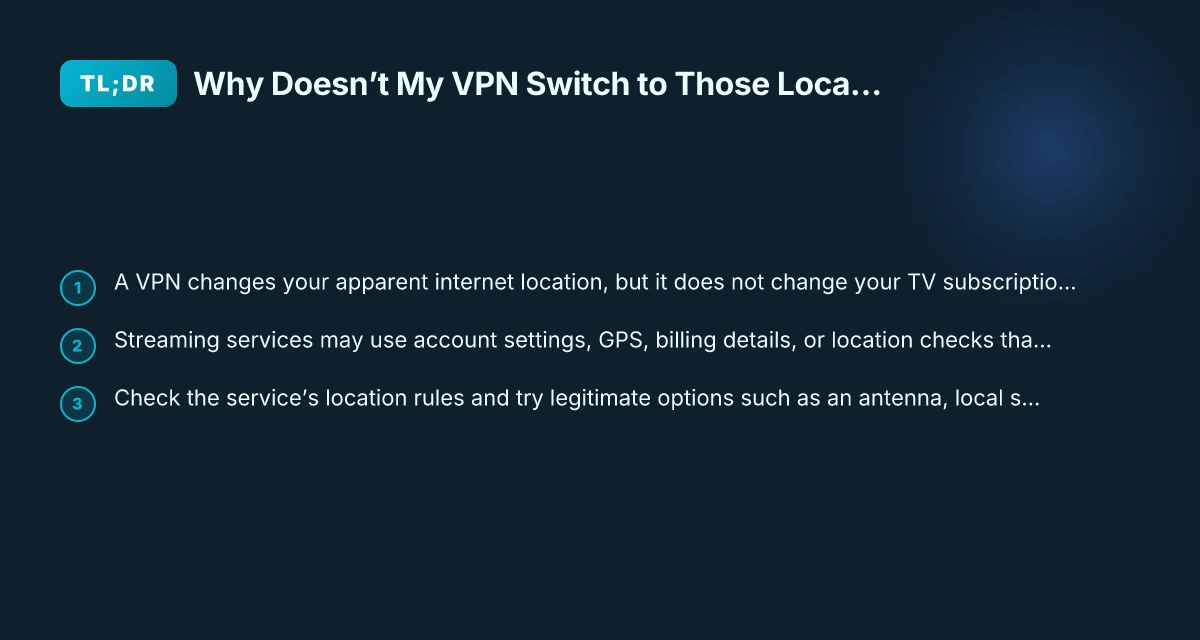
If you’re wondering, “why doesn’t my VPN switch to those local TV stations?”, the short answer is that a VPN changes the internet address a service sees, but local TV access depends on more than your IP address. Your streaming plan, account location, device location settings, licensing rules, and the service’s VPN detection can all affect which stations appear. A VPN therefore may not replace your local channels with the ones from another area.

Editor's pick: NordVPN — fast, secure VPN — Strong encryption, a no-logs policy and apps for every device. 30-day money-back guarantee. Get NordVPN →
What a VPN can and cannot change about your location
| Location signal | What it indicates | Does a VPN change it? | Why it matters for local TV |
|---|---|---|---|
| IP address | Approximate internet location | Usually | Streaming services may use it to select a market |
| GPS location | Device’s physical location | No | Apps may use it to verify where you are |
| Wi-Fi network | Connection and location clues | No | Services may use network information |
| Account home market | Registered service location | No | Can determine which local stations are available |
| Billing address | Payment location | No | May help establish account eligibility |
| Device location settings | Location shared by the device | No | Apps may use them alongside your IP |
| Station signal area | Broadcast coverage region | No | A VPN cannot extend an antenna’s reception |
Compiled November 2026; check the provider's site for current details.
| VPN | Obfuscation | From / month | Plan | Free plan | Refund | Alipay | UnionPay | Crypto | Website opens in China | Trustpilot | |
|---|---|---|---|---|---|---|---|---|---|---|---|
 ZoogVPN | Turn on manually Shadow | $2.49/mo | 27 months: $59.99 | Yes | 7 days | ✓ | ✓ | ✓ | ✓ | Official site blocked; our special link opens (4.4 s) | 4.2/5 (195 reviews) |
 NordVPN | Turn on manually Obfuscated Servers / NordWhisper | $3.49/mo | 27 months: $94.23 | No | 30 days | ? | ✗ | ✓ | ✓ | ✗ Blocked | 4.2/5 (51,628 reviews) |
 ExpressVPN | ✓ On by default all servers | $3.00/mo | 28 months: $84 | No | 30 days | ✗ | ✗ | ✓ | ✗ | ✗ Blocked | 4.4/5 (29,706 reviews) |
 Surfshark | ✓ On by default Camouflage, with OpenVPN | See site | See site | No | 30 days | ✗ | ✗ | ✗ | ✓ | ✗ Blocked | 4.3/5 (31,823 reviews) |
 Proton VPN | Turn on manually Stealth, free plan too | $2.99/mo | 12 months: $35.88 | Yes | 30 days | ✗ | ✗ | ✗ | ✓ | ✗ Blocked | 2.1/5 (1,040 reviews) |
 Astrill VPN | Turn on manually StealthVPN / OpenWeb | $12.50/mo | 24 months: $300 | No | See site | ✗ | ✗ | ✗ | ✓ | ✗ Blocked | 1.3/5 (110 reviews) |
 Private Internet Access | Turn on manually Shadowsocks, OpenVPN only | $2.03/mo | 40 months: $81.2 | No | 30 days | ✗ | ✗ | ✗ | ✗ | ✗ Blocked | 4.2/5 (11,033 reviews) |
 CyberGhost | Turn on manually selected servers | $2.19/mo | 28 months: $61.32 | No | 45 days | ✗ | ✗ | ✗ | ✓ | ✗ Blocked | 4.0/5 (24,178 reviews) |
 PureVPN | Turn on manually switch to OpenVPN | $1.69/mo | 60 months: $101.55 | No | 31 days | ? | ? | ✗ | ✓ | ✗ Blocked | 4.4/5 (17,994 reviews) |
 AdGuard VPN | ✓ On by default TrustTunnel | $2.99/mo | 24 months: $71.76 | Yes | 30 days | ✓ | ✗ | ✓ | ✓ | Official site blocked; our special link opens (3.7 s) | 4.3/5 (290 reviews) |
 Mullvad | Turn on manually QUIC / Shadowsocks / LWO | $5.61/mo | €5/mo | No | 14 days | ✗ | ✗ | ✗ | ✓ | ✗ Blocked | 3.2/5 (192 reviews) |
 Windscribe | Turn on manually Stealth / WStunnel | $5.75/mo | 12 months: $69 | Yes | See site | ✗ | ✗ | ✗ | ✓ | ✗ Blocked | 4.7/5 (13,355 reviews) |
 StrongVPN | Turn on manually Scramble, OpenVPN TCP | See site | See site | No | 30 days | ✓ | ✗ | ✗ | ✗ | ✗ Blocked | 4.4/5 (2,695 reviews) |
 LightXtreme 闪连 | Not listed | $7.08/mo | 12 months: $84.99 | Yes | 30 days | ✓ | ✓ | ✓ | ✓ | ✓ Yes (3.5 s) | No page |
Prices checked 2026-11-10 on each vendor's pricing page (cheapest long plan, USD). Check the vendor's checkout for the final price.
Obfuscation checked 2026-11-14 on each vendor's site and help center: "on by default" = nothing to set; "turn on manually" = switch protocol or mode in settings; "not listed" = the vendor describes no obfuscation.
Payment methods checked 2026-11-10 on each vendor's payment pages: all 14 take cards and PayPal; ✗ = not listed, ? = the vendor's own pages disagree.
China access: whether the official website opens from mainland China networks (tests the website only, not the VPN connection). Last checked 2026-11-18 01:02 Beijing time.
Trustpilot score and review count checked 2026-11-10.
What a VPN changes, and what it doesn’t
A VPN routes your internet traffic through a server in another location. A streaming service may use the server’s IP address to estimate where you are. In some cases, that can change the regional content shown to you.
But a VPN does not automatically change your account’s home location, subscription package, billing address, or the rights a service has to show particular stations. Local broadcast rights are tied to specific markets, and providers may define a customer’s eligible market using information beyond the VPN connection.
This means there are two different questions:
- Where does the service think your internet connection is? A VPN may influence this.
- Which channels does your account have permission to watch? Your plan and the provider’s location rules determine this.
If your plan does not include a particular station, changing the apparent internet location usually won’t add it. Free VPN for PC: How to Choose and Use One Safely
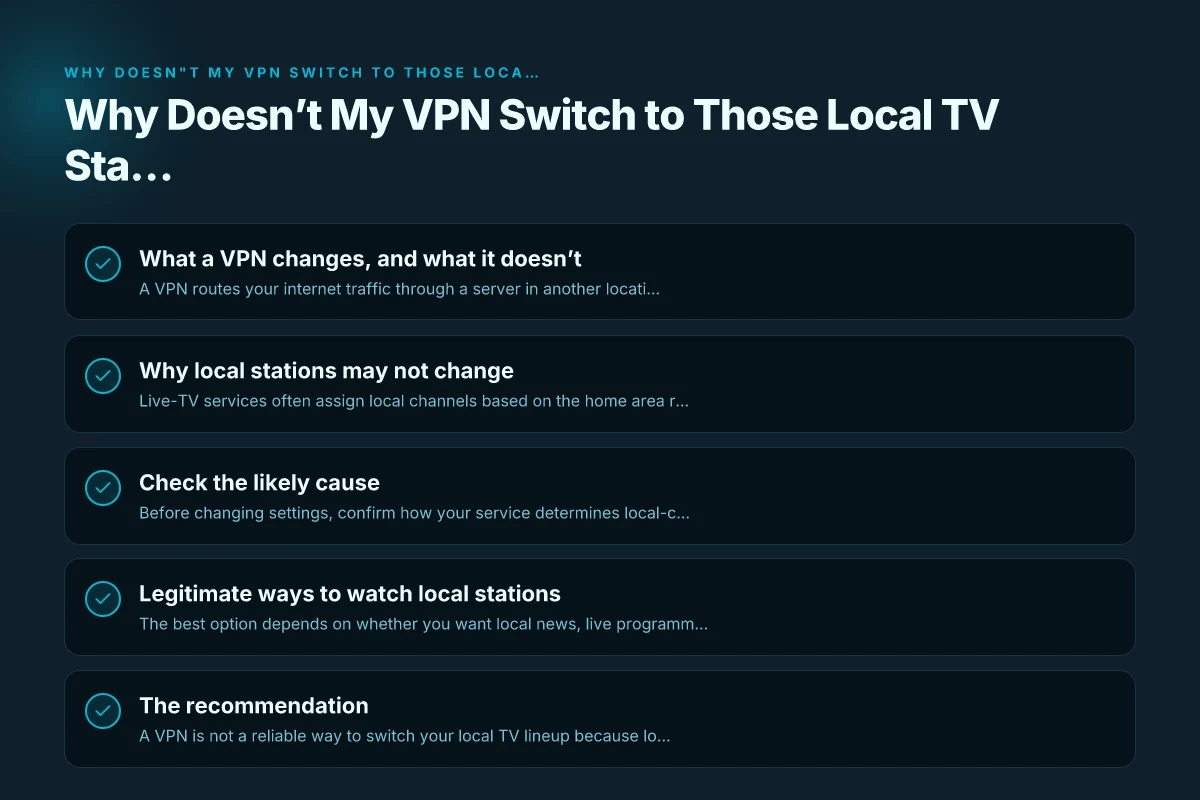
Why local stations may not change
Your account is linked to a home market
Live-TV services often assign local channels based on the home area registered to your account. That area may be set when you subscribe, confirm your home network, or activate a device. Connecting to a VPN server elsewhere may not override it.
Some services also limit how often you can update your home location. Those rules help them apply regional broadcast agreements and prevent account sharing outside the terms of service.
The app checks more than your IP address
A TV app might compare your IP address with other signals, such as device location permissions, Wi-Fi network information, or the location associated with your account. Phones and tablets may provide GPS-based location when an app requests it.
If those signals do not match the VPN server’s location, the service may keep showing your usual local stations, ask you to verify your location, or block live playback. IPsec Port: Which Ports and Protocols Does IPsec Use?
The VPN server is recognized or mislocated
Streaming services may identify IP addresses commonly used by VPNs and proxies. They can also have outdated or inaccurate location records for an address. As a result, a server labeled for one city might be detected as belonging to another place, or not accepted as a residential connection at all.
Switching repeatedly between servers is not a dependable fix. It may trigger extra verification or conflict with the service’s rules.
The station is not available through your service
Not every streaming package carries every local affiliate. A station may also be available only in certain markets, or its live feed may be restricted even when on-demand programs are offered. A VPN cannot grant rights that the provider does not have.
Check the likely reason local stations haven’t changed VPN Country Changer Free: How to Change Your Virtual Location Safely
| What you notice | Likely cause | What to check | Useful next step |
|---|---|---|---|
| Station lineup stays the same | Account home market | Service account settings | Check the service’s market rules |
| App reports your real location | GPS or location permission | Device location settings | Review app permissions |
| VPN is connected but no change | Service uses more than IP | Account and device signals | Check the service’s location requirements |
| A channel is missing | Local rights or availability | Channel lineup for your area | Contact the service |
| VPN connection appears elsewhere | VPN server location | Selected server | Confirm the server and reconnect |
| Location prompt keeps appearing | App requires verification | App settings and prompts | Follow the service’s instructions |
| Broadcast reception is unchanged | Antenna coverage | Antenna placement and signal | Check local broadcast coverage |
Compiled November 2026; check the provider's site for current details.
Check the likely cause
Before changing settings, confirm how your service determines local-channel access. Check its help pages for terms such as “home location,” “home network,” “local channels,” and “location verification.” Then compare your account’s registered area with the market you expect.
| What you see | Possible reason | What to check |
|---|---|---|
| Your usual local stations still appear | Your account’s home market controls the lineup | Review the home location in your account |
| The app asks to verify your location | Device or network location signals do not match | Check the app’s location permission and service guidance |
| A VPN connection works, but live TV does not | The service may block VPN traffic or require an eligible market | Check the provider’s VPN and location policies |
| One station is missing | Your plan or market may not include it | Compare the channel lineup for your exact ZIP code |
| The station appears, but playback fails | Regional rights or location verification may restrict the stream | Contact the service or station for availability details |
You can also restart the app and device, check for app updates, and confirm that your subscription is active. These steps can resolve ordinary errors, but they will not change market eligibility or bypass a provider’s location rules.
Legitimate ways to watch local stations
The best option depends on whether you want local news, live programming, or a particular station’s shows. Free VPN for PC to Change Location: What to Know Before You Connect
- Use an over-the-air antenna. If you are within broadcast range, an antenna can receive local channels without a VPN or a live-TV streaming subscription. Reception depends on distance, terrain, buildings, and antenna placement.
- Check the station’s app or website. Some local broadcasters offer news clips, live newscasts, or limited streaming. Availability varies by station and location.
- Review your TV provider’s channel lineup. Enter your actual ZIP code on the provider’s official site to see which local affiliates are included.
- Ask the streaming service about travel and home-location rules. If you have moved or are temporarily away, support can explain what your plan allows and how to update your account correctly.
- Consider an eligible local-channel package. If you need a specific station, confirm that it is carried in your market before subscribing.
Avoid entering a false home address or trying to defeat location checks. Doing so may violate the service’s terms, lead to account verification problems, or prevent playback.
Legitimate ways to watch local stations
| Option | How it provides access | Local availability | Main consideration |
|---|---|---|---|
| Local TV antenna | Receives over-the-air broadcasts | Depends on signal coverage | Reception varies by location |
| Live TV streaming service | Carries local channels online | Depends on market and lineup | Check channels for your area |
| Station’s own app or website | Streams station content | Depends on station and program rights | Some content may be restricted |
| Cable TV | Delivers local channels through a provider | Depends on provider and location | Check the local channel package |
| Satellite TV | Delivers channels by satellite | Depends on package and market | Confirm local station availability |
| Network app | Offers network programming | Depends on app and rights | May require a TV provider login |
| Station locator | Identifies local station options | Based on your location | Use it to check station coverage |
Compiled November 2026; check the provider's site for current details.
The recommendation
A VPN is not a reliable way to switch your local TV lineup because local channels are usually tied to your account, market, subscription, and device location, not just your IP address. First check your provider’s location rules and channel list. For dependable local broadcasts, try an antenna. For streaming, use a service or station app that officially offers the channels in your area. Free VPN That Allows You to Change Location: What to Know