Vuze VPN Extension for Edge: What It Is and How to Choose a Safe Alternative

Learn whether a Vuze VPN extension is available for Edge and how to protect Vuze traffic with a suitable VPN.


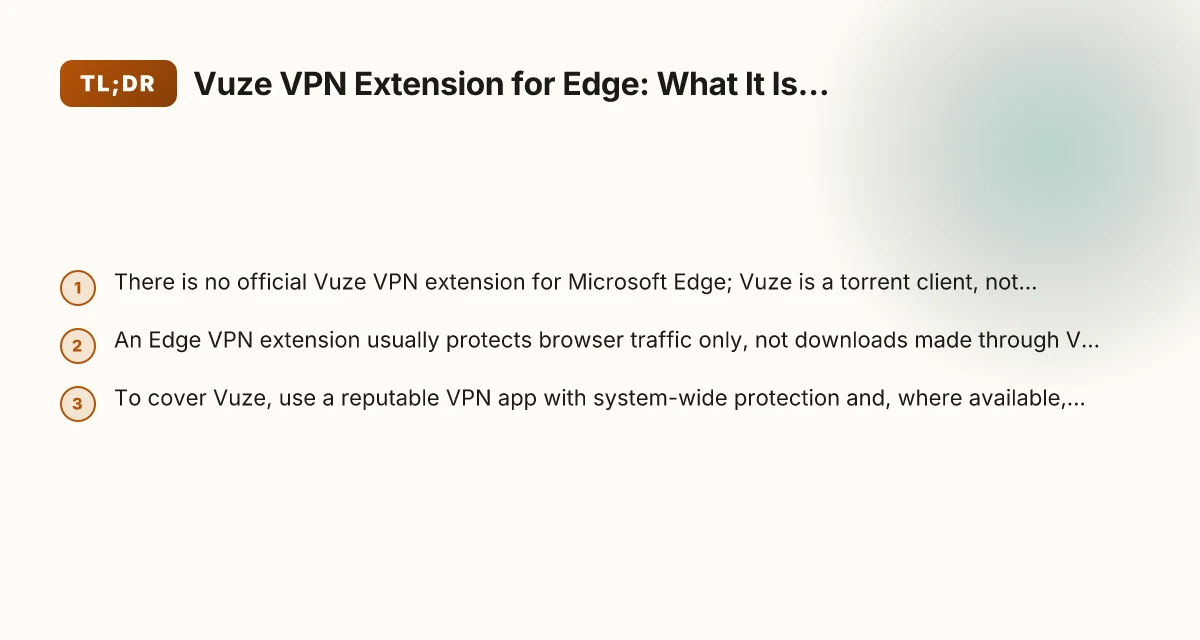
If you’re searching for a “Vuze VPN extension for Edge,” the key point is that Vuze does not provide an official VPN extension for Microsoft Edge. Vuze is a BitTorrent client used to manage torrent downloads, while a VPN is a separate privacy service. An Edge extension marketed as a VPN may protect traffic inside the browser, but it generally will not route Vuze’s connections through the VPN.
To protect Vuze traffic, choose a reputable VPN service that offers a desktop app for your operating system. Connect through that app before opening Vuze, and check the VPN provider’s settings for features such as a kill switch and leak protection. The exact options and results depend on your device, VPN, and network configuration.
| VPN | Obfuscation | From / month | Plan | Free plan | Refund | Alipay | UnionPay | Crypto | Website opens in China | Trustpilot | |
|---|---|---|---|---|---|---|---|---|---|---|---|
 ZoogVPN | Turn on manually Shadow | $2.49/mo | 27 months: $59.99 | Yes | 7 days | ✓ | ✓ | ✓ | ✓ | Official site blocked; our special link opens (4.4 s) | 4.2/5 (195 reviews) |
 NordVPN | Turn on manually Obfuscated Servers / NordWhisper | $3.49/mo | 27 months: $94.23 | No | 30 days | ? | ✗ | ✓ | ✓ | ✗ Blocked | 4.2/5 (51,628 reviews) |
 ExpressVPN | ✓ On by default all servers | $3.00/mo | 28 months: $84 | No | 30 days | ✗ | ✗ | ✓ | ✗ | ✗ Blocked | 4.4/5 (29,706 reviews) |
 Surfshark | ✓ On by default Camouflage, with OpenVPN | See site | See site | No | 30 days | ✗ | ✗ | ✗ | ✓ | ✗ Blocked | 4.3/5 (31,823 reviews) |
 Proton VPN | Turn on manually Stealth, free plan too | $2.99/mo | 12 months: $35.88 | Yes | 30 days | ✗ | ✗ | ✗ | ✓ | ✗ Blocked | 2.1/5 (1,040 reviews) |
 Astrill VPN | Turn on manually StealthVPN / OpenWeb | $12.50/mo | 24 months: $300 | No | See site | ✗ | ✗ | ✗ | ✓ | ✗ Blocked | 1.3/5 (110 reviews) |
 Private Internet Access | Turn on manually Shadowsocks, OpenVPN only | $2.03/mo | 40 months: $81.2 | No | 30 days | ✗ | ✗ | ✗ | ✗ | ✗ Blocked | 4.2/5 (11,033 reviews) |
 CyberGhost | Turn on manually selected servers | $2.19/mo | 28 months: $61.32 | No | 45 days | ✗ | ✗ | ✗ | ✓ | ✗ Blocked | 4.0/5 (24,178 reviews) |
 PureVPN | Turn on manually switch to OpenVPN | $1.69/mo | 60 months: $101.55 | No | 31 days | ? | ? | ✗ | ✓ | ✗ Blocked | 4.4/5 (17,994 reviews) |
 AdGuard VPN | ✓ On by default TrustTunnel | $2.99/mo | 24 months: $71.76 | Yes | 30 days | ✓ | ✗ | ✓ | ✓ | Official site blocked; our special link opens (3.7 s) | 4.3/5 (290 reviews) |
 Mullvad | Turn on manually QUIC / Shadowsocks / LWO | $5.61/mo | €5/mo | No | 14 days | ✗ | ✗ | ✗ | ✓ | ✗ Blocked | 3.2/5 (192 reviews) |
 Windscribe | Turn on manually Stealth / WStunnel | $5.75/mo | 12 months: $69 | Yes | See site | ✗ | ✗ | ✗ | ✓ | ✗ Blocked | 4.7/5 (13,355 reviews) |
 StrongVPN | Turn on manually Scramble, OpenVPN TCP | See site | See site | No | 30 days | ✓ | ✗ | ✗ | ✗ | ✗ Blocked | 4.4/5 (2,695 reviews) |
 LightXtreme 闪连 | Not listed | $7.08/mo | 12 months: $84.99 | Yes | 30 days | ✓ | ✓ | ✓ | ✓ | ✓ Yes (3.5 s) | No page |
Prices checked 2026-11-10 on each vendor's pricing page (cheapest long plan, USD). Check the vendor's checkout for the final price.
Obfuscation checked 2026-11-14 on each vendor's site and help center: "on by default" = nothing to set; "turn on manually" = switch protocol or mode in settings; "not listed" = the vendor describes no obfuscation.
Payment methods checked 2026-11-10 on each vendor's payment pages: all 14 take cards and PayPal; ✗ = not listed, ? = the vendor's own pages disagree.
China access: whether the official website opens from mainland China networks (tests the website only, not the VPN connection). Last checked 2026-11-18 01:02 Beijing time.
Trustpilot score and review count checked 2026-11-10.

Editor's pick: NordVPN — fast, secure VPN — Strong encryption, a no-logs policy and apps for every device. 30-day money-back guarantee. Get NordVPN →
What an Edge VPN extension covers—and what Vuze needs
| Option | Covers Edge browsing | Covers Vuze traffic | App-wide protection | Main limitation |
|---|---|---|---|---|
| Edge VPN extension | Yes | Usually no | No | Often protects only browser traffic |
| VPN desktop app | Yes, if configured | Yes, if Vuze uses the VPN connection | Yes | Requires installing and configuring an app |
| VPN with split tunneling | Yes, if included | Yes, if Vuze is routed through VPN | Selective | Incorrect routing can leave Vuze exposed |
| Proxy configured in Vuze | No | Yes, if supported and configured | No | Does not protect other apps |
| VPN app plus kill switch | Yes, if configured | Yes, if Vuze uses the VPN connection | Yes | Kill switch availability and settings vary |
| No VPN | No | No | No | Vuze traffic uses the regular connection |
Compiled November 2026; check the provider's site for current details.
Is there an official Vuze VPN extension for Edge?
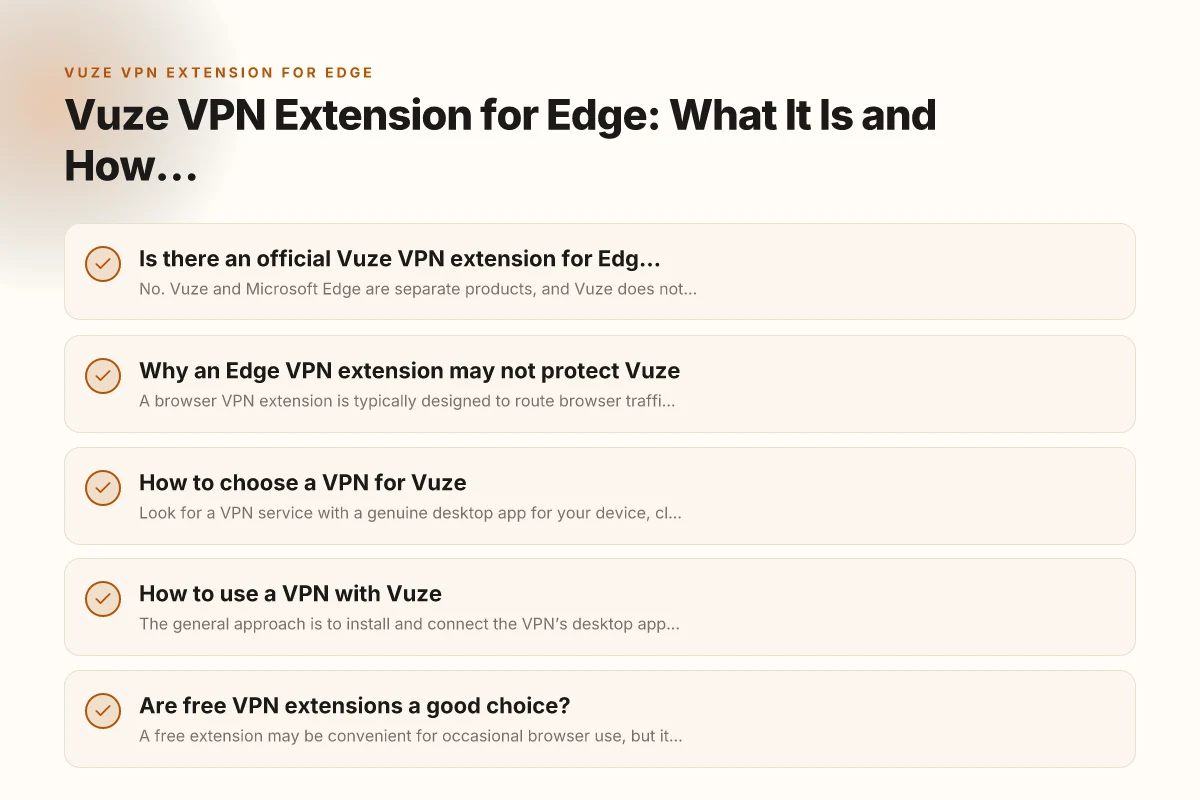
No. Vuze and Microsoft Edge are separate products, and Vuze does not offer an official Edge VPN extension. Search results or browser add-ons using the words “Vuze VPN” may refer to unrelated services, third-party tools, or misleading product names.
Be cautious with extensions that claim to be official without a clear connection to a known VPN provider. Before installing any browser add-on, check its developer, privacy policy, permissions, reviews, and support information. An extension that asks for broad access to browsing activity can create privacy risks, especially if its operator is unknown.
Also distinguish a VPN from a proxy. Both can route some traffic through another server, but they work differently and may provide different levels of protection. A product’s name alone does not tell you which traffic it covers.
Why an Edge VPN extension may not protect Vuze
A browser VPN extension is typically designed to route browser traffic. Vuze is a separate application, so its connections may continue to use your regular internet connection even while the extension is active in Edge. VPN for Edge Free: How to Choose a Safe, Useful Option
That distinction matters if you expect Vuze downloads to use the VPN. Seeing a VPN icon or a changed location in Edge does not prove that Vuze is protected. Similarly, a VPN running in the browser should not be assumed to cover other apps on your computer.
| Option | Typically covers | Possible limitation |
|---|---|---|
| Edge VPN extension | Traffic routed through the browser extension | Usually does not cover Vuze or other desktop apps |
| VPN desktop app | Often covers device traffic while connected | Coverage and leak protection vary by provider and settings |
| Proxy configured in Vuze | Vuze traffic using that proxy configuration | May not encrypt all traffic or protect other apps |
These are general distinctions, not guarantees. Read the provider’s documentation to confirm what its product covers.
How to choose a VPN for Vuze
Look for a VPN service with a genuine desktop app for your device, clear privacy information, and support for the operating system you use. If your goal is to route Vuze traffic through the VPN, confirm that the provider allows the relevant type of traffic and explains how its app handles peer-to-peer connections.
Useful features to compare include: Free VPN Edge: Your Options, Risks, and How to Choose
- A kill switch that can block internet access if the VPN connection drops.
- DNS and IPv6 leak protection, if supported on your device.
- Clear explanations of which apps and connections are covered.
- Transparent privacy and data-retention policies.
- Reliable customer support and regularly maintained software.
- Straightforward cancellation terms and pricing.
No feature list can guarantee complete privacy. Your device, operating system, app configuration, and network can all affect how traffic is routed. Avoid relying on marketing claims alone. Consult current documentation and test your setup carefully.
How to compare VPNs for Vuze
| Criterion | What to look for | Why it matters | Check before choosing |
|---|---|---|---|
| Vuze traffic coverage | Desktop app that routes Vuze traffic | A browser extension may not cover Vuze | Confirm Vuze is included |
| Kill switch | Available and configurable | Can block traffic if the VPN disconnects | Check whether it applies to Vuze |
| Torrenting policy | Explicitly permitted | Some services restrict peer-to-peer traffic | Read current terms |
| Server availability | Locations suitable for your needs | Affects connection choices | Check current server list |
| Privacy practices | Clear logging and privacy policies | Helps assess how connection data is handled | Review the provider’s policy |
| Performance | Suitable speeds for your use | VPN routing can affect transfers | Look for current, independent testing |
| Device support | Compatible desktop app | Vuze needs protection beyond Edge | Check your operating system |
| Free plan limits | Clear data and feature restrictions | Limits may affect sustained transfers | Review caps and restrictions |
Compiled November 2026; check the provider's site for current details.
How to use a VPN with Vuze
The general approach is to install and connect the VPN’s desktop app before using Vuze. Then confirm that the VPN is active and review its protection settings. If the app offers a kill switch, understand whether it blocks all internet traffic or only selected apps when the connection drops. What Is a Proxy vs VPN? Key Differences and Which to Choose
Some VPNs provide app-specific routing or split tunneling. These features can let you choose which applications use the VPN, but the names and behavior vary. If you use one, make sure Vuze is included in the protected-app list rather than assuming it is covered automatically.
A careful setup process looks like this:
- Download the VPN app from the provider’s official website or your device’s trusted app store.
- Install it, sign in, and review its privacy and connection settings.
- Enable a kill switch and leak protections if available and appropriate for your device.
- Connect to a VPN server before launching Vuze.
- Check the provider’s instructions for confirming that the intended applications use the VPN.
- If the VPN disconnects, stop or pause Vuze until protection is restored.
The steps differ between providers. For technical configuration, follow the VPN’s current guidance rather than copying settings from an unrelated extension or an outdated forum post.
Are free VPN extensions a good choice?
A free extension may be convenient for occasional browser use, but it is not automatically suitable for protecting a torrent client. Many extensions cover only browser traffic, and free services may impose limits on data, speed, server choice, or available security features. Some may collect data or provide unclear information about how they fund the service. Edge Extensions VPN: How to Choose and Use One
Before installing a free VPN extension, check whether it is actually a VPN, which traffic it covers, and what information it collects. Do not assume that a free browser add-on provides system-wide protection or a kill switch. For Vuze, the more relevant question is whether a reputable desktop VPN app covers the client’s traffic.
Choosing a safer setup for Vuze
| Setup | Vuze traffic protection | Browser protection | Setup effort | Best fit |
|---|---|---|---|---|
| Edge VPN extension alone | Usually no | Yes, if supported | Low | Browser-only use |
| VPN desktop app | Yes, when connected and configured | Yes, if system traffic is routed | Low to medium | Most Vuze users |
| VPN desktop app with kill switch | Yes, with correct routing | Yes, if system traffic is routed | Medium | Users seeking disconnect protection |
| VPN with split tunneling | Yes, if Vuze is selected | Depends on routing settings | Medium | Users who need selective app routing |
| Proxy configured in Vuze | Yes, if supported and correctly configured | No | Medium | Users who only need Vuze routing |
| Free VPN extension alone | Usually no | May be limited | Low | Not a substitute for app-wide coverage |
| No VPN | No | No | None | Users who do not need VPN protection |
Compiled November 2026; check the provider's site for current details.
Recommendation
There is no official Vuze VPN extension for Edge, and an Edge extension alone generally will not protect Vuze. If you want Vuze traffic to use a VPN, choose a trustworthy provider with a desktop app, confirm its coverage and privacy features, and configure it before opening Vuze. Use the provider’s official instructions, keep your software updated, and never treat a browser VPN indicator as proof that a separate desktop app is protected. Urban VPN for Microsoft Edge: How to Install, Use, and Stay Safe