VPN That Allows You to Choose Location for Free: What to Know
Compare free VPNs that offer location choice, understand their limits, and pick a safer option for your needs.


If you’re looking for a VPN that allows you to choose a location for free, start by checking Windscribe or PrivadoVPN: their free plans have offered access to selectable server locations, though availability and limits can change. Proton VPN is a well-regarded free option, but its free plan may assign a server instead of letting you choose any country. No free VPN guarantees access to every location, and streaming services may block VPN connections.

Editor's pick: NordVPN — fast, secure VPN — Strong encryption, a no-logs policy and apps for every device. 30-day money-back guarantee. Get NordVPN →
Compare free VPNs that may offer location choice
| VPN | Free location choice | Free-plan limits | Platform support | Safety checks |
|---|---|---|---|---|
| Proton VPN | Check current free locations | Check current limits | Check supported devices | Review privacy policy |
| Windscribe | Check current free locations | Check current limits | Check supported devices | Review privacy policy |
| PrivadoVPN | Check current free locations | Check current limits | Check supported devices | Review privacy policy |
| TunnelBear | Check current free locations | Check current limits | Check supported devices | Review privacy policy |
| hide.me | Check current free locations | Check current limits | Check supported devices | Review privacy policy |
| Hotspot Shield | Check current free locations | Check current limits | Check supported devices | Review privacy policy |
Compiled November 2026; check the provider's site for current details.
| VPN | Obfuscation | From / month | Plan | Free plan | Refund | Alipay | UnionPay | Crypto | Website opens in China | Trustpilot | |
|---|---|---|---|---|---|---|---|---|---|---|---|
 Windscribe | Turn on manually Stealth / WStunnel | $5.75/mo | 12 months: $69 | Yes | See site | ✗ | ✗ | ✗ | ✓ | ✗ Blocked | 4.7/5 (13,355 reviews) |
 Proton VPN | Turn on manually Stealth, free plan too | $2.99/mo | 12 months: $35.88 | Yes | 30 days | ✗ | ✗ | ✗ | ✓ | ✗ Blocked | 2.1/5 (1,040 reviews) |
 ZoogVPN | Turn on manually Shadow | $2.49/mo | 27 months: $59.99 | Yes | 7 days | ✓ | ✓ | ✓ | ✓ | Official site blocked; our special link opens (4.4 s) | 4.2/5 (195 reviews) |
 NordVPN | Turn on manually Obfuscated Servers / NordWhisper | $3.49/mo | 27 months: $94.23 | No | 30 days | ? | ✗ | ✓ | ✓ | ✗ Blocked | 4.2/5 (51,628 reviews) |
 ExpressVPN | ✓ On by default all servers | $3.00/mo | 28 months: $84 | No | 30 days | ✗ | ✗ | ✓ | ✗ | ✗ Blocked | 4.4/5 (29,706 reviews) |
 Surfshark | ✓ On by default Camouflage, with OpenVPN | See site | See site | No | 30 days | ✗ | ✗ | ✗ | ✓ | ✗ Blocked | 4.3/5 (31,823 reviews) |
 Astrill VPN | Turn on manually StealthVPN / OpenWeb | $12.50/mo | 24 months: $300 | No | See site | ✗ | ✗ | ✗ | ✓ | ✗ Blocked | 1.3/5 (110 reviews) |
 Private Internet Access | Turn on manually Shadowsocks, OpenVPN only | $2.03/mo | 40 months: $81.2 | No | 30 days | ✗ | ✗ | ✗ | ✗ | ✗ Blocked | 4.2/5 (11,033 reviews) |
 CyberGhost | Turn on manually selected servers | $2.19/mo | 28 months: $61.32 | No | 45 days | ✗ | ✗ | ✗ | ✓ | ✗ Blocked | 4.0/5 (24,178 reviews) |
 PureVPN | Turn on manually switch to OpenVPN | $1.69/mo | 60 months: $101.55 | No | 31 days | ? | ? | ✗ | ✓ | ✗ Blocked | 4.4/5 (17,994 reviews) |
 AdGuard VPN | ✓ On by default TrustTunnel | $2.99/mo | 24 months: $71.76 | Yes | 30 days | ✓ | ✗ | ✓ | ✓ | Official site blocked; our special link opens (3.7 s) | 4.3/5 (290 reviews) |
 Mullvad | Turn on manually QUIC / Shadowsocks / LWO | $5.61/mo | €5/mo | No | 14 days | ✗ | ✗ | ✗ | ✓ | ✗ Blocked | 3.2/5 (192 reviews) |
 StrongVPN | Turn on manually Scramble, OpenVPN TCP | See site | See site | No | 30 days | ✓ | ✗ | ✗ | ✗ | ✗ Blocked | 4.4/5 (2,695 reviews) |
 LightXtreme 闪连 | Not listed | $7.08/mo | 12 months: $84.99 | Yes | 30 days | ✓ | ✓ | ✓ | ✓ | ✓ Yes (3.5 s) | No page |
Prices checked 2026-11-10 on each vendor's pricing page (cheapest long plan, USD). Check the vendor's checkout for the final price.
Obfuscation checked 2026-11-14 on each vendor's site and help center: "on by default" = nothing to set; "turn on manually" = switch protocol or mode in settings; "not listed" = the vendor describes no obfuscation.
Payment methods checked 2026-11-10 on each vendor's payment pages: all 14 take cards and PayPal; ✗ = not listed, ? = the vendor's own pages disagree.
China access: whether the official website opens from mainland China networks (tests the website only, not the VPN connection). Last checked 2026-11-18 01:02 Beijing time.
Trustpilot score and review count checked 2026-11-10.
Free VPNs that may let you choose a location
Free plans change over time, so confirm the available countries and features on the provider’s official site or app before signing up. These options are worth comparing:
- Windscribe: Its free plan has offered a choice among several locations, with a monthly data allowance. The number of locations and data available can depend on account setup and current plan terms.
- PrivadoVPN: Its free plan has offered a limited set of server locations and a monthly data cap. Check the current country list and whether the location you want is included.
- Proton VPN: Known for a strong privacy focus and an unlimited-data free plan, but free users may have limited server choice or be connected to a location selected by the service.
- TunnelBear: Its free plan has offered access to a broad range of countries, but the data allowance is generally small, making it better for occasional use than extended browsing.
“Choose a location” usually means choosing from a limited list of free servers, not gaining access to every country the company supports on paid plans.
| VPN | Free location choice | Main trade-off |
|---|---|---|
| Windscribe | A selection of locations may be available | Monthly data limits and plan restrictions |
| PrivadoVPN | A limited selection may be available | Monthly data limits |
| Proton VPN | Choice can be restricted on the free plan | Free servers may be assigned |
| TunnelBear | Many locations may be offered | Small free data allowance |
Features can change, so treat this as a starting point rather than a permanent guarantee.
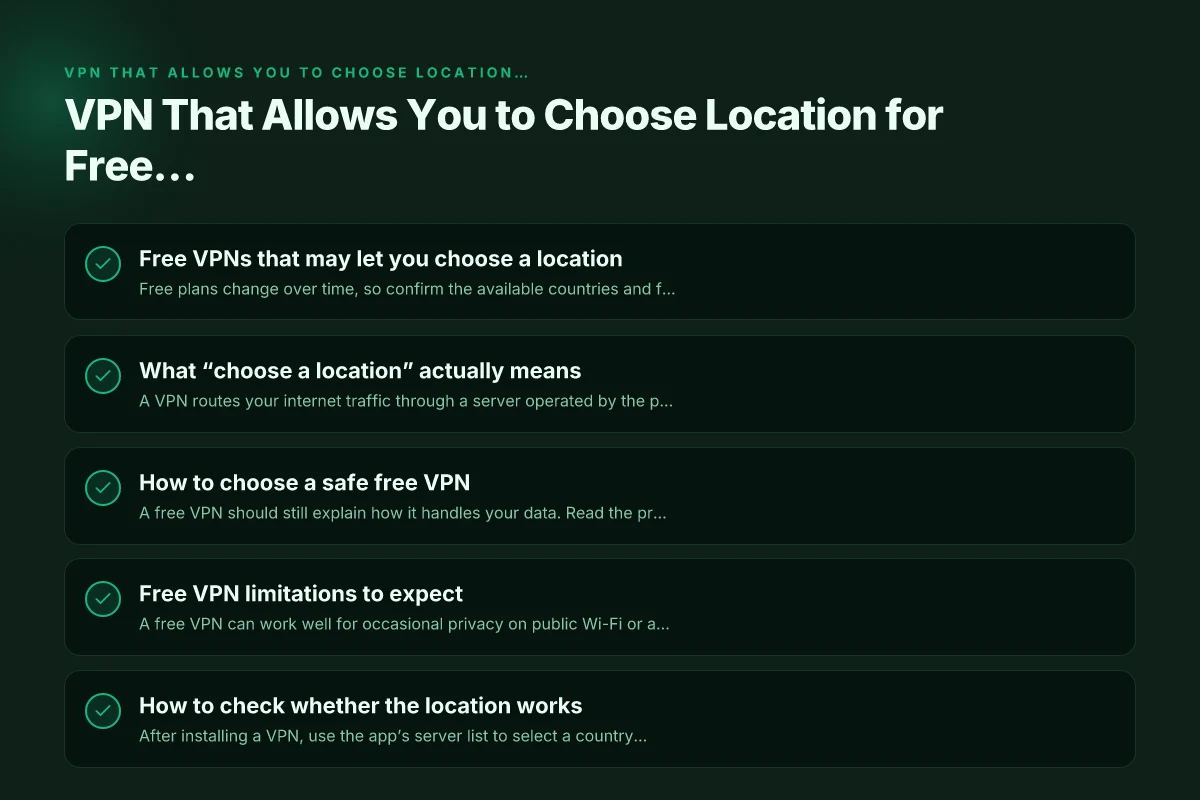
What “choose a location” actually means
A VPN routes your internet traffic through a server operated by the provider. Websites then typically see the server’s IP address rather than your home IP address. To appear to connect from a particular country, you need a VPN server in that country, and a plan that lets you select it. Free Location Changer VPN: What It Can, and Cannot, Do
Free plans commonly limit one or more of the following:
- The countries or individual servers you can select
- Monthly data or connection speed
- The number of devices you can use
- Access to streaming or peer-to-peer servers
- The ability to connect reliably during busy periods
A provider may advertise a large global network while reserving most locations for paying customers. Look for a current list specifically labeled as available to free users. If you need one particular country, confirm it is included before installing the app.
What “choose a location” can mean
| Choice type | What you select | What you may get | What to check |
|---|---|---|---|
| Country choice | A country | A server in that country | Is it available on the free plan? |
| City choice | A city | A nearby or named server | Are cities listed separately? |
| Server choice | An individual server | A specific endpoint | Can free users select it? |
| Automatic connection | No location selection | A server chosen by the app | Can you change it afterward? |
| Virtual location | A displayed country | A server physically elsewhere | Does the provider disclose this? |
| Streaming location | A country or server | A possible regional IP address | Does the service allow access? |
Compiled November 2026; check the provider's site for current details. Best Free VPN That Lets You Pick Locations: What to Choose
How to choose a safe free VPN
A free VPN should still explain how it handles your data. Read the privacy policy and check whether the company describes its logging practices, ownership, and security features clearly. An independent audit can add confidence, though it does not guarantee that a service is right for every user.
Use this checklist:
- Clear business model: The provider should explain how it funds its free service, such as through paid subscriptions.
- Transparent privacy policy: Check what connection or usage data is collected and how long it is retained.
- Current security features: Look for modern VPN protocols, encryption, and protection against IP or DNS leaks.
- A real app from an official source: Download from the provider’s website or a recognized app store.
- Honest limits: Data caps, speed limits, and supported locations should be stated plainly.
Be cautious with unknown apps promising unlimited access to every country. A VPN handles sensitive internet traffic, so unclear ownership, aggressive advertising, or vague privacy terms are good reasons to look elsewhere.
Free VPN limitations to expect
A free VPN can work well for occasional privacy on public Wi-Fi or a quick connection through a supported country. It may be less suitable for long video calls, large downloads, frequent streaming, or constant use. FortiClient VPN 7.4.3 Download: Safe Sources and Installation Guide
Data limits are particularly important. A plan with a small monthly allowance can run out quickly when watching video. Even plans with more generous data may slow down at busy times or restrict certain activities. Free servers can also be less reliable than paid ones because many users share a smaller pool of connections.
Location choice does not guarantee that a website or service will accept the connection. Streaming platforms, banks, and other sites may detect VPN traffic, block an IP address, or ask for extra verification. A VPN also does not make you anonymous: websites can still identify you through account logins, cookies, and other tracking methods.
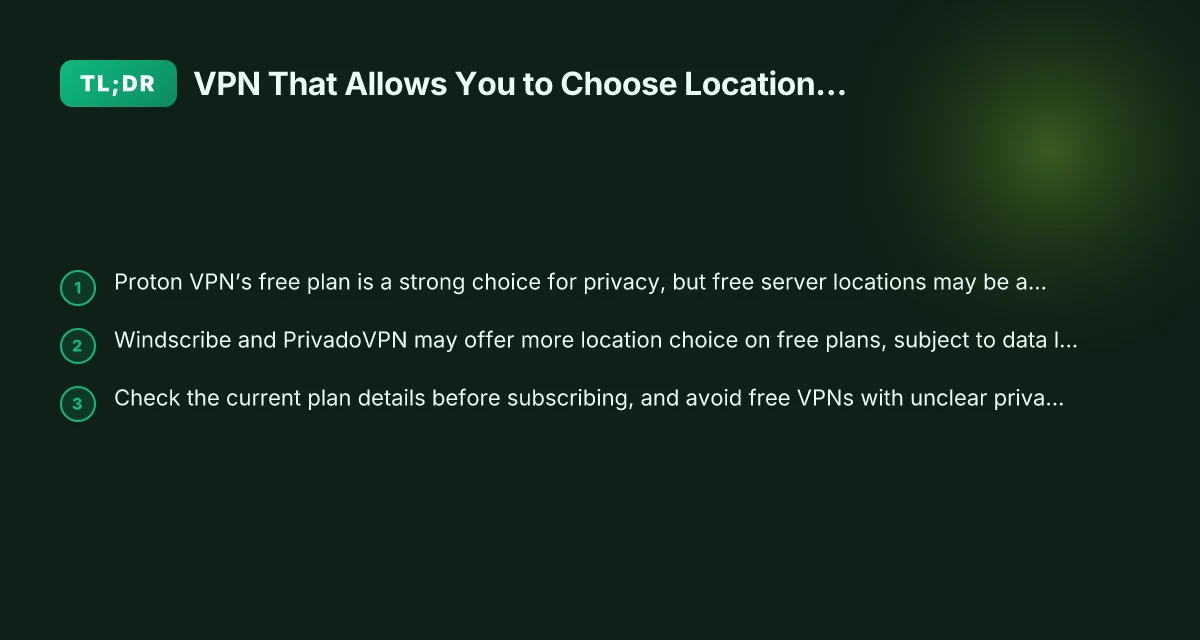
Check a free VPN before choosing it
| Check | Safer sign | Warning sign | How to verify |
|---|---|---|---|
| Provider identity | Established, identifiable company | Unknown publisher | Check the official website |
| Privacy policy | Clear data practices | Vague logging terms | Read the current policy |
| App source | Official app store or site | Unverified download link | Confirm the publisher |
| Permissions | Relevant to VPN functions | Unnecessary access requests | Review device settings |
| Free-plan terms | Limits stated clearly | Hidden restrictions | Check plan details |
| Location list | Free locations identified | Paid locations mixed in | Test the location picker |
| Connection | VPN status is shown | No clear connection indicator | Check app and system status |
| IP location | Matches the selected location | Shows another region | Compare with an IP lookup |
| DNS and leak checks | No unexpected location exposure | Real location appears | Run a reputable leak test |
Compiled November 2026; check the provider's site for current details. VPN for Microsoft Edge Extension: How to Choose and Use One
How to check whether the location works
After installing a VPN, use the app’s server list to select a country that is included in the free plan. Connect, then check your apparent IP location with a reputable IP-checking site. If the result does not match the selected country, disconnect and try another available server or contact the provider’s support.
For a basic check:
- Note your usual public IP address and location before connecting.
- Select the desired country in the VPN app and connect.
- Check your IP location again.
- If location privacy matters, run a DNS or WebRTC leak test as well.
- Disconnect if the app shows an unexpected location or the connection repeatedly drops.
If you need a stable connection to a specific country, a paid plan may be more practical. It usually provides a wider location list, more server capacity, and fewer data restrictions, but compare the cancellation and refund terms before paying.
Recommendation
For a free VPN with location choice, compare Windscribe and PrivadoVPN first, then verify that your preferred country is currently available on their free plans. Choose Proton VPN if privacy and generous data matter more than selecting a specific location. For occasional use, TunnelBear may also suit you if its data allowance is enough. In every case, check the current limits and privacy policy before connecting. Microsoft Edge VPN Free: What It Offers and What It Doesn’t