Tuxler VPN Chrome: How It Works, How to Install It, and What to Know
Learn how to use Tuxler VPN in Chrome, what its residential IPs offer, and the privacy and performance trade-offs to consider.
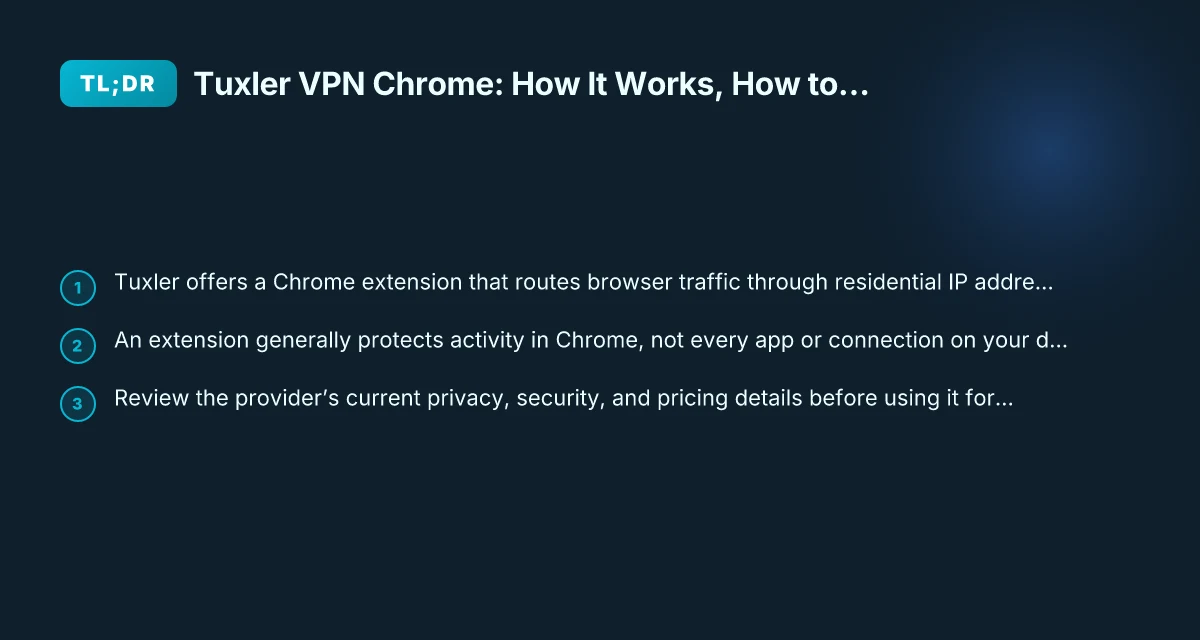
Tuxler VPN Chrome is a browser extension designed to route Chrome traffic through IP addresses associated with residential internet connections. It may help you access websites that show different content by location or avoid exposing your usual IP address to sites you visit. However, it is not the same as a full-device VPN, and its residential-IP approach raises privacy and trust questions worth considering before installation.

Editor's pick: NordVPN — fast, secure VPN — Strong encryption, a no-logs policy and apps for every device. 30-day money-back guarantee. Get NordVPN →
Browser VPN and proxy options at a glance
| Option | Where it runs | IP approach | Setup | Best fit |
|---|---|---|---|---|
| Tuxler VPN for Chrome | Chrome extension | Residential IPs | Install extension | Chrome-only browsing |
| Tuxler desktop app | Desktop app | Residential IPs | Install app | Device-level use |
| Chrome proxy extension | Chrome extension | Provider-dependent | Install extension | Browser proxy routing |
| Commercial VPN app | Desktop or mobile app | VPN server IPs | Install app | Device-wide VPN use |
| Browser private mode | Browser window | Your usual IP | Open private window | Local browsing privacy |
| Tor Browser | Dedicated browser | Tor exit IPs | Install browser | Tor network access |
Compiled November 2026; check the provider's site for current details.
| VPN | Obfuscation | From / month | Plan | Free plan | Refund | Alipay | UnionPay | Crypto | Website opens in China | Trustpilot | |
|---|---|---|---|---|---|---|---|---|---|---|---|
 ZoogVPN | Turn on manually Shadow | $2.49/mo | 27 months: $59.99 | Yes | 7 days | ✓ | ✓ | ✓ | ✓ | Official site blocked; our special link opens (4.4 s) | 4.2/5 (195 reviews) |
 NordVPN | Turn on manually Obfuscated Servers / NordWhisper | $3.49/mo | 27 months: $94.23 | No | 30 days | ? | ✗ | ✓ | ✓ | ✗ Blocked | 4.2/5 (51,628 reviews) |
 ExpressVPN | ✓ On by default all servers | $3.00/mo | 28 months: $84 | No | 30 days | ✗ | ✗ | ✓ | ✗ | ✗ Blocked | 4.4/5 (29,706 reviews) |
 Surfshark | ✓ On by default Camouflage, with OpenVPN | See site | See site | No | 30 days | ✗ | ✗ | ✗ | ✓ | ✗ Blocked | 4.3/5 (31,823 reviews) |
 Proton VPN | Turn on manually Stealth, free plan too | $2.99/mo | 12 months: $35.88 | Yes | 30 days | ✗ | ✗ | ✗ | ✓ | ✗ Blocked | 2.1/5 (1,040 reviews) |
 Astrill VPN | Turn on manually StealthVPN / OpenWeb | $12.50/mo | 24 months: $300 | No | See site | ✗ | ✗ | ✗ | ✓ | ✗ Blocked | 1.3/5 (110 reviews) |
 Private Internet Access | Turn on manually Shadowsocks, OpenVPN only | $2.03/mo | 40 months: $81.2 | No | 30 days | ✗ | ✗ | ✗ | ✗ | ✗ Blocked | 4.2/5 (11,033 reviews) |
 CyberGhost | Turn on manually selected servers | $2.19/mo | 28 months: $61.32 | No | 45 days | ✗ | ✗ | ✗ | ✓ | ✗ Blocked | 4.0/5 (24,178 reviews) |
 PureVPN | Turn on manually switch to OpenVPN | $1.69/mo | 60 months: $101.55 | No | 31 days | ? | ? | ✗ | ✓ | ✗ Blocked | 4.4/5 (17,994 reviews) |
 AdGuard VPN | ✓ On by default TrustTunnel | $2.99/mo | 24 months: $71.76 | Yes | 30 days | ✓ | ✗ | ✓ | ✓ | Official site blocked; our special link opens (3.7 s) | 4.3/5 (290 reviews) |
 Mullvad | Turn on manually QUIC / Shadowsocks / LWO | $5.61/mo | €5/mo | No | 14 days | ✗ | ✗ | ✗ | ✓ | ✗ Blocked | 3.2/5 (192 reviews) |
 Windscribe | Turn on manually Stealth / WStunnel | $5.75/mo | 12 months: $69 | Yes | See site | ✗ | ✗ | ✗ | ✓ | ✗ Blocked | 4.7/5 (13,355 reviews) |
 StrongVPN | Turn on manually Scramble, OpenVPN TCP | See site | See site | No | 30 days | ✓ | ✗ | ✗ | ✗ | ✗ Blocked | 4.4/5 (2,695 reviews) |
 LightXtreme 闪连 | Not listed | $7.08/mo | 12 months: $84.99 | Yes | 30 days | ✓ | ✓ | ✓ | ✓ | ✓ Yes (3.5 s) | No page |
Prices checked 2026-11-10 on each vendor's pricing page (cheapest long plan, USD). Check the vendor's checkout for the final price.
Obfuscation checked 2026-11-14 on each vendor's site and help center: "on by default" = nothing to set; "turn on manually" = switch protocol or mode in settings; "not listed" = the vendor describes no obfuscation.
Payment methods checked 2026-11-10 on each vendor's payment pages: all 14 take cards and PayPal; ✗ = not listed, ? = the vendor's own pages disagree.
China access: whether the official website opens from mainland China networks (tests the website only, not the VPN connection). Last checked 2026-11-18 01:02 Beijing time.
Trustpilot score and review count checked 2026-11-10.
What is Tuxler VPN for Chrome?
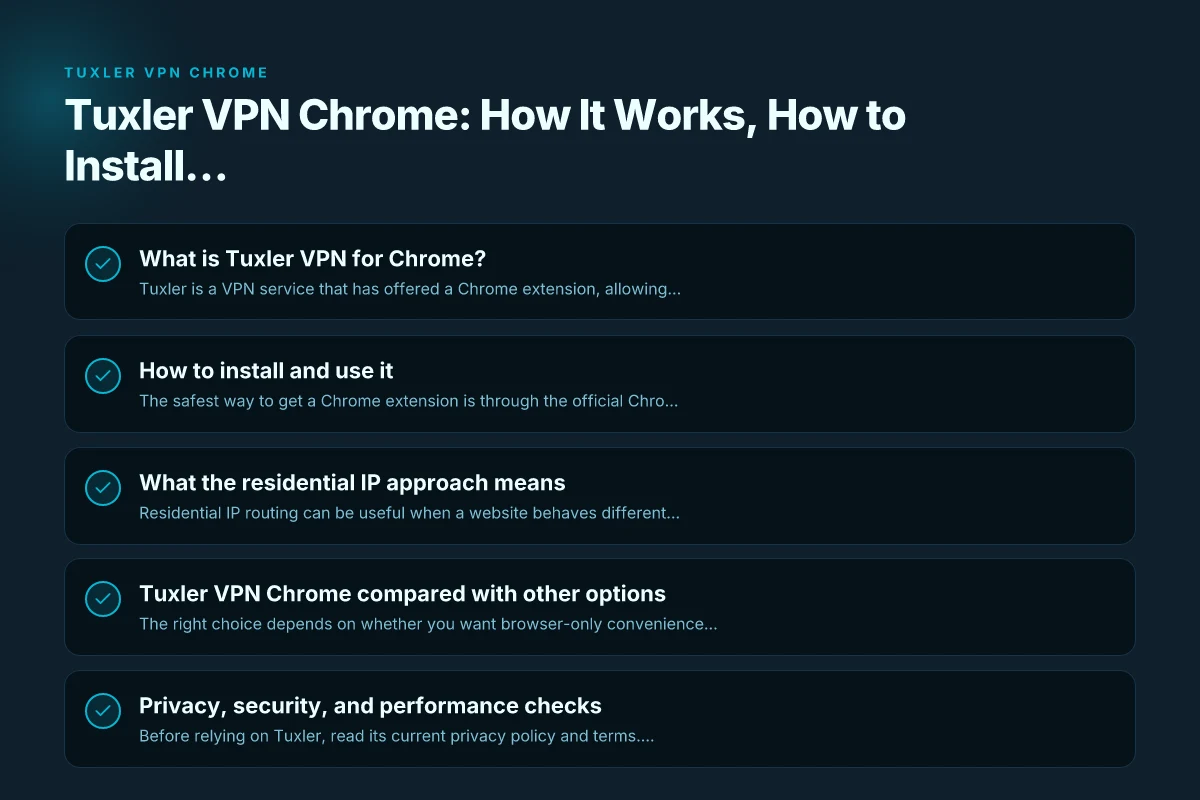
Tuxler is a VPN service that has offered a Chrome extension, allowing users to connect through a browser-based interface rather than setting up a traditional VPN app. The service is known for residential IP addresses: instead of relying only on IPs from commercial data centers, it presents connections associated with ordinary home internet networks.
That distinction can matter because some websites treat residential and data-center IP addresses differently. A residential IP may be less likely to trigger automated blocks, although access is never guaranteed. Websites can still detect VPN or proxy use, and availability depends on the destination, location, and current service network.
The Chrome extension is most relevant if you want to change the apparent IP address used by browser traffic. It should not be assumed to protect other software on your computer.
How to install and use it
The safest way to get a Chrome extension is through the official Chrome Web Store or a link provided by Tuxler’s official website. Avoid download sites and unofficial installers, which may distribute outdated or modified software. Urban VPN: Features, Apps, Benefits, and Privacy Considerations
A typical setup looks like this:
- Find the Tuxler VPN listing in the Chrome Web Store, or follow the provider’s official link to it.
- Check the publisher name, extension details, permissions, and recent reviews.
- Select “Add to Chrome” and review the requested permissions before confirming.
- Open the extension from Chrome’s toolbar and follow its sign-in or connection instructions.
- Visit an IP-checking website to see whether your browser appears to be using a different IP address.
Extension availability, features, and sign-in requirements can change. If the listing is unavailable or the publisher cannot be verified, do not install a copy from an unrelated site.
Check what is covered
A browser extension may route traffic from Chrome while leaving other applications on your regular connection. That can include desktop email clients, games, other browsers, and background services. If you need system-wide coverage, look for a compatible desktop or mobile VPN app and confirm that it supports your operating system.
What to check before using Tuxler VPN for Chrome VPN Change Location Free: Safe Ways to Switch Your IP Address
| Check | What to look for | Why it matters | How to verify |
|---|---|---|---|
| Permissions | Requested Chrome access | Limits extension access | Review install prompt |
| Privacy policy | Data collection and sharing | Clarifies data handling | Read current policy |
| IP behavior | Residential IP routing | Affects location and trust | Check a reputable IP lookup |
| DNS and WebRTC | Possible IP leaks | Can reveal network details | Run leak tests |
| Connection stability | Drops or slowdowns | Affects everyday browsing | Test common sites |
| Traffic scope | Browser-only or wider | Defines what is protected | Check extension settings |
| Updates | Recent maintenance | Helps identify stale software | Review store listing |
Compiled November 2026; check the provider's site for current details.
What the residential IP approach means
Residential IP routing can be useful when a website behaves differently toward data-center VPN addresses. It may also provide more location choices, depending on what the service currently offers. But “residential” does not automatically mean private, anonymous, or safer.
Before connecting, look for clear explanations of how the network works. In particular, find out whether users’ devices or connections can be involved in sharing or relaying traffic, what consent is required, and how the provider handles abuse reports. Do not assume that another person’s connection is being used, or that your own connection is never involved, without checking the provider’s current documentation.
A VPN also cannot make you anonymous by itself. Websites may identify you through logged-in accounts, cookies, browser fingerprints, or other tracking methods. Your internet provider may still see that you are connecting to a VPN service, even when it cannot see the contents of properly encrypted traffic. CJ VPN: What It Means and How to Find the Right VPN
Tuxler VPN Chrome compared with other options
The right choice depends on whether you want browser-only convenience, device-wide protection, or a particular type of IP address.
| Option | Coverage | Typical advantage | Main limitation |
|---|---|---|---|
| Tuxler Chrome extension | Primarily Chrome traffic | Convenient browser-based access to residential IPs | Does not necessarily cover other apps; review the network model |
| Full-device VPN app | Usually the whole device | Protects traffic across supported apps | May use data-center IPs and require a subscription |
| Proxy extension | Browser traffic, depending on setup | Can be simple for changing a browser’s apparent location | May not provide the same encryption or privacy features as a VPN |
| Tor Browser | Traffic inside Tor Browser | Designed to route browsing through multiple relays | Can be slower, and some sites block or restrict access |
These categories are not interchangeable. A VPN’s encryption, logging practices, location options, and device coverage vary by provider. A proxy may change your IP without encrypting the connection, while Tor has a distinct privacy model and is not a general replacement for a VPN.
Privacy, security, and performance checks
Before relying on Tuxler, read its current privacy policy and terms. Focus on what information it collects, how long it retains connection data, whether it shares data with partners, and how it responds to legal requests. Check whether the service clearly describes encryption and whether the Chrome extension has a documented update history.
Chrome permissions deserve attention too. Permissions can be necessary for an extension to work, but users should understand why access is requested. If the requested access seems broader than the stated function, pause and investigate. FortiClient VPN Download Windows 11: Safe Setup and Connection Guide
Performance can vary with the selected location, network congestion, and the distance between you and the exit IP. Residential routing may be slower or less consistent than a nearby commercial VPN server. Streaming, banking, shopping, and other sites may also block connections or ask for additional verification.
Keep in mind:
- A changed IP address does not erase cookies or account-based tracking.
- A VPN extension does not protect traffic from every app on your device.
- Free access, if offered, can come with limits or different terms from paid plans.
- VPN use may be restricted by some workplaces, schools, services, or local laws.
- No VPN should be treated as a guarantee of anonymity or safe access to restricted content.
Choosing an option for your browsing needs
| Need | Tuxler Chrome | Commercial VPN | Tor Browser | Private mode |
|---|---|---|---|---|
| Chrome-only routing | Supported | Usually device-wide | No | No |
| Residential IP approach | Yes | Usually no | No | No |
| Device-wide coverage | No | Yes | No | No |
| Hides activity from websites | Changes apparent IP | Changes apparent IP | Routes through Tor | No |
| Prevents local history storage | No | No | Browser-specific | Yes |
| Requires a separate browser | No | No | Yes | No |
Compiled November 2026; check the provider's site for current details. Urban VPN Extension Edge: How to Install and Use It
Recommendation
Tuxler VPN Chrome may suit someone who specifically wants a browser extension with residential IP options and understands that coverage is limited to Chrome. Install it only from a verifiable official source, review the permissions and current privacy terms, and test its coverage before relying on it.
For sensitive accounts, work activity, or protection across an entire device, compare reputable full-device VPNs with transparent security practices and clear logging policies. Choose based on the protection you actually need, not simply on whether a service can provide a different IP address.