TunnelBear Extension: What It Does and How to Use It

Learn what the TunnelBear extension does, how to install it, its limitations, and when to use it instead of the full VPN app.
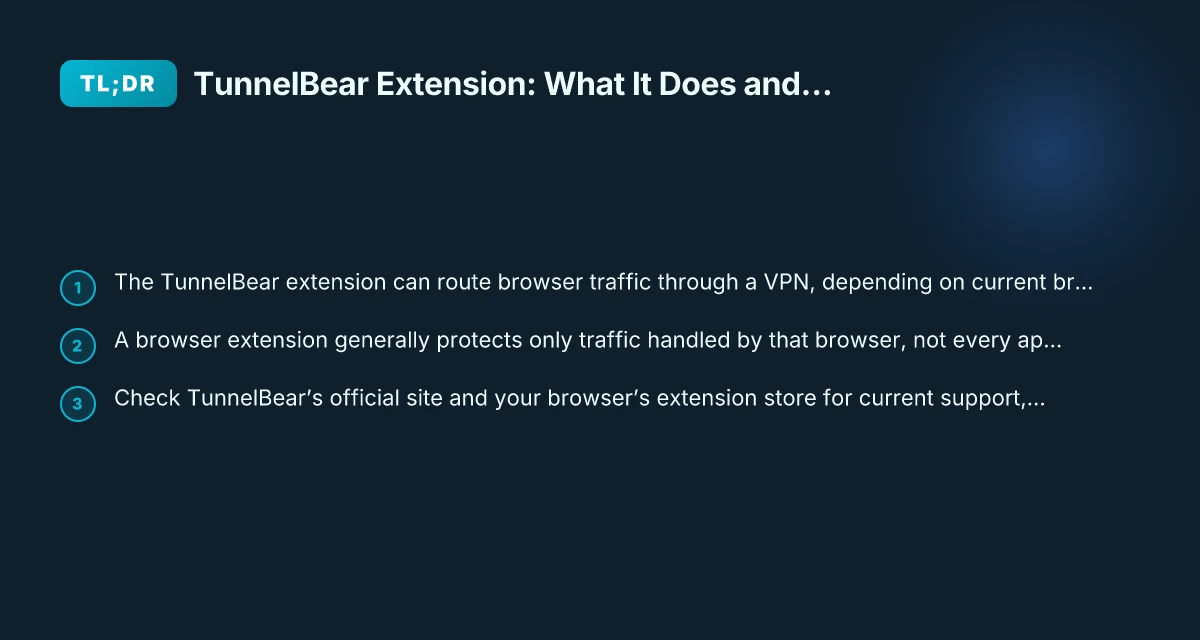
The TunnelBear extension is a browser add-on designed to help route browser traffic through TunnelBear’s VPN service. It can be useful for browsing on public Wi-Fi or accessing websites through a different virtual location, but it is not necessarily a replacement for the full TunnelBear app. Exact availability and features can change, so confirm the current offering through TunnelBear’s official website and your browser’s extension store before installing.

Editor's pick: NordVPN — fast, secure VPN — Strong encryption, a no-logs policy and apps for every device. 30-day money-back guarantee. Get NordVPN →
Compare TunnelBear browser extension and full VPN app
| Feature | Browser extension | Full VPN app | What to consider |
|---|---|---|---|
| Where it runs | Supported browser | Device operating system | Choose by coverage needed |
| Traffic covered | Browser traffic | Device traffic | App covers more than the browser |
| Setup | Install browser extension | Install the VPN app | Both require setup |
| Connection control | Browser toolbar | App interface | Controls are in different places |
| Other applications | Not covered | Covered by the VPN connection | Use the app for non-browser traffic |
| Browser use | Designed for browser sessions | Works alongside device apps | Pick based on how you browse |
| Best fit | Browser-only protection | Broader device protection | Match the tool to your needs |
Compiled November 2026; check the provider's site for current details.
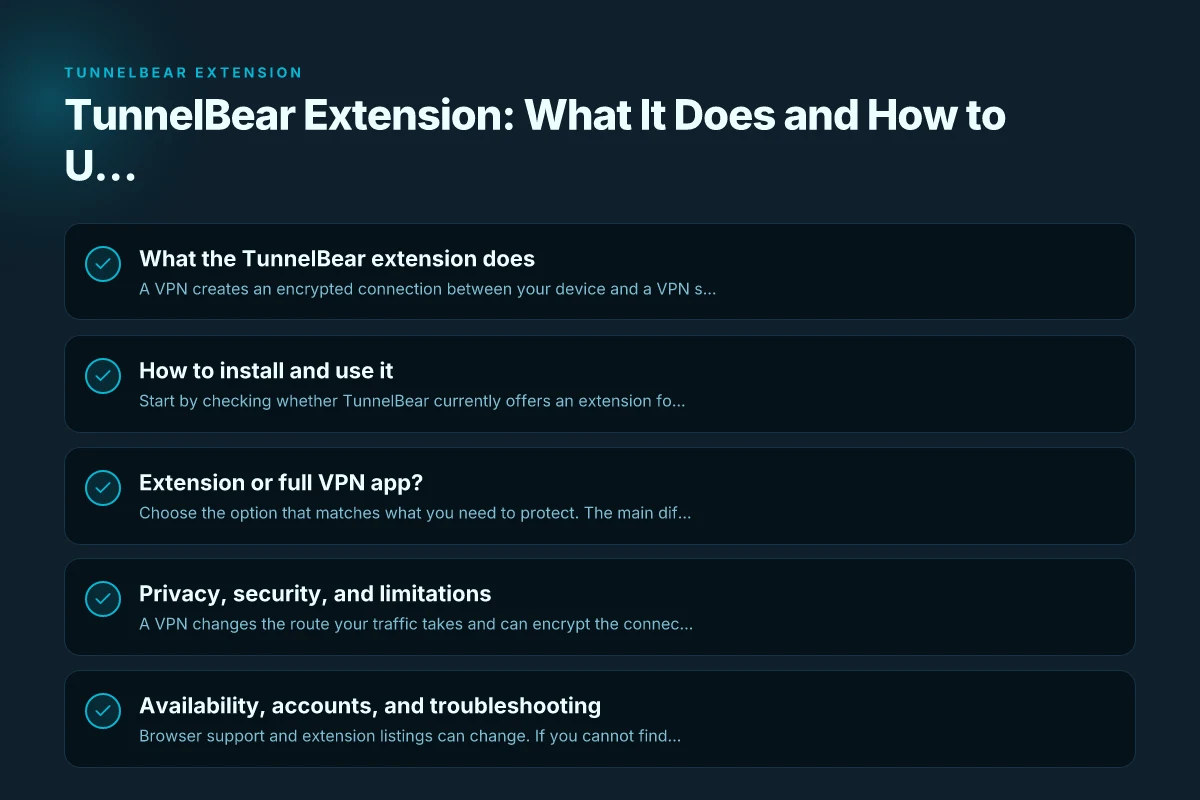
What the TunnelBear extension does
A VPN creates an encrypted connection between your device and a VPN server. When a supported browser extension is active, it can direct that browser’s traffic through the VPN connection. Websites may then see the server’s IP address rather than your usual public IP address.
This can help reduce exposure of browser traffic on untrusted networks and can provide a different apparent location for browsing. It does not make you anonymous, however. Websites can still identify you through account logins, cookies, browser settings, and other tracking methods.
A browser extension is also different from a device-wide VPN app. Depending on how the extension works, it may cover only the supported browser, not other browsers, games, messaging apps, or background services on your device.
How to install and use it
Start by checking whether TunnelBear currently offers an extension for your browser. Use the official browser extension store or a link from TunnelBear’s website rather than downloading an add-on from an unfamiliar site. Clash for iPad: How to Play and What to Know
A typical setup looks like this:
- Open your browser’s official extension store.
- Search for TunnelBear and confirm the publisher is legitimate.
- Review the permissions and privacy information before adding the extension.
- Install it, then sign in or create an account if prompted.
- Choose a server location and connect.
- Check the extension’s status before visiting sites where you want VPN protection.
After connecting, verify that the browser’s traffic is using the VPN. You can use a reputable IP-checking website, but remember that an IP check only confirms the apparent address at that moment. It does not prove that every type of browser traffic is protected.
Extension or full VPN app?
Choose the option that matches what you need to protect. The main difference is scope.
| Feature | Browser extension | Full TunnelBear app |
|---|---|---|
| Typical coverage | Traffic handled by the supported browser | Usually traffic from more of the device |
| Setup | Installed in a browser | Installed as a device application |
| Best suited to | Browser-focused use | Protecting multiple apps and connections |
| Availability | Depends on current browser support | Depends on supported operating systems |
| Location selection and limits | Check current extension details | Check current app and plan details |
This is a general comparison, not a guarantee of specific TunnelBear features. Product behavior can vary by browser, operating system, account, and version. If you want protection for all internet activity on a laptop or phone, the full VPN app is usually the more appropriate place to start. Free VPN Extension for Edge: What to Know Before You Install
Decide whether TunnelBear extension meets your needs
| Need or situation | Extension fit | Full VPN app fit | Check before choosing |
|---|---|---|---|
| Protect browser traffic | Suitable | Suitable | Confirm browser support |
| Protect traffic from other apps | Not suitable | Suitable | Extension covers browser traffic |
| Control protection from browser | Suitable | Not the main interface | Check available browser controls |
| Use TunnelBear on a device | Browser-based option | Device-wide option | Check operating system support |
| Prefer a browser add-on | Suitable | Requires app installation | Follow current installation steps |
| Need broader VPN coverage | Limited to browser | Better fit | Consider all device traffic |
| Troubleshoot connection issues | Check extension and browser | Check app and device | Verify account and connection |
Compiled November 2026; check the provider's site for current details.
Privacy, security, and limitations
A VPN changes the route your traffic takes and can encrypt the connection between your device and the VPN service. It does not prevent every form of tracking or guarantee that a website will be accessible. A site may still use your account, cookies, device information, or other signals to recognize you.
Keep these points in mind: FortiClient VPN Setup: A Step-by-Step Guide for Windows, Mac, and Mobile
- Check the coverage. An extension may protect only one browser. Apps and other browsers can continue to connect outside it.
- Review permissions. Browser extensions may request access to browsing data or network activity. Install only the official extension and understand its permissions.
- Do not assume every website will work. Some services block VPN traffic or restrict content by region.
- Use secure websites. Look for HTTPS, especially when signing in or entering payment details.
- Keep the software updated. Updates can address security issues and maintain compatibility.
- Read current privacy terms. Review TunnelBear’s privacy policy and product documentation to understand how the service handles data.
A VPN is one part of a broader privacy approach. Strong, unique passwords, multi-factor authentication, updated software, and careful sharing of personal information remain important.
Availability, accounts, and troubleshooting
Browser support and extension listings can change. If you cannot find a TunnelBear extension in your browser’s official store, it may not currently be offered for that browser, region, or version. Check TunnelBear’s support pages rather than installing a similarly named extension from an unverified source.
If the extension is available but does not connect, try these steps:
- Confirm that your internet connection works without the VPN.
- Update the browser and extension.
- Sign out and back in, if the extension supports account sign-in.
- Temporarily disable other VPN or proxy tools that might conflict.
- Restart the browser and try another available server location.
- Contact TunnelBear support if the problem continues.
Account requirements, free-plan limits, server choices, and subscription features can change. Check the current plan details before relying on the extension for regular use or a particular location. F5 VPN Client: What It Is, How to Get It, and How to Connect
TunnelBear extension setup and troubleshooting checklist
| Step or issue | What to do | What to verify | If it still fails |
|---|---|---|---|
| Find the extension | Use TunnelBear’s official source | Browser compatibility | Check TunnelBear support |
| Install | Follow the browser’s prompts | Extension appears in browser | Retry the official install steps |
| Sign in | Use your TunnelBear account | Account details are correct | Check account access |
| Connect | Use the extension controls | Connection status changes | Recheck browser connection |
| Sites do not load | Try reconnecting | Whether the issue affects one site | Test with the full VPN app |
| Extension is missing | Check browser extensions | It is enabled | Reinstall from the official source |
| Coverage is unclear | Review what the extension protects | Browser traffic versus device traffic | Use the app for broader coverage |
Compiled November 2026; check the provider's site for current details.
Recommendation
The TunnelBear extension may suit you if you want VPN routing for browser activity and it is currently supported by your browser. For protection that includes other apps on your device, use the full TunnelBear app instead. In either case, install only from an official source, confirm what traffic is covered, and check TunnelBear’s current documentation for up-to-date features and limits.