Proxy Server: What It Is, How It Works, and When to Use One

Learn how a proxy server handles internet traffic, what types are available, and how to choose one safely.
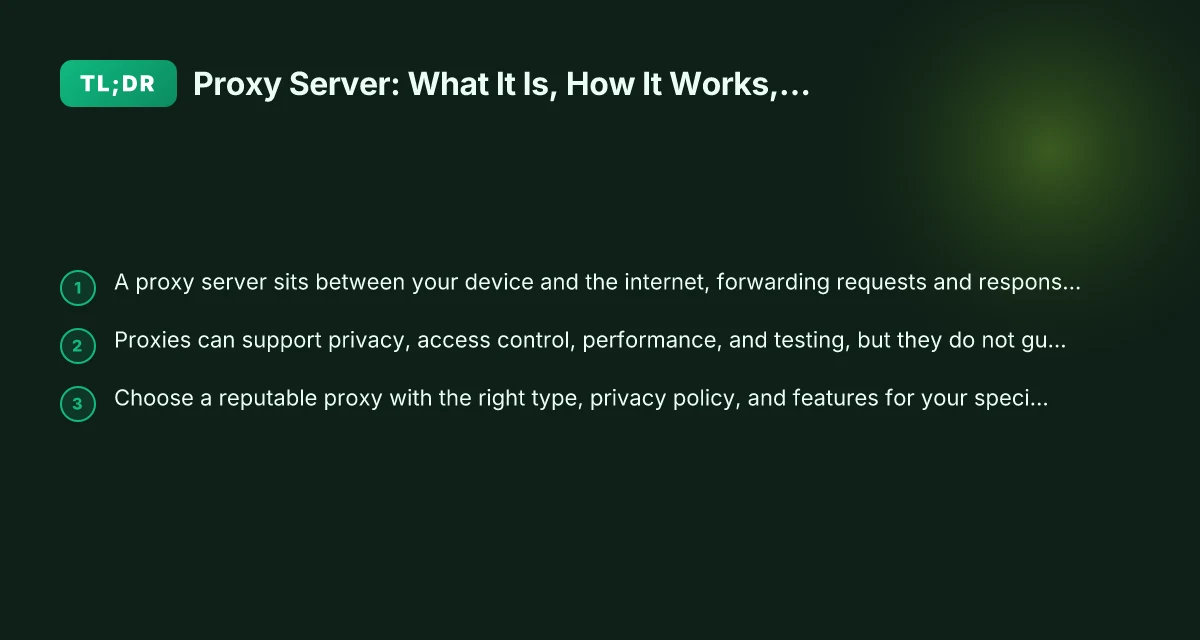
A proxy server is an intermediary between your device and the websites or services you access. Instead of connecting directly, your device sends a request to the proxy, which forwards it to the destination and relays the response. Depending on how it is configured, a proxy can help manage network access, hide your device’s IP address from a destination, cache frequently requested content, or route traffic through a particular location.
A proxy is not automatically a privacy shield or a replacement for a virtual private network (VPN). Its protections depend on the proxy type, the traffic it handles, and the provider’s practices. Understanding how proxies work, and what they do not do, helps you decide whether one is appropriate.

Editor's pick: NordVPN — fast, secure VPN — Strong encryption, a no-logs policy and apps for every device. 30-day money-back guarantee. Get NordVPN →
Compare common proxy types by typical use, visibility, and encryption.
| Type | Traffic typically handled | Identity or address exposed | Encryption | Common use | Main trade-off |
|---|---|---|---|---|---|
| Forward proxy | Client requests to external servers | Proxy address is visible to destination | Not guaranteed | Access control or filtering | Depends on operator and setup |
| Reverse proxy | Requests to a backend server | Backend address can be concealed | Not guaranteed | Load balancing or protection | Requires control of the server |
| HTTP proxy | Web traffic using HTTP | Proxy address is visible to destination | Not guaranteed | Web access or filtering | Limited to supported traffic |
| HTTPS proxy | Web traffic through HTTPS tunneling | Proxy address is visible to destination | Encrypted client-to-proxy connection | Secure web access through a proxy | Proxy may still see connection metadata |
| SOCKS proxy | Supported application traffic | Proxy address is visible to destination | Not built in | Applications needing flexible routing | Encryption depends on the application |
| Transparent proxy | Intercepted traffic | Client may not know a proxy is present | Not guaranteed | Network filtering or caching | Limited privacy from the network operator |
Compiled November 2026; check the provider's site for current details.
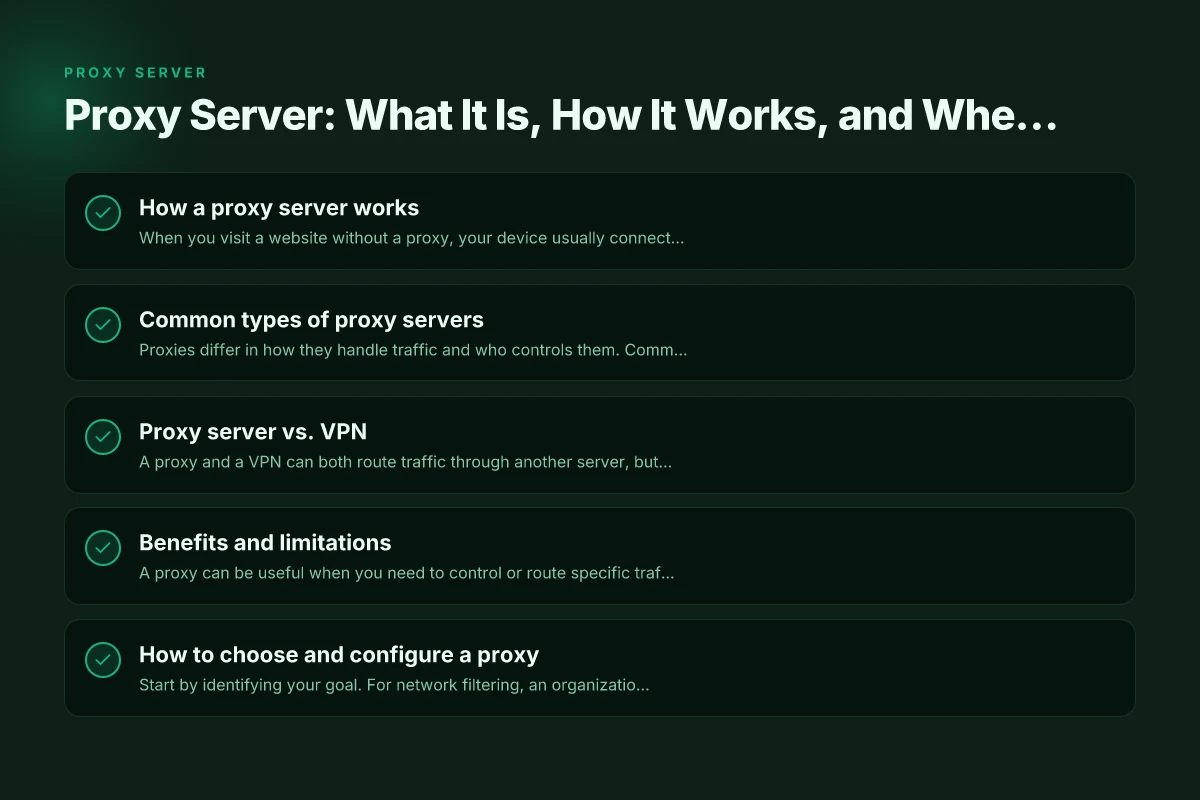
How a proxy server works
When you visit a website without a proxy, your device usually connects to the site directly. With a proxy, the basic exchange looks like this:
- Your device sends a request to the proxy server.
- The proxy receives and processes the request according to its settings.
- The proxy sends the request to the destination server.
- The destination returns a response to the proxy.
- The proxy relays that response to your device.
The destination generally sees the proxy’s IP address as the source of the connection, though other information may identify you. A proxy may also log requests, filter content, or apply rules set by an organization. The exact behavior varies: some proxies handle only web traffic, while others can route many kinds of network connections.
Common types of proxy servers
Proxies differ in how they handle traffic and who controls them. Common types include:
- Forward proxy: Sits between users and the internet. Businesses, schools, and individuals use forward proxies to filter or route outgoing traffic.
- Reverse proxy: Sits in front of one or more web servers. It can distribute incoming requests, help manage encryption, and protect the servers behind it.
- Transparent proxy: Intercepts traffic without requiring much setup on the user’s device. It is often used for network administration or content filtering, and may not conceal the user’s IP address from the proxy.
- HTTP or HTTPS proxy: Handles web traffic. An HTTPS proxy can support encrypted connections, but its security depends on the configuration and whether the proxy can inspect traffic.
- SOCKS proxy: Can relay different kinds of network traffic, not just web requests. It does not inherently encrypt traffic.
These labels describe different aspects of a proxy, so they are not always mutually exclusive. For example, a forward proxy might use SOCKS, while a reverse proxy might handle HTTPS requests. F5 VPN: What It Is, How It Works, and When to Use It
Choose between a proxy and a VPN based on what you need to route and protect.
| Decision factor | Proxy | VPN |
|---|---|---|
| Typical scope | A specific app or traffic type | Device traffic or selected apps |
| IP address seen by destination | Proxy address | VPN server address |
| Traffic encryption | Depends on proxy type and setup | Encrypted tunnel between device and VPN server |
| App-level configuration | Often configured per app | Often configured through a VPN app or system settings |
| Network operator visibility | May see traffic not encrypted separately | Tunnel contents are encrypted to the VPN server |
| Provider trust | Proxy operator can be in the traffic path | VPN operator can be in the traffic path |
| Best suited to | Targeted routing, filtering, or access control | Broader traffic protection on untrusted networks |
Compiled November 2026; check the provider's site for current details.
Proxy server vs. VPN
A proxy and a VPN can both route traffic through another server, but they usually differ in scope and protections. A proxy often applies to a particular app or type of traffic. A VPN typically creates an encrypted connection between your device and the VPN provider, routing more of your device’s network traffic through that connection.
| Feature | Proxy server | VPN |
|---|---|---|
| Traffic covered | Often one app or traffic type | Usually most or all device traffic |
| Encryption | Not guaranteed; depends on the connection and setup | Typically encrypts traffic between your device and the VPN server |
| IP address shown to destination | Often the proxy’s address | Usually the VPN server’s address |
| Common uses | Filtering, routing, testing, caching | Protecting traffic on untrusted networks, broader traffic routing |
| Provider visibility | The proxy may see connection details | The VPN provider may see connection details |
Neither option makes you completely anonymous. Websites can use account logins, cookies, browser settings, and other signals to identify or track users. A VPN also does not prevent every kind of malware, phishing, or online tracking. NordVPN Download: How to Get the App Safely on Any Device
Benefits and limitations
A proxy can be useful when you need to control or route specific traffic. Organizations may use one to enforce browsing rules, monitor network use, or manage access to internal services. Website operators may use reverse proxies to distribute traffic across servers or add a layer of protection. Developers and quality assurance teams can use proxies to test how services behave from different network locations.
Proxies can also cache frequently requested files, which may improve speed or reduce repeated data transfers in managed networks. However, caching is not always appropriate for personalized or sensitive content, and a proxy may introduce extra delay if it is slow or far away.
Key limitations include:
- Privacy depends on the operator: The proxy may be able to observe your IP address, connection times, and, in some configurations, web requests.
- Encryption is not automatic: A proxy does not necessarily encrypt traffic between your device and the proxy. Use HTTPS for encrypted connections to websites.
- Free services can carry risks: Some providers may collect data, inject ads, limit performance, or operate insecure infrastructure.
- Access can be unreliable: Websites may block proxy IP addresses, and performance can vary with server load and distance.
- A proxy may not cover everything: Traffic from other apps can bypass a proxy if they are not configured to use it.
How to choose and configure a proxy
Start by identifying your goal. For network filtering, an organization-managed forward proxy may be appropriate. For a website or application that needs to handle incoming traffic, a reverse proxy is a different solution. For personal privacy across a device, compare a proxy’s coverage and protections with those of a reputable VPN. AXGATE VPN Client: What It Is, How It Works, and How to Use It Safely
Before choosing a provider, check:
- Purpose and traffic support: Confirm that the proxy supports the apps and protocols you need.
- Privacy policy: Look for clear information about logging, data retention, and sharing.
- Security: Use HTTPS where available, secure authentication, and a provider with a credible security record.
- Reliability and location: Consider server availability, speed, and whether the location serves your legitimate use case.
- Terms and applicable rules: Make sure your intended use complies with the provider’s terms and the relevant network or website policies.
Configuration depends on the device and service. Many operating systems and browsers offer proxy settings. Some providers supply an app or setup instructions. Enter only details from a provider you trust, and test which traffic is routed through the proxy. If you are using a work or school network, follow its administrator’s guidance rather than changing managed settings.
Evaluate a proxy service or setup before choosing and configuring it.
| Check | What to look for | Why it matters | Warning sign |
|---|---|---|---|
| Use case | Clear need, such as filtering or app-specific routing | Helps select the right proxy type | Choosing a proxy without a defined purpose |
| Traffic coverage | Apps and protocols the proxy supports | Avoids leaving intended traffic unrouted | Required traffic is unsupported |
| Encryption | Encrypted connection where needed | Protects data in transit to the proxy | Assuming every proxy encrypts traffic |
| Operator trust | Privacy policy and data handling | The operator may handle requests or metadata | Unclear logging practices |
| Authentication | Supported credentials or access controls | Limits unauthorized use | Open access with no controls |
| Configuration | Correct address, port, and app settings | Prevents connection errors or unintended routing | Settings copied from an unverified source |
| Leak and failure behavior | How traffic behaves if the proxy disconnects | Helps prevent accidental direct connections | No plan for proxy failure |
| Performance | Reliability and suitability for the workload | Proxies can add latency or reduce speed | No testing under expected use |
Compiled November 2026; check the provider's site for current details. SoftEther VPN: What It Is, How It Works, and Whether to Use It
Recommendation
Use a proxy server when you need a specific intermediary function, such as traffic filtering, application-level routing, web testing, or reverse-proxy support. Choose a reputable provider, understand what it can see, and do not assume that an IP address change makes you anonymous. If your main goal is to protect a broad range of device traffic on public networks, evaluate a well-reviewed VPN instead.