Nord VPN Account Generator: What It Is and Safer Alternatives
Learn why NordVPN account generators are unsafe, how to spot scams, and how to get legitimate VPN access.


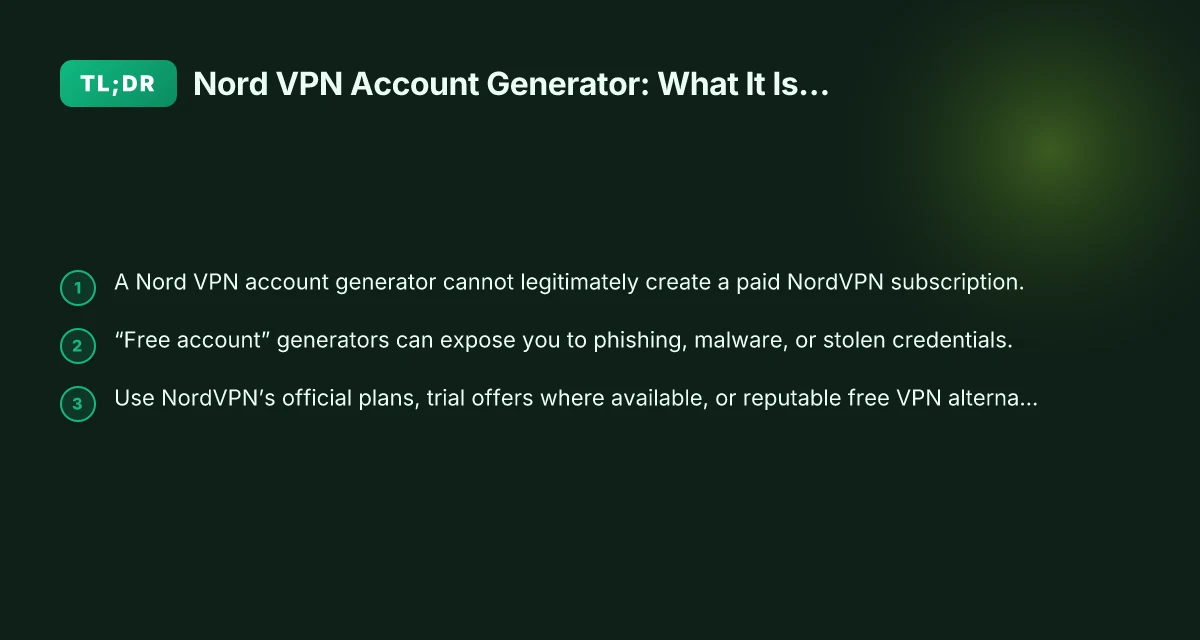
A Nord VPN account generator is typically a website or tool that claims to produce free NordVPN usernames, passwords, or subscription access. It cannot legitimately create a paid account or grant authorized access to NordVPN’s service. Many such tools are scams, and using credentials that belong to someone else may violate the service’s terms and put your security at risk. If you want VPN protection, choose a legitimate subscription or a trustworthy alternative.

Editor's pick: NordVPN — fast, secure VPN — Strong encryption, a no-logs policy and apps for every device. 30-day money-back guarantee. Get NordVPN →
Common “Nord VPN account generator” options compared
| Option | What it offers | Account legitimacy | Main risk | Safer choice |
|---|---|---|---|---|
| Credential generator site | Claims to create logins | Unverified | Stolen or fake credentials | Avoid it |
| Shared account list | Login details for others’ accounts | Unauthorized | Account theft or lockout | Avoid it |
| Modified VPN app | Claims to unlock paid features | Unverified | Malware or data exposure | Use the official app |
| Phishing page | Prompts for account details | Fraudulent | Password theft | Visit the official site directly |
| Official free trial | Time-limited access, where available | Legitimate | Trial terms may apply | Check official terms |
| Paid subscription | Full access under the plan | Legitimate | Recurring charges | Review pricing and renewal terms |
| Reputable free VPN | Free service with stated limits | Legitimate if provider is trustworthy | Privacy or feature limitations | Review its privacy policy |
Compiled November 2026; check the provider's site for current details.
| VPN | Obfuscation | From / month | Plan | Free plan | Refund | Alipay | UnionPay | Crypto | Website opens in China | Trustpilot | |
|---|---|---|---|---|---|---|---|---|---|---|---|
 NordVPN | Turn on manually Obfuscated Servers / NordWhisper | $3.49/mo | 27 months: $94.23 | No | 30 days | ? | ✗ | ✓ | ✓ | ✗ Blocked | 4.2/5 (51,628 reviews) |
 ZoogVPN | Turn on manually Shadow | $2.49/mo | 27 months: $59.99 | Yes | 7 days | ✓ | ✓ | ✓ | ✓ | Official site blocked; our special link opens (4.4 s) | 4.2/5 (195 reviews) |
 ExpressVPN | ✓ On by default all servers | $3.00/mo | 28 months: $84 | No | 30 days | ✗ | ✗ | ✓ | ✗ | ✗ Blocked | 4.4/5 (29,706 reviews) |
 Surfshark | ✓ On by default Camouflage, with OpenVPN | See site | See site | No | 30 days | ✗ | ✗ | ✗ | ✓ | ✗ Blocked | 4.3/5 (31,823 reviews) |
 Proton VPN | Turn on manually Stealth, free plan too | $2.99/mo | 12 months: $35.88 | Yes | 30 days | ✗ | ✗ | ✗ | ✓ | ✗ Blocked | 2.1/5 (1,040 reviews) |
 Astrill VPN | Turn on manually StealthVPN / OpenWeb | $12.50/mo | 24 months: $300 | No | See site | ✗ | ✗ | ✗ | ✓ | ✗ Blocked | 1.3/5 (110 reviews) |
 Private Internet Access | Turn on manually Shadowsocks, OpenVPN only | $2.03/mo | 40 months: $81.2 | No | 30 days | ✗ | ✗ | ✗ | ✗ | ✗ Blocked | 4.2/5 (11,033 reviews) |
 CyberGhost | Turn on manually selected servers | $2.19/mo | 28 months: $61.32 | No | 45 days | ✗ | ✗ | ✗ | ✓ | ✗ Blocked | 4.0/5 (24,178 reviews) |
 PureVPN | Turn on manually switch to OpenVPN | $1.69/mo | 60 months: $101.55 | No | 31 days | ? | ? | ✗ | ✓ | ✗ Blocked | 4.4/5 (17,994 reviews) |
 AdGuard VPN | ✓ On by default TrustTunnel | $2.99/mo | 24 months: $71.76 | Yes | 30 days | ✓ | ✗ | ✓ | ✓ | Official site blocked; our special link opens (3.7 s) | 4.3/5 (290 reviews) |
 Mullvad | Turn on manually QUIC / Shadowsocks / LWO | $5.61/mo | €5/mo | No | 14 days | ✗ | ✗ | ✗ | ✓ | ✗ Blocked | 3.2/5 (192 reviews) |
 Windscribe | Turn on manually Stealth / WStunnel | $5.75/mo | 12 months: $69 | Yes | See site | ✗ | ✗ | ✗ | ✓ | ✗ Blocked | 4.7/5 (13,355 reviews) |
 StrongVPN | Turn on manually Scramble, OpenVPN TCP | See site | See site | No | 30 days | ✓ | ✗ | ✗ | ✗ | ✗ Blocked | 4.4/5 (2,695 reviews) |
 LightXtreme 闪连 | Not listed | $7.08/mo | 12 months: $84.99 | Yes | 30 days | ✓ | ✓ | ✓ | ✓ | ✓ Yes (3.5 s) | No page |
Prices checked 2026-11-10 on each vendor's pricing page (cheapest long plan, USD). Check the vendor's checkout for the final price.
Obfuscation checked 2026-11-14 on each vendor's site and help center: "on by default" = nothing to set; "turn on manually" = switch protocol or mode in settings; "not listed" = the vendor describes no obfuscation.
Payment methods checked 2026-11-10 on each vendor's payment pages: all 14 take cards and PayPal; ✗ = not listed, ? = the vendor's own pages disagree.
China access: whether the official website opens from mainland China networks (tests the website only, not the VPN connection). Last checked 2026-11-18 01:02 Beijing time.
Trustpilot score and review count checked 2026-11-10.
What “Nord VPN account generator” usually means
Search results for this phrase often lead to pages promising free premium accounts, shared logins, or software that supposedly generates working credentials. Those claims are misleading: an account and subscription must be created through NordVPN’s authorized systems.
A generator may simply display fake credentials, collect personal information, or ask you to complete surveys and download files. Even when a shared login appears to work, it could be stolen, unauthorized, or quickly disabled. You have no assurance that the account owner has consented to its use.
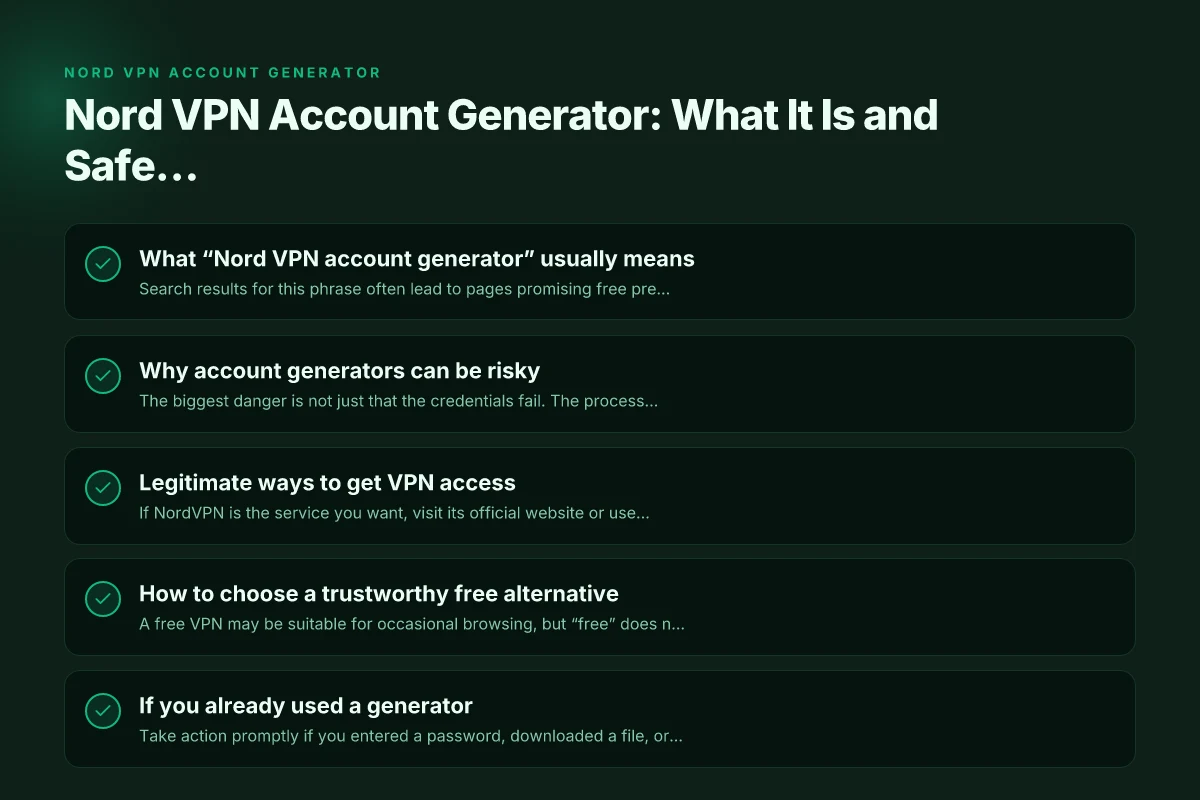
Why account generators can be risky
The biggest danger is not just that the credentials fail. The process can expose your device, accounts, and personal information to avoidable harm.
Common warning signs and risks include: VPN Extension for Microsoft Edge: How to Choose and Use One
- Phishing: A page may imitate NordVPN or another trusted service to collect your email address, password, or payment details.
- Malware: Downloads advertised as “generators” can install unwanted or harmful software.
- Credential theft: Some tools ask you to sign in with existing accounts or disable security protections.
- Privacy loss: Surveys and forms may collect personal data without clearly explaining how it will be used.
- Unreliable access: Shared credentials can be changed, blocked, or used by many people at once.
- Terms and legal issues: Accessing an account without authorization may breach service rules and could create legal problems, depending on the circumstances and local law.
Avoid any tool that asks you to install unknown software, provide your Nord Account password, share a verification code, or turn off antivirus protection. A legitimate provider will not need a third-party “generator” to activate a subscription.
Safer ways to get VPN access
| Option | Cost | Access source | Typical limitation | What to check |
|---|---|---|---|---|
| Official free trial | Free during trial, where offered | VPN provider | Eligibility and trial terms | Renewal and cancellation rules |
| Official subscription | Paid | VPN provider | Plan-specific features | Price, renewal, and refund terms |
| Reputable free VPN | Free | Established provider | May limit data, speed, or locations | Privacy policy and business model |
| Employer or school VPN | Usually provided by organization | IT department | For approved work or study use | Acceptable-use rules |
| Library or community service | May be provided | Local institution | Availability varies | Provider and privacy terms |
| Public Wi-Fi with HTTPS | Usually free | Venue | Does not replace a VPN | Use trusted sites and secure connections |
Compiled November 2026; check the provider's site for current details.
Legitimate ways to get VPN access
If NordVPN is the service you want, visit its official website or use its official app to review current plans and payment options. Promotions, refund terms, and trial availability can change by country and over time, so check the conditions shown at the point of purchase. Free VPN for Edge Extension: How to Choose One Safely
| Option | What to expect | Best for |
|---|---|---|
| Official NordVPN subscription | Authorized access, with plan features and terms shown by NordVPN | People who want NordVPN’s service and support |
| Official promotion or trial, if available | Offer details and eligibility depend on current terms and location | People who want to test the service before committing |
| Reputable free VPN | Usually has limits on data, speed, locations, or features | Light use when a paid plan is not necessary |
| Account generator or shared login | Unverified access, with significant security and reliability risks | Not recommended |
Before paying, compare the plan length, renewal price, refund policy, supported devices, and features you actually need. Check that you are on NordVPN’s official site, especially if you arrived through an advertisement or an unfamiliar link.
How to choose a trustworthy free alternative
A free VPN may be suitable for occasional browsing, but “free” does not automatically mean safe. Some providers support their service through advertising or impose limits. Others may have unclear privacy practices.
Look for a provider that clearly explains:
- What information it logs and why
- How it funds the free service
- Data, speed, and server limits
- Which security features are included
- How to contact support and close your account
Download VPN apps only from the provider’s official website or a recognized app store. Read recent reviews and the privacy policy, and avoid apps that make sweeping promises such as unlimited anonymity or guaranteed protection from every online threat. A VPN can protect traffic between your device and the VPN server, but it does not replace strong passwords, software updates, or careful browsing. Free VPN Edge Extension: How to Choose One for Microsoft Edge
If you already used a generator
Take action promptly if you entered a password, downloaded a file, or shared personal information.
- Change reused passwords from a trusted device, starting with your email and other important accounts.
- Enable multi-factor authentication where available, and never share verification codes.
- Remove suspicious downloads and run a security scan with reputable, up-to-date protection.
- Review account activity for unfamiliar sign-ins, changes, or purchases.
- Contact your bank or payment provider if you submitted payment details to a suspicious site.
- Use NordVPN’s official support channels if you believe your Nord Account was exposed.
If you downloaded a file, do not open it again. If you suspect an infection, disconnect from sensitive accounts until the device has been checked and secured.
How to evaluate a free VPN alternative
| Check | More reassuring sign | Warning sign | What to do |
|---|---|---|---|
| Provider identity | Clear company and contact details | Anonymous operator | Choose a verifiable provider |
| Privacy policy | Explains data handling plainly | Vague or missing policy | Read the policy before installing |
| Business model | Funding is explained | “Free” with no explanation | Look for hidden trade-offs |
| App source | Official app store or provider site | Generator, mirror, or unknown file | Download only from trusted sources |
| Permissions | Relevant to VPN features | Unnecessary access requests | Review permissions before approval |
| Security updates | Updates are documented | Abandoned or outdated app | Pick a maintained service |
| Reviews | Independent coverage and consistent feedback | Repeated reports of scams or malware | Check multiple sources |
| Terms and limits | Restrictions are clearly stated | Promises of unlimited access without details | Confirm limits before relying on it |
Compiled November 2026; check the provider's site for current details. Forticlientvpnsetup_7.4.3.4726_x64.exe: Download and Install Guide
Recommendation
Do not use a Nord VPN account generator. It cannot provide legitimate subscription access and may put your credentials, privacy, and device at risk. For NordVPN, use its official purchase channels and verify current offers directly. If you need a no-cost option, choose a reputable VPN with transparent privacy practices and accept that free plans may have limits.