Clash for iPhone: How to Install and Choose the Right App
Learn what “Clash for iPhone” usually means, how to install compatible apps safely, and what to check before connecting.


If you’re searching for Clash for iPhone, you’re likely looking for an iOS app that can use Clash-compatible proxy rules and configuration files. There is no guarantee that a particular app called “Clash” is currently available in every country or under the same name: App Store listings and availability can change. The safest approach is to find a compatible client in your regional App Store, confirm that it supports your configuration, and avoid unofficial downloads or profiles from unknown sources.

iPhone app options at a glance
| Option | Configuration import | Best suited for | Main check before installing |
|---|---|---|---|
| Clash-compatible client | Usually supported | Existing Clash configurations | Confirm the app supports your configuration format |
| Officially listed client | Depends on the app | Users seeking a clear source | Verify the developer and App Store listing |
| Unlisted or unfamiliar client | Unknown | Not recommended without verification | Check developer identity and privacy details |
| iOS VPN-based client | Often supported | Routing traffic through an iPhone VPN profile | Review VPN permissions and behavior |
| App with subscription | Varies | Users who need paid features | Check pricing and renewal terms |
| App with limited features | Varies | Basic or occasional use | Confirm required features are included |
Compiled November 2026; check the provider's site for current details.
What “Clash for iPhone” means
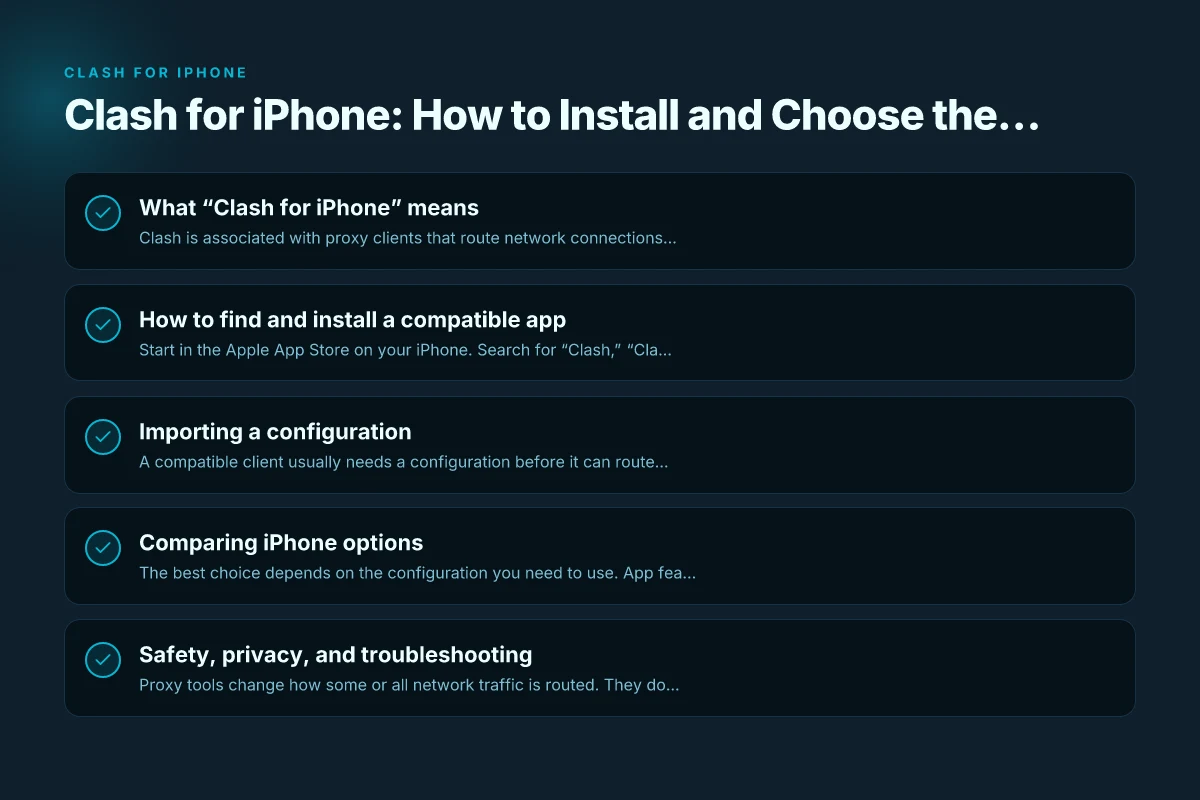
Clash is associated with proxy clients that route network connections according to configurable rules. People use the term “Clash for iPhone” to search for an iOS app that can import or work with a Clash-style configuration.
The name alone does not identify one specific, universally available app. Different iOS clients may use different engines, support different configuration formats, or offer different features. Some may be paid, while others may have limited availability. An app that uses similar rules is not necessarily made by the same developer as another app with a similar name.
Before installing anything, check the app’s developer, recent update history, privacy information, and documentation. Confirm that it explicitly supports the configuration format you have. A client may look compatible but still be unable to import certain rules or proxy types.
How to find and install a compatible app
Start in the Apple App Store on your iPhone. Search for “Clash,” “Clash client,” or the name of a client recommended by your trusted configuration provider. Read the listing carefully rather than choosing an app based only on its icon or name. Free Location Changing VPN: How to Choose and Use One
Check these details before downloading:
- Compatibility: Does the listing or developer documentation say it supports your configuration format?
- Availability: Is it offered in your country or region?
- Developer identity: Does the publisher have a credible website and support information?
- Updates and reviews: Is the app maintained, and do recent reviews describe issues relevant to your device?
- Cost and subscriptions: Are there one-time charges, subscriptions, or limits on importing configurations?
- Privacy: What data does the developer say the app collects or shares?
Avoid installing an iPhone app from a website that asks you to sideload an unknown file or install an unfamiliar management profile. These methods can expose your device or data to unnecessary risk. If an app is not in your regional App Store, do not assume that a download link claiming to offer the same app is authentic.
Importing a configuration
A compatible client usually needs a configuration before it can route traffic. Depending on the app and provider, you may be asked to import a file, paste a subscription link, scan a QR code, or enter connection details manually. The exact steps differ by app, so follow its current in-app instructions.
Treat configuration links and files as sensitive. A subscription URL may grant access to a service or reveal account-related information. Get configurations directly from a provider you trust, and do not post them in public forums or send them to people you do not know. A. Proton VPN free: What the Free Plan Offers and How to Use It
After importing, review the profile name and available rules before turning the connection on. If the app offers a test or connection check, use it to confirm that the selected server is reachable. A successful connection does not necessarily mean every app or website will follow the route you expect. Behavior depends on the configuration and the client’s supported features.
Installation and configuration decision checklist
| Step | What to check | Good sign | Pause if |
|---|---|---|---|
| Find an app | App Store listing and developer | Identity and description are clear | Listing or source is unclear |
| Check compatibility | Supported configuration formats | Your configuration format is named | Compatibility is not stated |
| Install | iOS requirements and permissions | Permissions match the app’s purpose | Requests seem unrelated |
| Import configuration | Import method and file source | Source is trusted and method is documented | File origin is unknown |
| Enable connection | VPN prompt and status | You understand what the prompt enables | Behavior is unexpected |
| Test connection | Expected sites or services | Results match your intended setup | Traffic behaves unexpectedly |
Compiled November 2026; check the provider's site for current details.
Comparing iPhone options
The best choice depends on the configuration you need to use. App features and availability can change, so verify current details in the App Store and the developer’s documentation. Microsoft Edge Free VPN Extension: What to Know Before You Install One
| What to compare | Why it matters | What to check |
|---|---|---|
| Configuration support | A client must understand your file or subscription format | Supported formats and proxy types |
| App Store availability | Listings can differ by country and change over time | The listing in your own region |
| Import methods | Your provider may supply a file, link, or QR code | Whether the app supports that method |
| Pricing | Features may be limited or require payment | Purchase terms and subscription renewal |
| Privacy and support | Network tools can handle sensitive connection data | Privacy policy, developer identity, and support channels |
A dedicated Clash-compatible client may provide detailed rule controls, while another network utility may offer a simpler setup. Neither option is automatically better: compatibility, maintenance, transparency, and ease of use matter more than the app’s name.
Safety, privacy, and troubleshooting
Proxy tools change how some or all network traffic is routed. They do not automatically make browsing anonymous, protect every account, or guarantee that your connection is secure. Your provider may be able to observe information about traffic passing through its service, so read its privacy policy and choose a provider you have reason to trust.
Use a strong device passcode, keep iOS and the client updated, and review any permissions or VPN configuration prompts. An iOS VPN permission is expected for many apps that route device traffic, but only approve it for an app you have deliberately installed and trust.
If the connection fails, try these basic checks: Free VPN for Microsoft Edge Browser Extension: What to Choose
- Confirm that the configuration is current and has not expired.
- Check that the selected server and connection details are correct.
- Update the app and consult its help pages for format-specific errors.
- Test on another network to see whether the issue is tied to Wi-Fi or cellular service.
- Contact the configuration provider if its servers or subscription link appear unavailable.
Do not “fix” a connection problem by importing a random configuration from an online post. An untrusted profile can route traffic through an unknown operator.
Safety and troubleshooting guide
| Issue or concern | First check | Safer next step | Avoid |
|---|---|---|---|
| Configuration will not import | File format and import method | Confirm compatibility with the app | Reusing an unknown file |
| Connection will not start | VPN permission and app status | Review the app’s troubleshooting guidance | Repeatedly approving unexpected prompts |
| Connection drops | Network and configuration status | Test on a trusted network | Assuming the app is the only cause |
| App asks for sensitive access | Permission purpose | Grant only what is needed | Approving unexplained access |
| Unclear privacy practices | Privacy information and developer | Choose a more transparent option | Sending private configurations to strangers |
| App listing seems suspicious | Developer and source | Use a verifiable listing | Installing from an untrusted source |
Compiled November 2026; check the provider's site for current details.
Recommendation
For Clash for iPhone, choose a currently available App Store client whose developer and privacy details you can verify, and make sure it supports your exact configuration. Import settings only from a trusted provider, keep the app and iOS updated, and avoid unofficial downloads or unknown profiles. Microsoft Edge Extensions Free VPN: What to Know Before You Install