AWS VPN Gateway: What It Is and How to Choose the Right Option
Learn how AWS VPN gateways connect networks, compare Site-to-Site and Client VPN, and choose a secure setup for your needs.
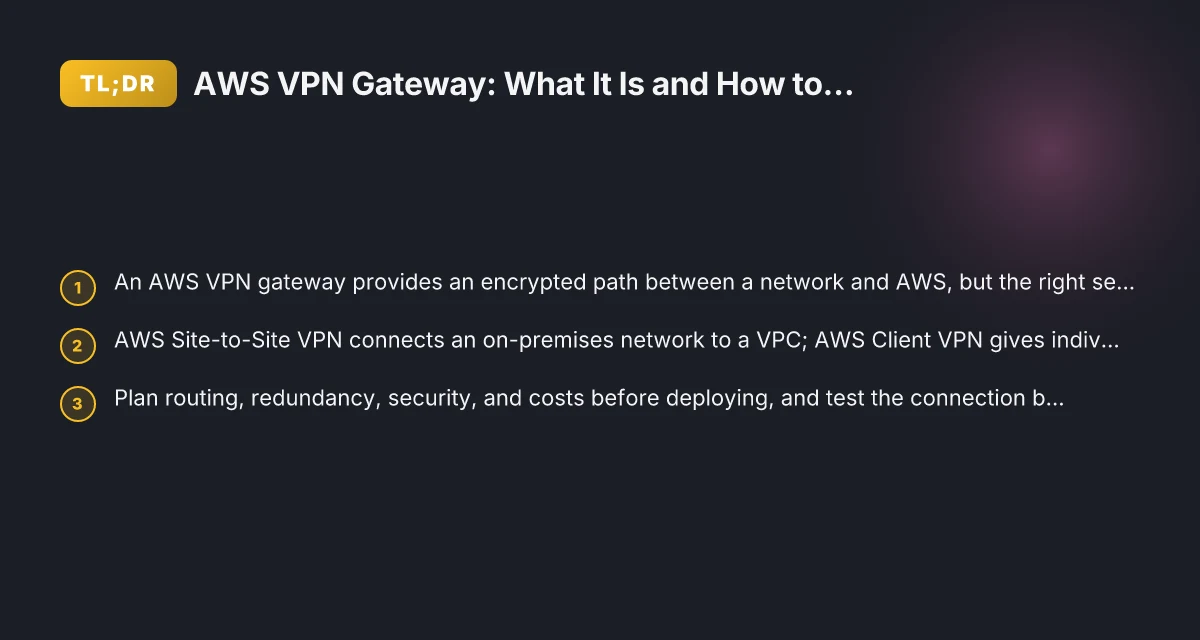
An AWS VPN gateway lets you establish an encrypted connection between AWS and another network. The phrase can refer to different AWS components and services, so the right choice depends on what you need to connect. For a company network connected to a VPC, AWS Site-to-Site VPN is the common option. For employees or contractors connecting individually, AWS Client VPN is usually the better fit.
Understanding the available gateways, and how they affect routing, security, and cost, helps you build a connection that works reliably rather than simply creating a VPN endpoint.
| VPN | Obfuscation | From / month | Plan | Free plan | Refund | Alipay | UnionPay | Crypto | Website opens in China | Trustpilot | |
|---|---|---|---|---|---|---|---|---|---|---|---|
 ZoogVPN | Turn on manually Shadow | $2.49/mo | 27 months: $59.99 | Yes | 7 days | ✓ | ✓ | ✓ | ✓ | Official site blocked; our special link opens (4.4 s) | 4.2/5 (195 reviews) |
 NordVPN | Turn on manually Obfuscated Servers / NordWhisper | $3.49/mo | 27 months: $94.23 | No | 30 days | ? | ✗ | ✓ | ✓ | ✗ Blocked | 4.2/5 (51,628 reviews) |
 ExpressVPN | ✓ On by default all servers | $3.00/mo | 28 months: $84 | No | 30 days | ✗ | ✗ | ✓ | ✗ | ✗ Blocked | 4.4/5 (29,706 reviews) |
 Surfshark | ✓ On by default Camouflage, with OpenVPN | See site | See site | No | 30 days | ✗ | ✗ | ✗ | ✓ | ✗ Blocked | 4.3/5 (31,823 reviews) |
 Proton VPN | Turn on manually Stealth, free plan too | $2.99/mo | 12 months: $35.88 | Yes | 30 days | ✗ | ✗ | ✗ | ✓ | ✗ Blocked | 2.1/5 (1,040 reviews) |
 Astrill VPN | Turn on manually StealthVPN / OpenWeb | $12.50/mo | 24 months: $300 | No | See site | ✗ | ✗ | ✗ | ✓ | ✗ Blocked | 1.3/5 (110 reviews) |
 Private Internet Access | Turn on manually Shadowsocks, OpenVPN only | $2.03/mo | 40 months: $81.2 | No | 30 days | ✗ | ✗ | ✗ | ✗ | ✗ Blocked | 4.2/5 (11,033 reviews) |
 CyberGhost | Turn on manually selected servers | $2.19/mo | 28 months: $61.32 | No | 45 days | ✗ | ✗ | ✗ | ✓ | ✗ Blocked | 4.0/5 (24,178 reviews) |
 PureVPN | Turn on manually switch to OpenVPN | $1.69/mo | 60 months: $101.55 | No | 31 days | ? | ? | ✗ | ✓ | ✗ Blocked | 4.4/5 (17,994 reviews) |
 AdGuard VPN | ✓ On by default TrustTunnel | $2.99/mo | 24 months: $71.76 | Yes | 30 days | ✓ | ✗ | ✓ | ✓ | Official site blocked; our special link opens (3.7 s) | 4.3/5 (290 reviews) |
 Mullvad | Turn on manually QUIC / Shadowsocks / LWO | $5.61/mo | €5/mo | No | 14 days | ✗ | ✗ | ✗ | ✓ | ✗ Blocked | 3.2/5 (192 reviews) |
 Windscribe | Turn on manually Stealth / WStunnel | $5.75/mo | 12 months: $69 | Yes | See site | ✗ | ✗ | ✗ | ✓ | ✗ Blocked | 4.7/5 (13,355 reviews) |
 StrongVPN | Turn on manually Scramble, OpenVPN TCP | See site | See site | No | 30 days | ✓ | ✗ | ✗ | ✗ | ✗ Blocked | 4.4/5 (2,695 reviews) |
 LightXtreme 闪连 | Not listed | $7.08/mo | 12 months: $84.99 | Yes | 30 days | ✓ | ✓ | ✓ | ✓ | ✓ Yes (3.5 s) | No page |
Prices checked 2026-11-10 on each vendor's pricing page (cheapest long plan, USD). Check the vendor's checkout for the final price.
Obfuscation checked 2026-11-14 on each vendor's site and help center: "on by default" = nothing to set; "turn on manually" = switch protocol or mode in settings; "not listed" = the vendor describes no obfuscation.
Payment methods checked 2026-11-10 on each vendor's payment pages: all 14 take cards and PayPal; ✗ = not listed, ? = the vendor's own pages disagree.
China access: whether the official website opens from mainland China networks (tests the website only, not the VPN connection). Last checked 2026-11-18 01:02 Beijing time.
Trustpilot score and review count checked 2026-11-10.

Editor's pick: NordVPN — fast, secure VPN — Strong encryption, a no-logs policy and apps for every device. 30-day money-back guarantee. Get NordVPN →
AWS VPN options at a glance
| Option | Best fit | Connects | Routing | Main consideration |
|---|---|---|---|---|
| Site-to-Site VPN | On-premises or remote networks | Customer network to AWS | Static or dynamic | Uses IPsec tunnels over the internet |
| AWS Client VPN | Individual users | User devices to AWS | Client-side routing | Requires a client VPN endpoint |
| AWS Direct Connect | Consistent private connectivity | Customer network to AWS | Depends on configuration | Not a VPN; may be combined with VPN |
| Site-to-Site VPN with Transit Gateway | Multiple VPCs or networks | Networks through a central hub | Centralized routing | Adds a Transit Gateway to the design |
| Site-to-Site VPN with Virtual Private Gateway | One VPC or a simpler setup | Customer network to one VPC | VPC-level routing | Less suited to multi-network hubs |
| VPN over Direct Connect | Private link plus encrypted VPN | Customer network to AWS | Depends on configuration | Requires both services |
Compiled November 2026; check the provider's site for current details.
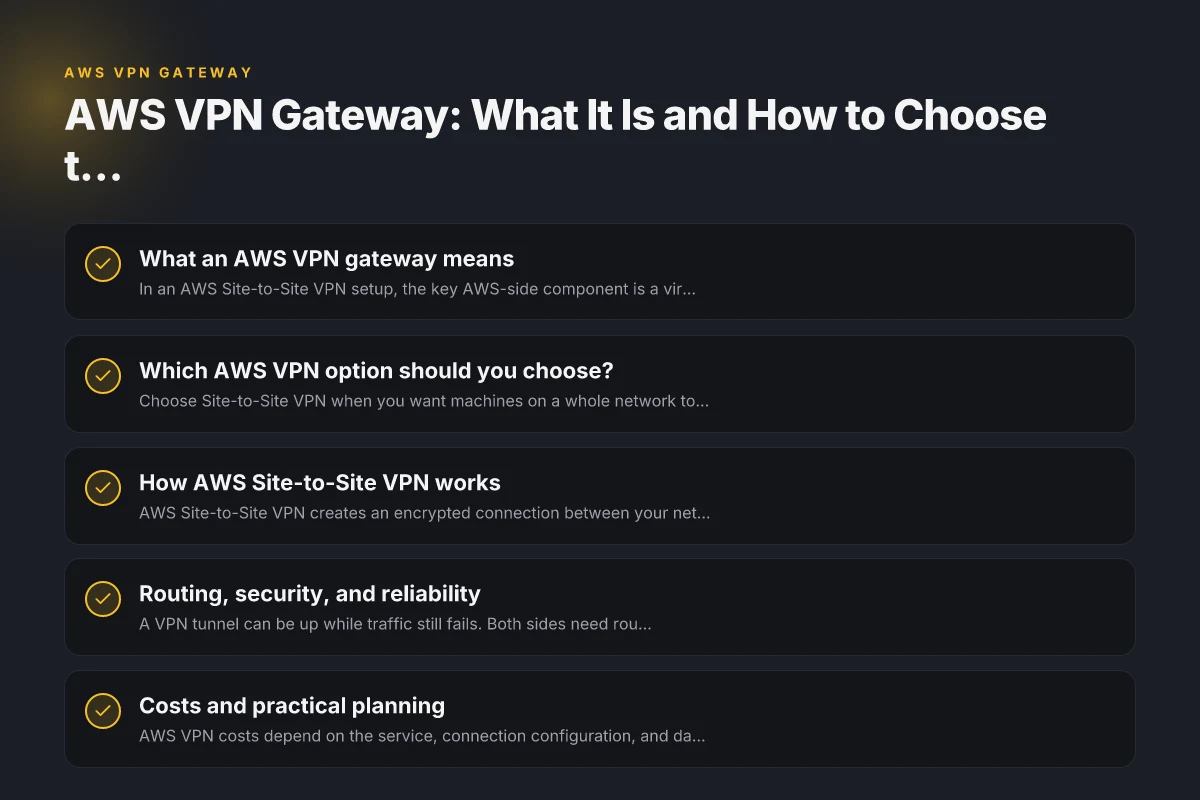
What an AWS VPN gateway means
In an AWS Site-to-Site VPN setup, the key AWS-side component is a virtual private gateway or a transit gateway. It terminates VPN tunnels and connects them to AWS networking resources. On the other end, a customer gateway represents your office router, firewall, or other VPN device in AWS configuration.
A virtual private gateway is associated with one VPC. It is a straightforward choice when you need to connect a single VPC to an on-premises network. A transit gateway acts as a central network hub, allowing connections to multiple VPCs and other networks. It is useful when your environment spans several VPCs, accounts, or locations.
AWS also offers AWS Client VPN, a managed service for remote users. It is not the same as a Site-to-Site VPN gateway: it provides client-based access rather than a permanent network-to-network tunnel.
Which AWS VPN option should you choose?
| Option | Connects | Common use | Considerations |
|---|---|---|---|
| AWS Site-to-Site VPN with a virtual private gateway | One customer network and one VPC | Connecting an office to a VPC | Simple topology; associated with a specific VPC |
| AWS Site-to-Site VPN with a transit gateway | Customer networks and multiple AWS networks | Centralized, multi-VPC connectivity | More flexible hub-and-spoke design; additional configuration and charges may apply |
| AWS Client VPN | Individual users and selected AWS or on-premises networks | Remote employee access | Requires client software and user authentication setup |
Choose Site-to-Site VPN when you want machines on a whole network to communicate with AWS without setting up a VPN client on each one. Choose Client VPN when people need secure access from laptops or other individual devices. For a growing network with many VPCs, evaluate a transit gateway to avoid managing separate connections for every VPC. FortiClient VPN Connection Is Down: How to Restore It
How AWS Site-to-Site VPN works
AWS Site-to-Site VPN creates an encrypted connection between your network and an AWS gateway. A connection typically includes two IPsec tunnels. Having two tunnels gives you the potential for improved availability, but your on-premises device and routing configuration must be set up to use them appropriately.
A basic deployment follows these steps:
- Choose the target VPC and decide whether it should use a virtual private gateway or a transit gateway.
- Create a customer gateway resource in AWS that describes your on-premises VPN device and its public IP address.
- Create the Site-to-Site VPN connection and select routing options, such as static routes or Border Gateway Protocol (BGP).
- Download the configuration guidance for your customer gateway device.
- Configure the device, update AWS route tables, and verify that the networks can reach each other.
AWS does not configure your physical router or firewall for you. You must apply the appropriate settings on that device, including tunnel parameters, routing, and permitted traffic. Device capabilities vary, so check that your equipment supports the required IPsec configuration.
Choose a Site-to-Site VPN routing and gateway setup Free VPN Extension Edge Browser: What to Choose and How to Use It
| Setup | Network scale | Routing choice | AWS gateway | Consider when |
|---|---|---|---|---|
| Virtual Private Gateway | One VPC | Static or dynamic | Virtual Private Gateway | The design is limited to one VPC |
| Transit Gateway | Multiple VPCs or networks | Static or dynamic | Transit Gateway | You need centralized connectivity |
| Static routing | Simple, stable routes | Manually configured routes | Either gateway | Routes change infrequently |
| Dynamic routing | Routes can change | BGP route exchange | Either gateway | The customer gateway supports BGP |
| Single VPN connection | Basic connectivity | Static or dynamic | Either gateway | A simpler setup is sufficient |
| Multiple VPN connections | Higher resilience or scale | Static or dynamic | Either gateway | You need additional paths |
| VPN over Direct Connect | Private transport with encryption | Depends on configuration | Either gateway | You already use Direct Connect |
Compiled November 2026; check the provider's site for current details.
Routing, security, and reliability
A VPN tunnel can be up while traffic still fails. Both sides need routes to the networks they are expected to reach, and security controls must allow the traffic. Check the VPC route tables, subnet associations, network access control lists, security groups, and on-premises firewall rules.
With static routing, you enter network routes manually. This can be easy to understand in a small, stable environment. With BGP, compatible devices exchange routes dynamically, which can simplify changes and support automatic route updates. The right approach depends on your network equipment and operational requirements.
For security, use strong authentication and encryption settings supported by both ends of the connection. Limit access to the required networks and ports instead of allowing broad access by default. Keep device software and credentials up to date, and monitor VPN and routing status so you can investigate tunnel failures or unexpected changes. Forticlinet VPN: What It Is and How to Connect Safely
Redundancy requires more than having two tunnels listed in the AWS console. Configure your customer gateway and routing behavior so traffic can use an available tunnel when the other is unavailable. Test failover deliberately, and document how to restore service if a device, internet connection, or AWS-side component fails.
Costs and practical planning
AWS VPN costs depend on the service, connection configuration, and data transferred. Site-to-Site VPN generally has an hourly charge for each VPN connection, plus applicable data transfer charges. Transit gateways can add charges for attachments and data processing. AWS Client VPN pricing is based on endpoint and connection usage, with other applicable charges depending on the design.
Prices and service details can change, so check the current AWS pricing pages and estimate costs for your expected usage before deployment. Also consider the cost of internet connectivity, customer gateway hardware, and the time needed to operate and monitor the connection.
Before building, document the networks on each side, expected traffic, bandwidth needs, availability goals, and growth plans. Confirm that address ranges do not overlap. Overlapping CIDR ranges can complicate routing and may require redesign or translation. For production workloads, test connectivity, failover, and recovery before moving critical traffic. Urban VPN Proxy Extension for Edge: How It Works and What to Know
Plan and evaluate an AWS Site-to-Site VPN
| Decision area | Check | Planning implication | Practical choice |
|---|---|---|---|
| Encryption | IPsec tunnel support | Both endpoints must be compatible | Confirm customer gateway settings |
| Routing | Static routes or BGP | Route management differs | Match the method to network needs |
| Resilience | Tunnel and connection design | More paths can improve availability | Plan for failover |
| Addressing | Non-overlapping network ranges | Overlap can complicate connectivity | Review VPC and on-premises CIDRs |
| Gateway scope | One VPC or multiple networks | Determines gateway architecture | Choose Virtual Private Gateway or Transit Gateway |
| Costs | VPN and related AWS resources | Total depends on configuration and usage | Check current regional pricing |
| Operations | Monitoring and troubleshooting | Tunnels and routes need ongoing oversight | Assign ownership and review alerts |
| Recommendation | Simplicity versus scale | Avoid adding components without a need | Start with the smallest design that meets requirements |
Compiled November 2026; check the provider's site for current details.
Recommendation
For a single on-premises network connecting to one VPC, start with AWS Site-to-Site VPN and a virtual private gateway. Use a transit gateway when you need a central connection point for multiple VPCs or networks. Choose AWS Client VPN for individual remote users. In every case, validate routes and firewall rules, configure both tunnels where appropriate, review current pricing, and test failover before depending on the VPN for production access.